How do I pair my CoDrone EDU to its remote controller?
 Updated
by
Leila Firestone
Updated
by
Leila Firestone

Before you can fly or program your drone, your controller and drone must be paired. If both devices are blinking red when powered on, they are not connected. The controller screen may even show a low battery warning—this is often just a sign of an unpaired device, not a battery issue.
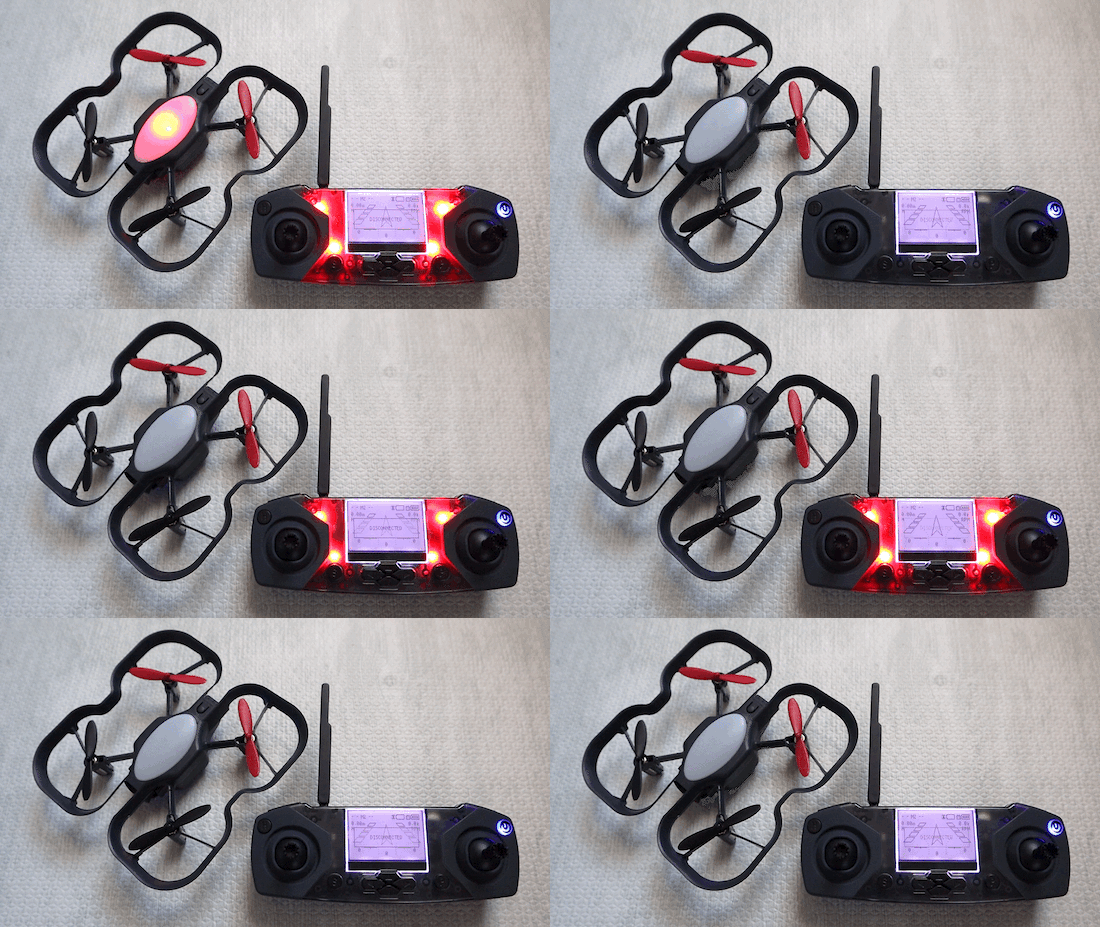
Even though drones and controllers are paired out of the box, they may disconnect after firmware updates or resets. Follow the steps below or watch this video to pair your drone and controller together.
Video Walkthrough
Step-by-Step: Pairing Your Drone to the Controller
- Power on the controller using either AA batteries or a USB cable. If you are using a USB cable, switch the controller out of LINK state to flight mode. The controller will not pair to a drone if the controller is in LINK state.
⚠️Note: The standard CoDrone EDU uses AA batteries, while the CoDrone EDU (JROTC edition) uses the drone battery for power.
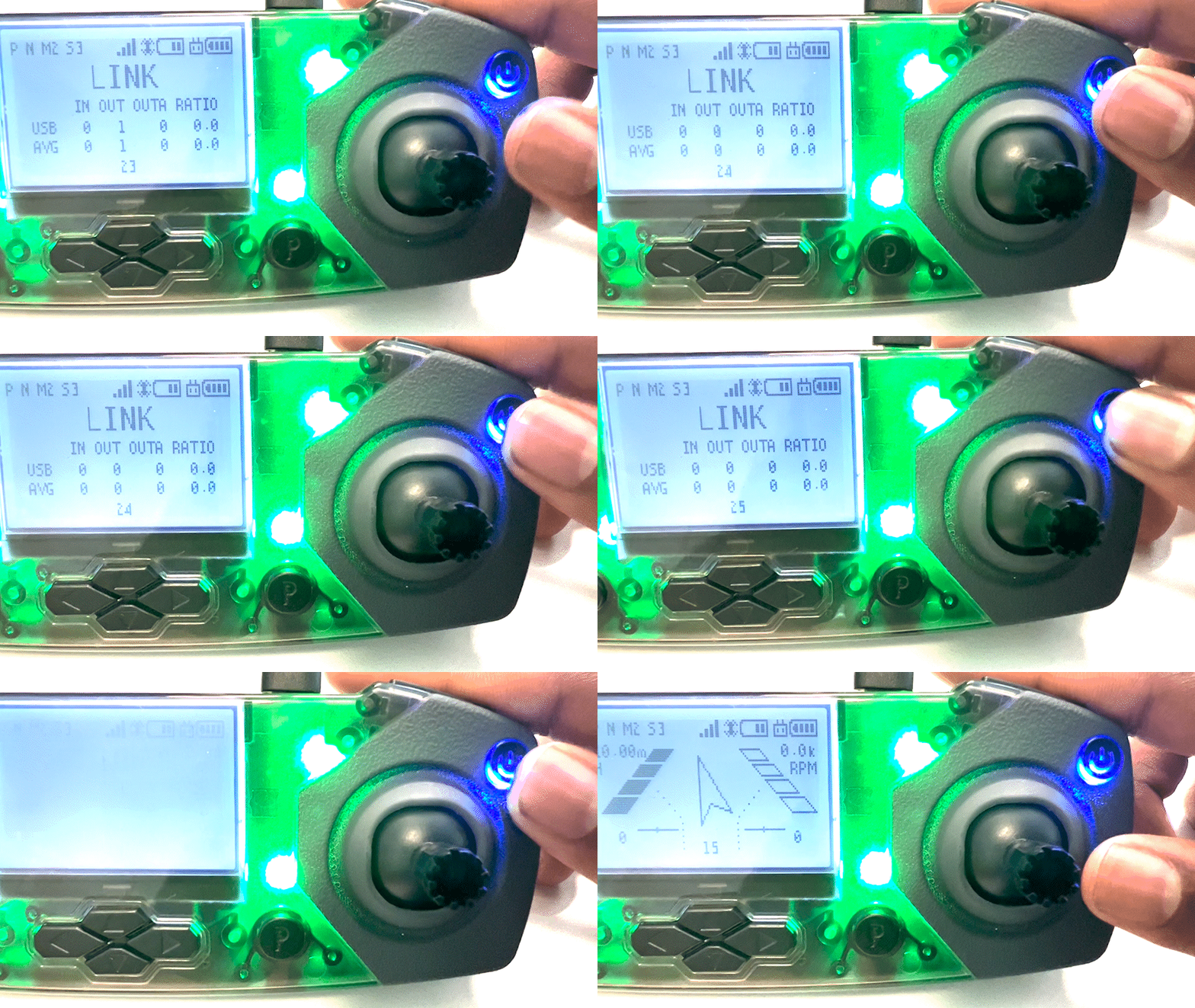
- Insert a battery into the drone you would like to pair with the controller.
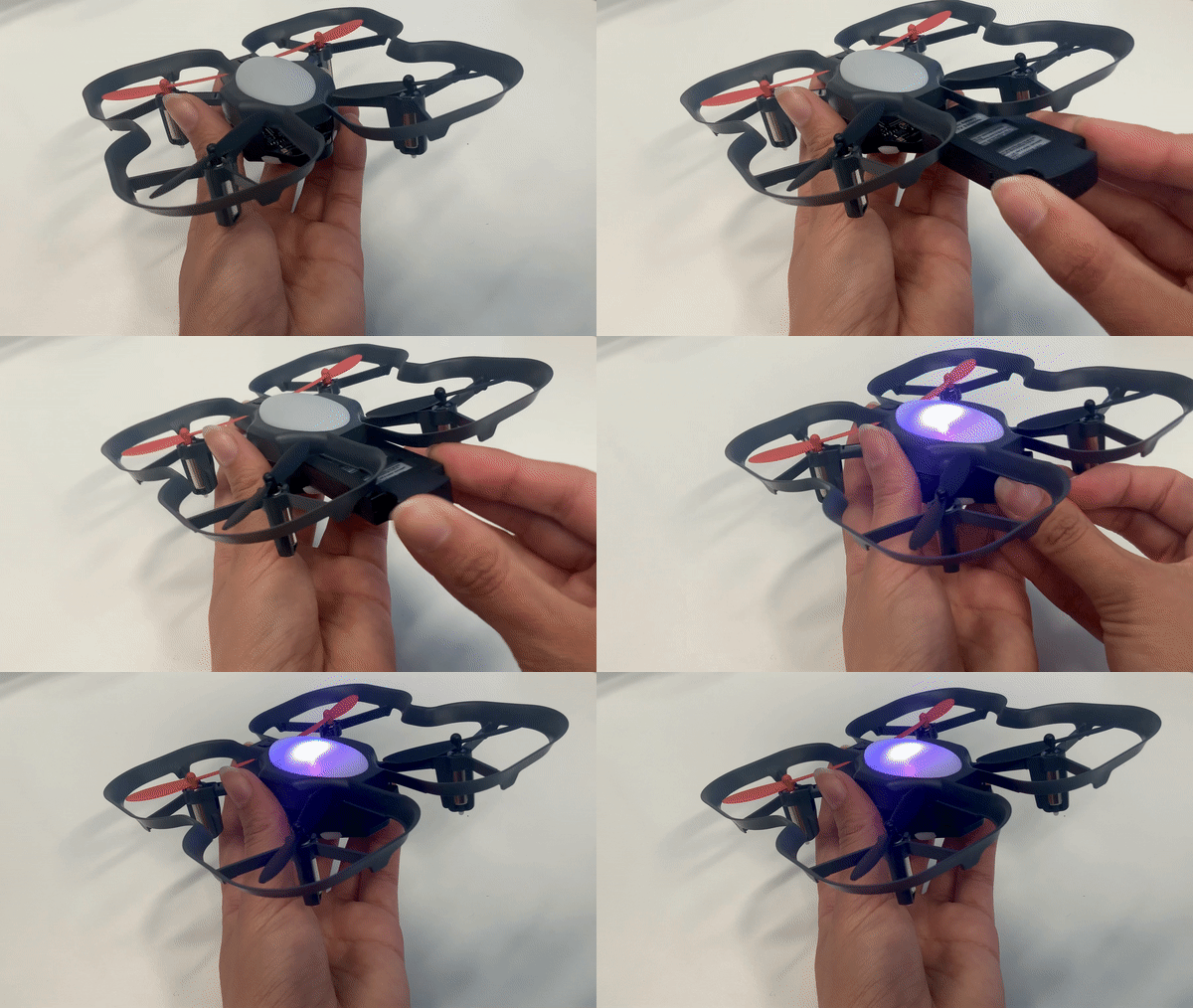
- Press and hold the button on the bottom of the drone until the drone blinks yellow.
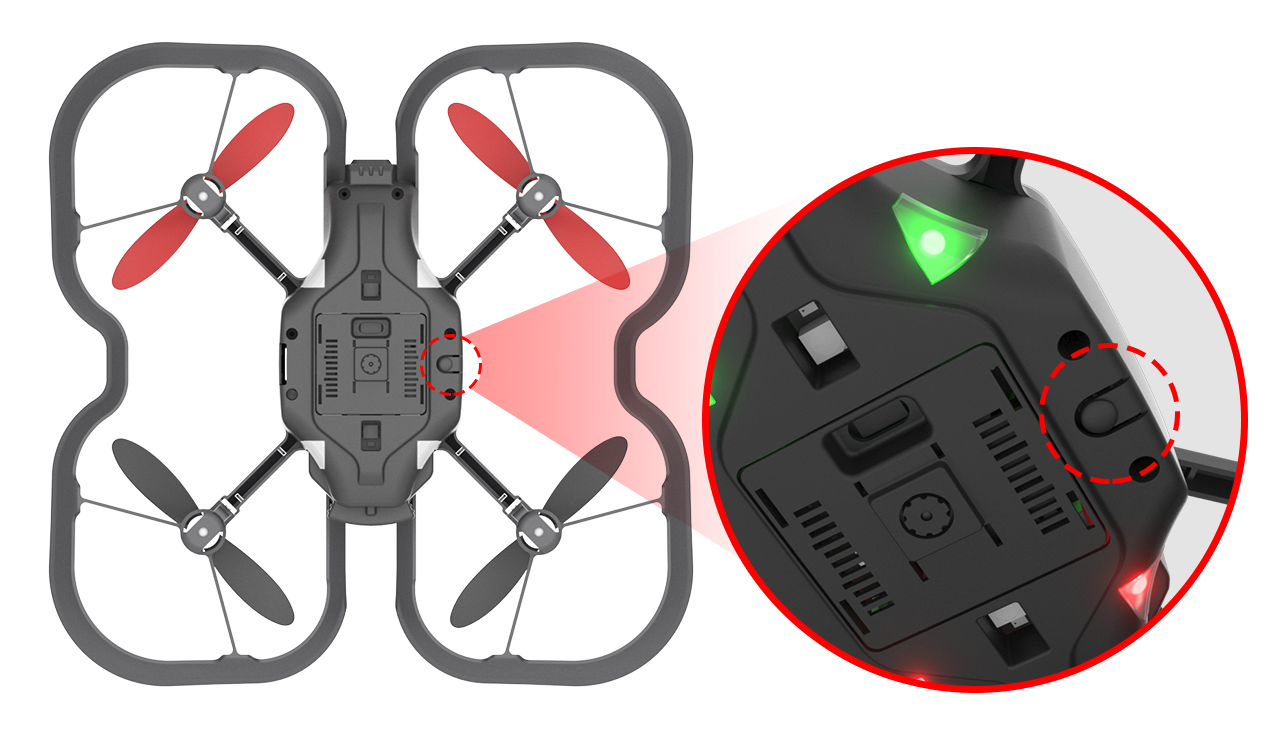
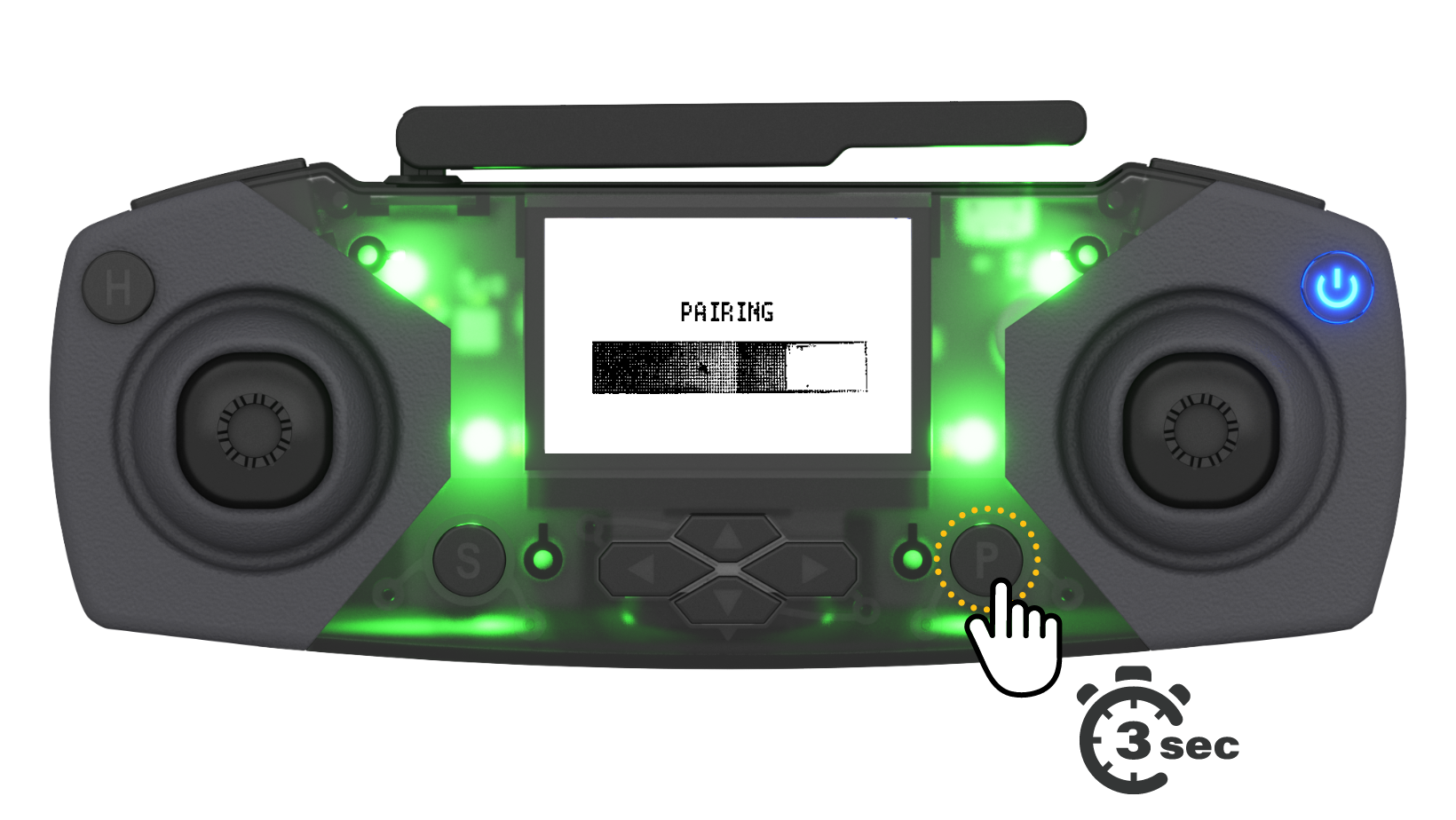
- Press and hold the “P” pairing button on the controller for at least 3 seconds or until you hear the controller make a sound.
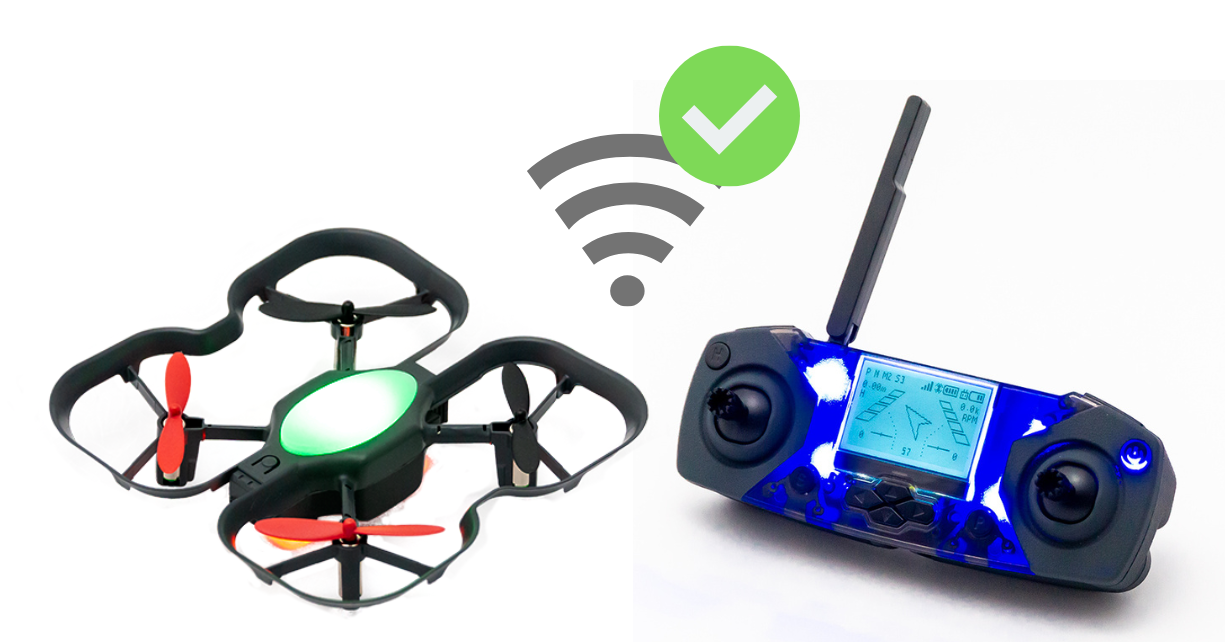
- Check for solid (not blinking) LEDs on both the drone and controller. This indicates pairing was successful. You can also try pressing the R1 button on the top of the controller to shuffle through the different colors your drone and controller can be.
Troubleshooting
If you're still having trouble pairing:
- Make sure you are far from other drones that might also be trying to pair.
- Double-check that the controller is in the correct mode (not LINK mode).
Review related articles:
Why can’t my CoDrone EDU pair anymore to a controller? It’s blinking yellow-green.
How do I switch between "link" mode and "flight" mode on my CoDrone EDU controller?
