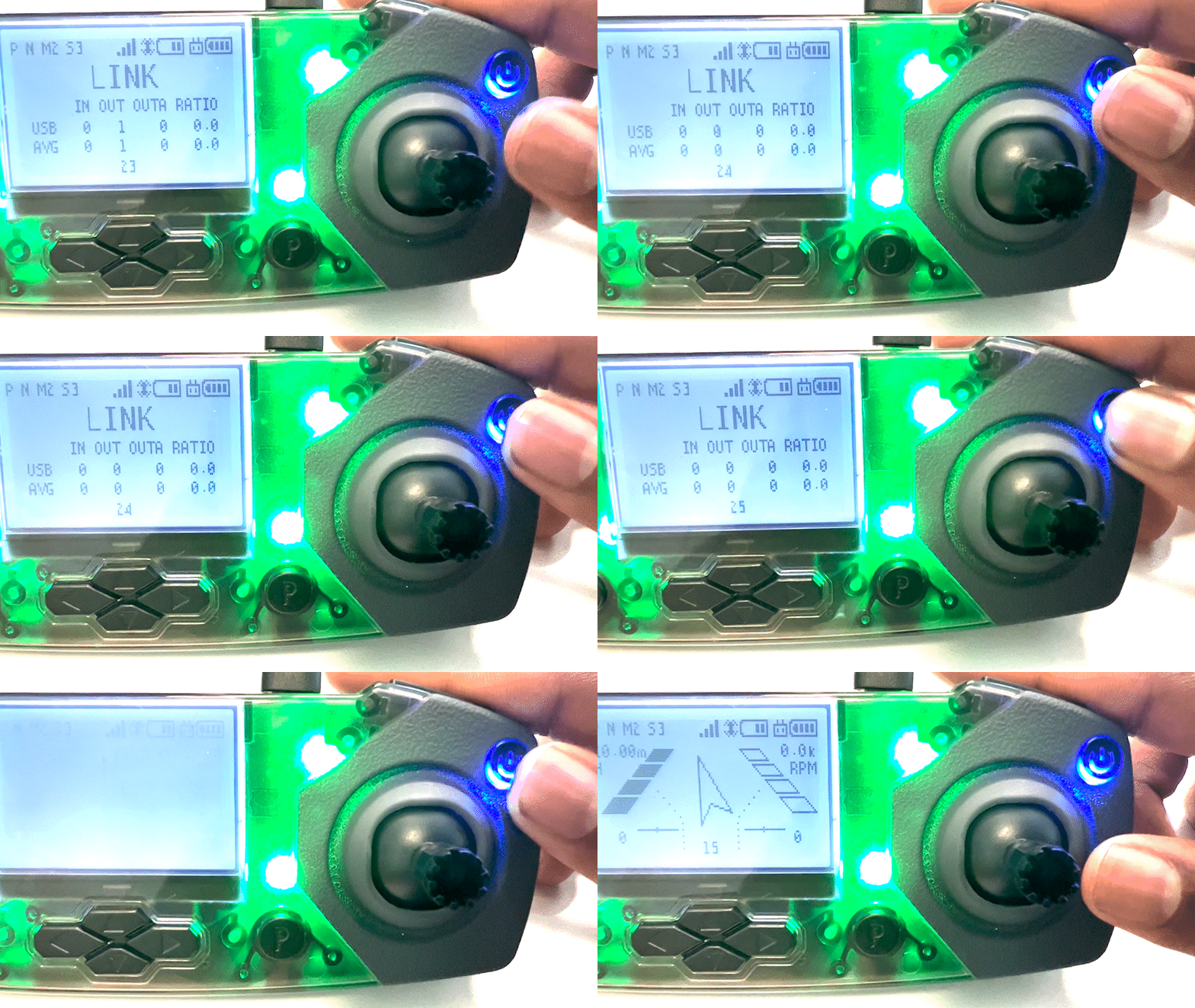
How do I switch between "link" mode and "flight" mode on my CoDrone EDU controller?
 Updated
by
Robolink Support
Updated
by
Robolink Support
The CoDrone EDU controller must be connected to your computer and in "link" state before you can program. When your controller is connected to a computer for programming, it will automatically detect this and switch into "link" state for you. You can also do this manually by pressing the power button once on your remote controller while it is connected to your device via USB cable.
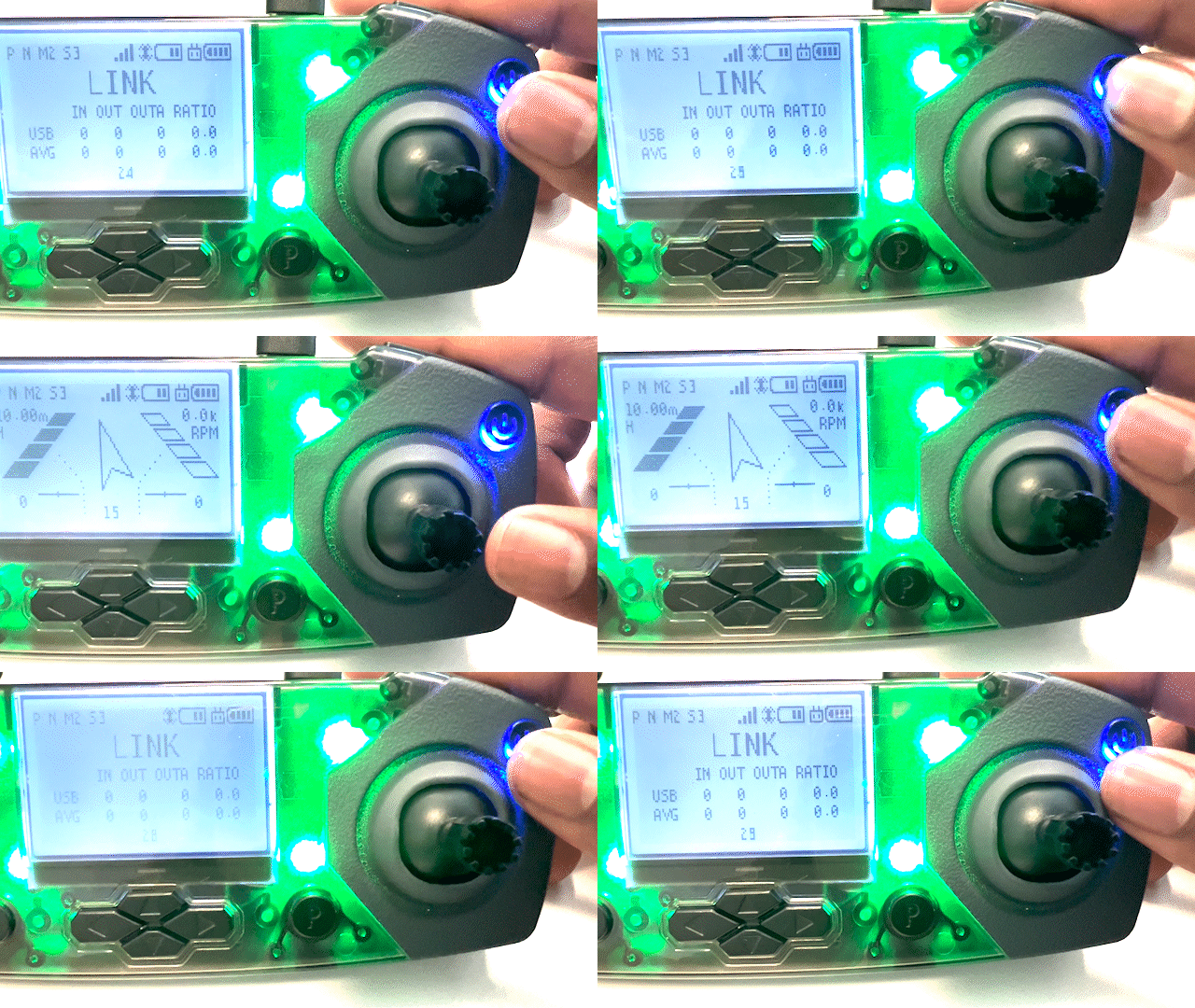
If you have been programming and want to use your controller again for manual flight, you can use the power button again to switch back to "flight" mode.