Why can’t my CoDrone EDU pair anymore to a controller? It’s blinking yellow-green.
 Updated
by
Leila Firestone
Updated
by
Leila Firestone

If you are looking for instructions on how to pair a drone and controller together for the first time, click here to read the article on pairing.
However, if you've already attempted pairing but are still unable to connect, here’s what to look out for:
- After a failed pairing attempt, the controller may emit a buzzer sound, and the drone’s LED will continue flashing yellow.
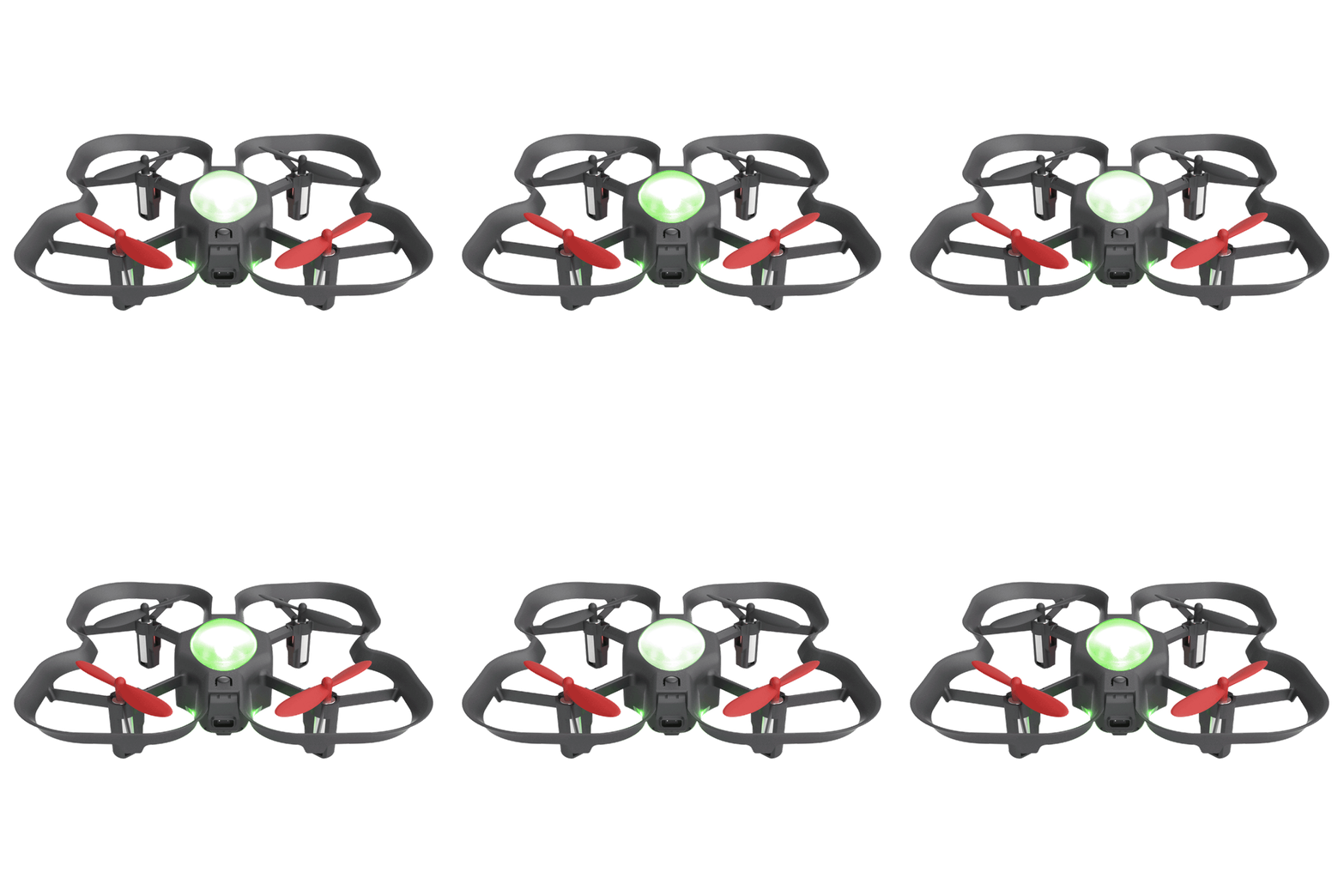
- A yellow-green flashing LED on the drone can indicate receiver damage, which is non-repairable and can prevent successful pairing.
- If the drone disconnects and starts blinking red after a crash or fall, it’s likely the drone has sustained damage.
To confirm the issue:
- Try pairing the drone with a different controller.
- If it still fails to connect, the problem is likely with the drone, not the controller.
To help avoid this kind of damage in the future, check out these related safety and durability articles:
What is the maximum height I can safely fly at with CoDrone EDU?
If you have any questions please reach out to Robolink Support by emailing support@robolink.com and providing us with a video of you performing the pairing process.
