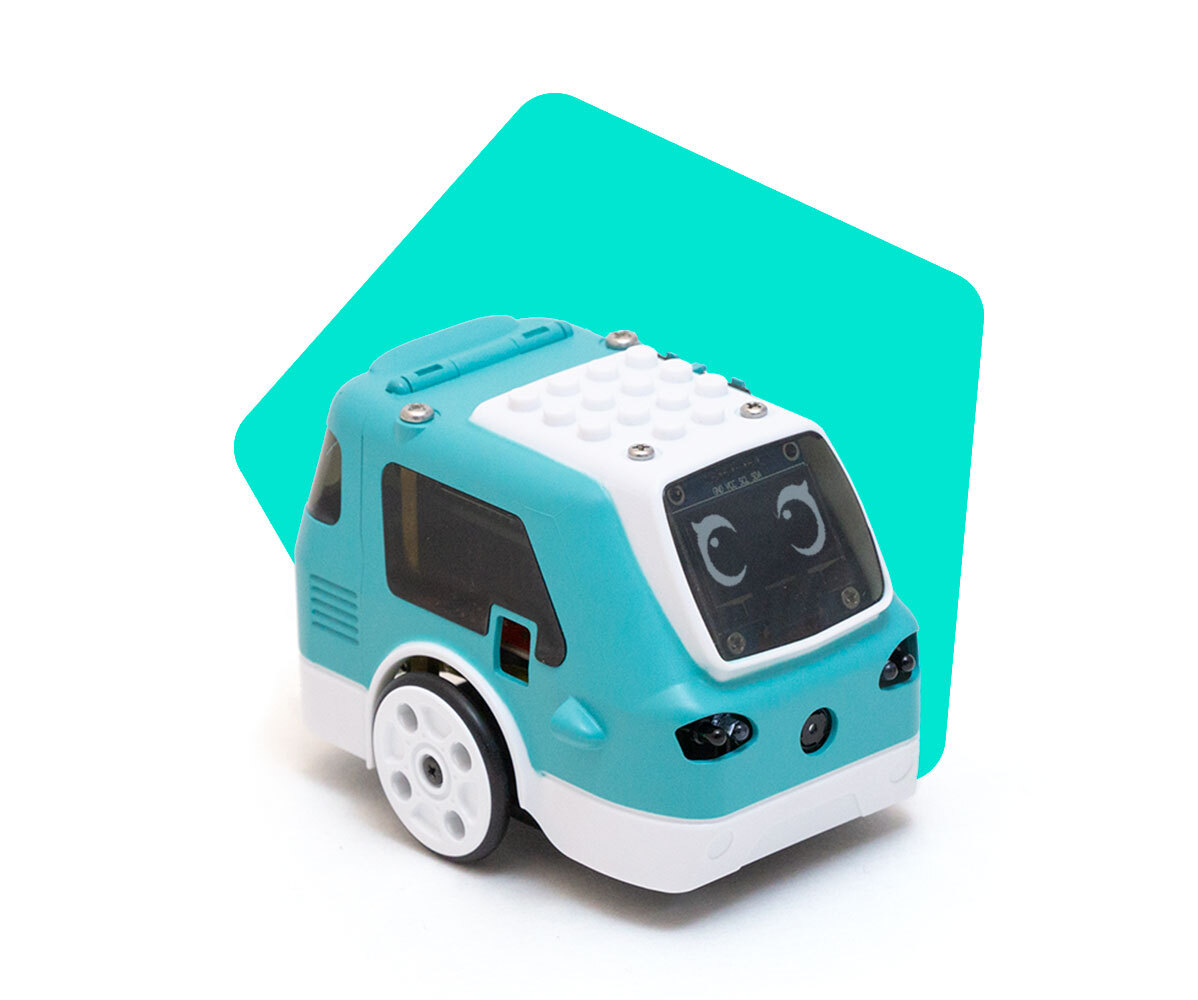
What are the device requirements for Zumi?
 Updated
by
Leila Firestone
Updated
by
Leila Firestone
Device requirements for interfacing with Zumi (Both Python and Blockly programming):
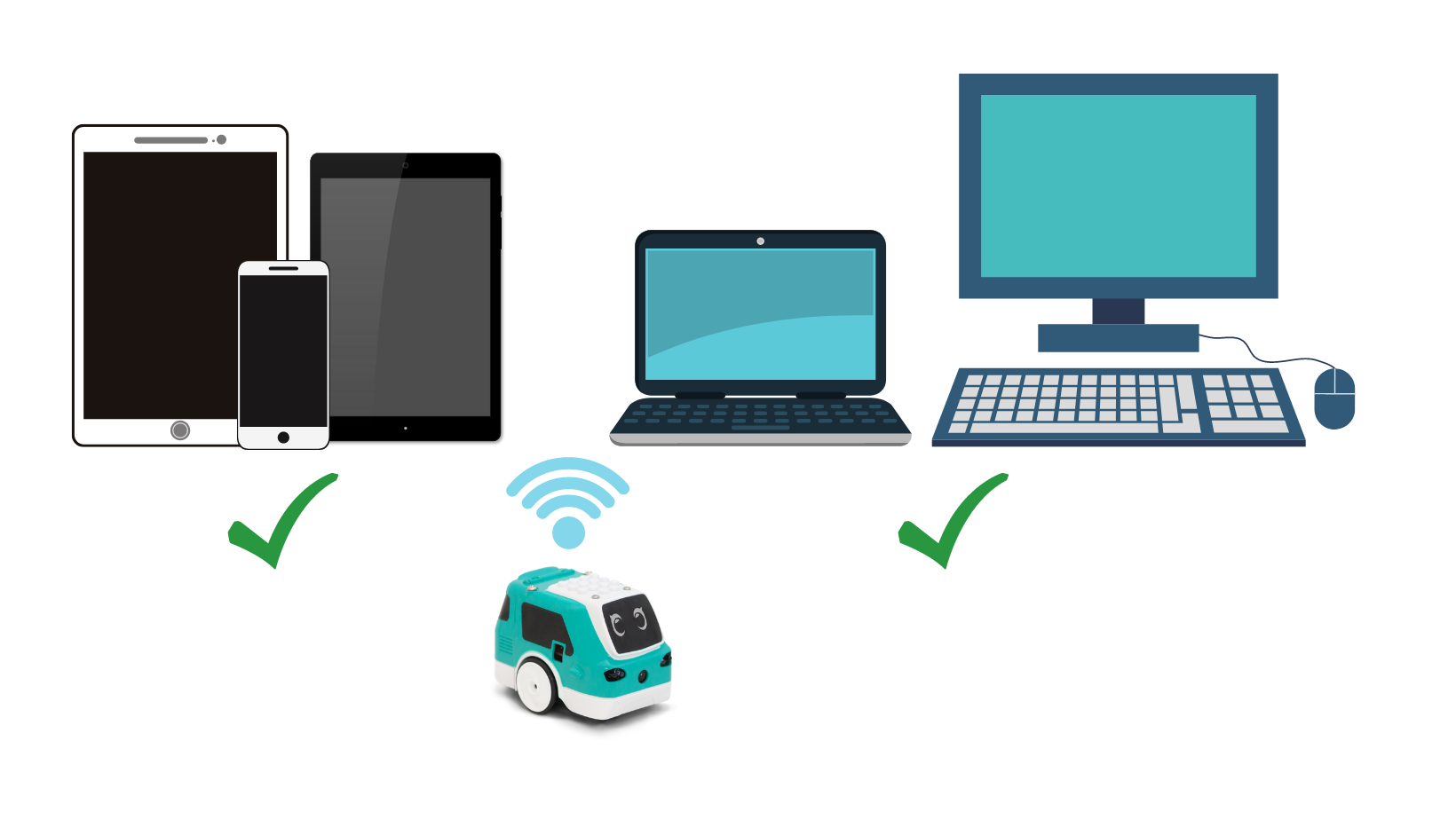
The following devices can interface with Zumi:
- Laptop or desktop computer (Windows 10, MacOS, or Chromebook OS) with an up-to-date Google Chrome browser that can connect to a 2.4 GHz WiFi network. One demo requires access to a webcam on the device, but there are other AI demos available if there is no webcam accessible.
- Mobile device (tablets, mobile phone, iPads, etc) with a Chrome Browser that can connect to a 2.4 GHz network. Onde demo requires a camera on the device. Although mobile devices can access the Zumi dashboard features, not all features may be mobile-friendly. Use a mouse and keyboar
Additional requirements:
- Access to a USB port (either on device or nearby with wall adapter) for charging Zumi (Devices with USB-C must use an adapter)
- (Optional) 2.4 GHz WiFi network. Zumi cannot connect to captive, 5 GHz, or WPA-Enterprise networks. (Read more: Do I need to connect Zumi to the internet?)