Do I need to connect Zumi to the internet?
 Updated
by
Leila Firestone
Updated
by
Leila Firestone
An internet connection is not required to use Zumi. Zumi generates her own network which you connect to, just like connecting to any WiFi network. All of the demos and activities, including Blockly and Python programming, are already built into the dashboard.
Although it's not required, here are a few reasons you may want to connect to the internet.
- Updates
Your Zumi will already be shipped with the latest release of the software. If there's ever an update in the future, you will need to connect Zumi to the internet to download it. We will post any news of updates here on Helpdocs and Basecamp.
- Surfing the web
When you connect to Zumi's network, your computer or mobile device will disconnect from your home or school internet connection. This means you can't access this website or Basecamp while connected to Zumi.
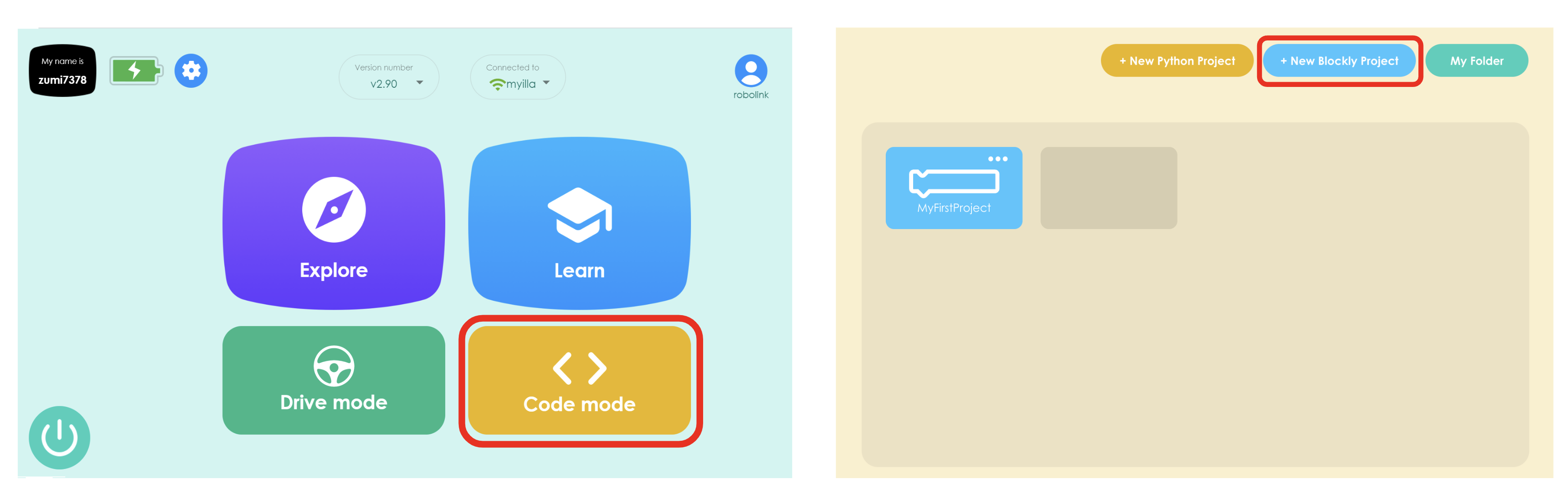
For Blockly lessons, those are exclusively on Basecamp for now, so you will need to connect Zumi to the internet to see them in a new tab or window. However, you can still access the Blockly workspace offline by clicking on "Code Mode" and opening a new Blockly project.