Why does my CoDrone EDU controller screen say “motion calibrating” when I try to take off?
 Updated
by
Robolink Support
Updated
by
Robolink Support

Holding down the top-left shoulder button on the controller sends the takeoff command to CoDrone EDU. However, if the drone is unable to take off, you may see a “Motion Calibrating” message, “Calibration Failed” . or "No Motion" error appear on the controller screen, which will prevent takeoff.
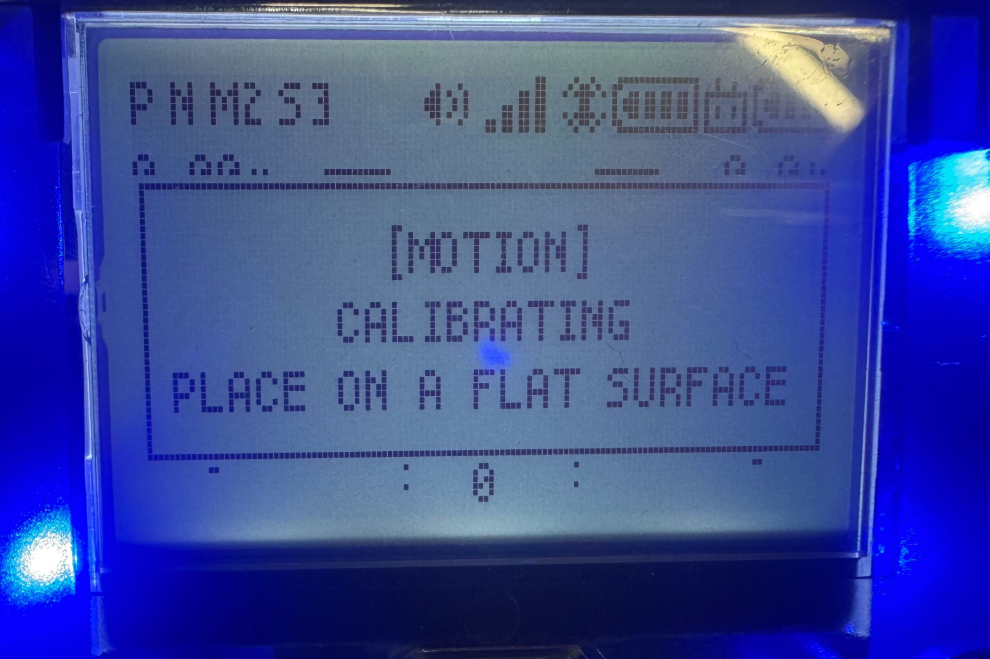
If the drone gets in this state, there are two ways you can try to return the drone to its normal flight state.
- Power cycle the drone and controller
Unplug your drone and your controller and turn them back on again. This should reset any state the drone or controller was stuck in and try to takeoff again using the L1 button.
- Try to do a quick take off using the joystick
You can also initiate takeoff manually using joystick control. Push the left joystick inward and diagonally at the same time until the propellers begin spinning. Once they’re spinning, gently push up on the throttle to lift off. This method uses a different control protocol and can sometimes bypass the issue preventing normal takeoff.
If the error continues to occur, please email support@robolink.com with the following:
- A photo of the controller screen showing the error message
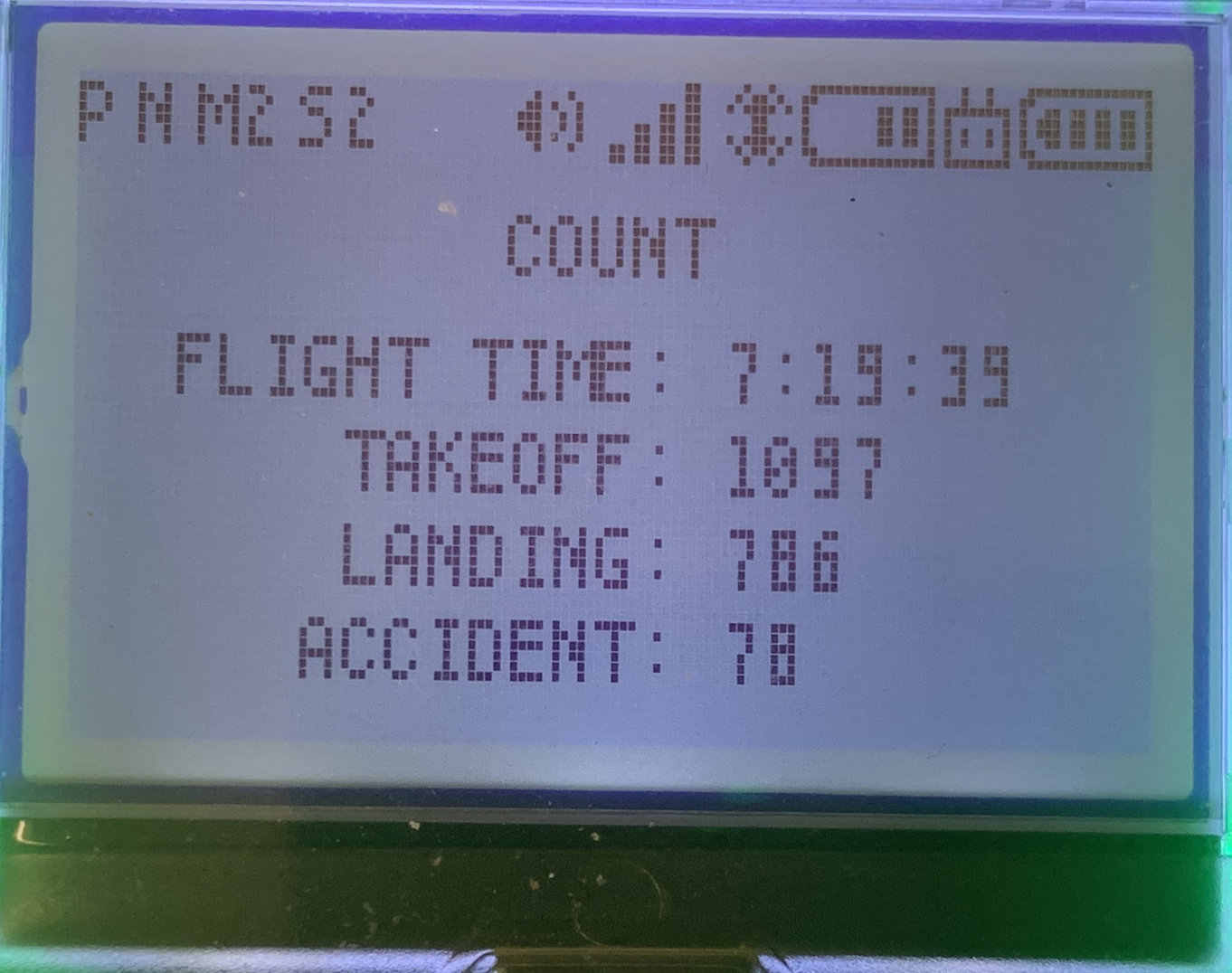
- A photo of the drone's COUNT log and firmware version screen
You can access the COUNT log and firmware screen by pressing the S or P button on the controller to shuffle through the different screens until they appear.