Why does my CoDrone EDU motor spin when I insert a battery into the drone?
 Updated
by
Robolink Support
Updated
by
Robolink Support
If one or more motors on your CoDrone EDU begin spinning immediately after inserting the battery without any input from the controller or code this may indicate a critical issue with the drone’s circuit board.
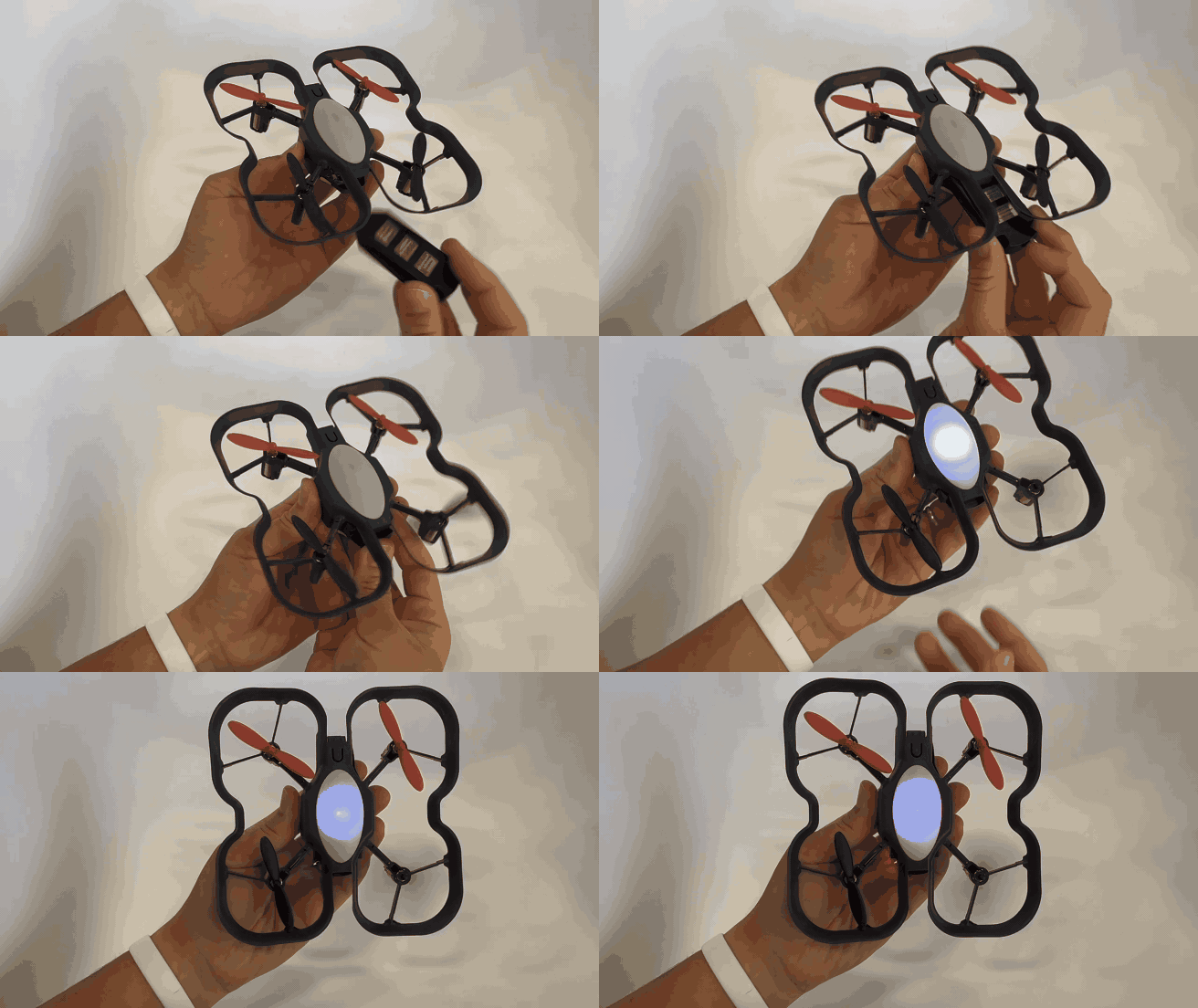
What’s Happening?
If a motor begins spinning as soon as the battery is connected, it typically indicates damage to the drone’s circuit board. This type of damage is often caused by a motor stalling while still receiving power. A stall can occur in several situations:
- Continuous throttle is applied to a motor that can no longer rotate properly.
- The drone becomes tangled in a net or obstacle during flight, and the motors are not immediately stopped.
- A broken or warped frame causes the propeller to become obstructed and unable to spin freely.
To prevent this, always stop power to the motors immediately if they become stuck. Inspect the motor and repair or replace any motor or frame components that show signs of damage or obstruction as soon as possible.
What Should I Do?
- Do not replace the motors – this will not fix the issue.
- Do not attempt to solder, desolder, or remove components from the board – this can cause further damage.
- Do not continue using the drone circuit board – stop using it immediately to avoid potential safety issues.
If your drone behaves this way, disconnect the battery immediately and make a note of the issue, including the drone’s serial number. Then, email our customer support team at support@robolink.com. When submitting your support ticket, please include any relevant images or videos of the drone’s behavior, as well as screenshots of the drone’s Firmware Version and COUNT log.

