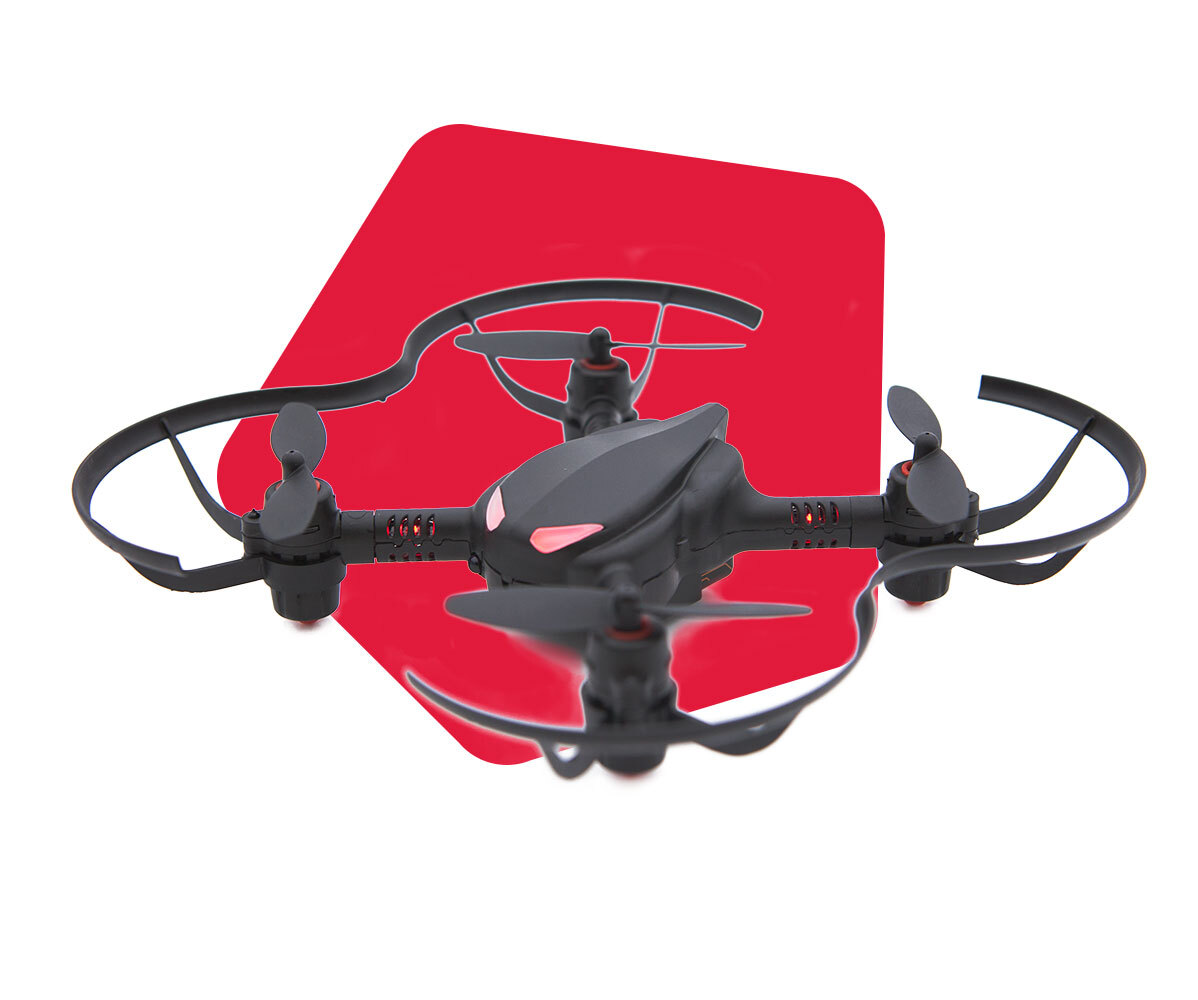
Why won't my CoDrone Pro/Lite run again after running the code in Python?
 Updated
by
Robolink Support
Updated
by
Robolink Support
If your CoDrone Pro/Lite won't run your program after running it the first time, make sure that you include a drone.close() at the end of your program to ensure that the CoDrone Pro/Lite disconnects after running the program. If it has not been disconnected, your CoDrone Pro/Lite will try to pair to the controller again at the beginning of the program even though it is already connected, resulting in the program being unable to continue.
Example Code:
import CoDrone
drone = CoDrone.CoDrone()
drone.pair()
drone.takeoff()
drone.hover()
drone.land()
drone.close() #make sure to include drone.close()