What do I do if one of my CoDrone EDU propellers isn't spinning?
 Updated
by
Leila Firestone
Updated
by
Leila Firestone

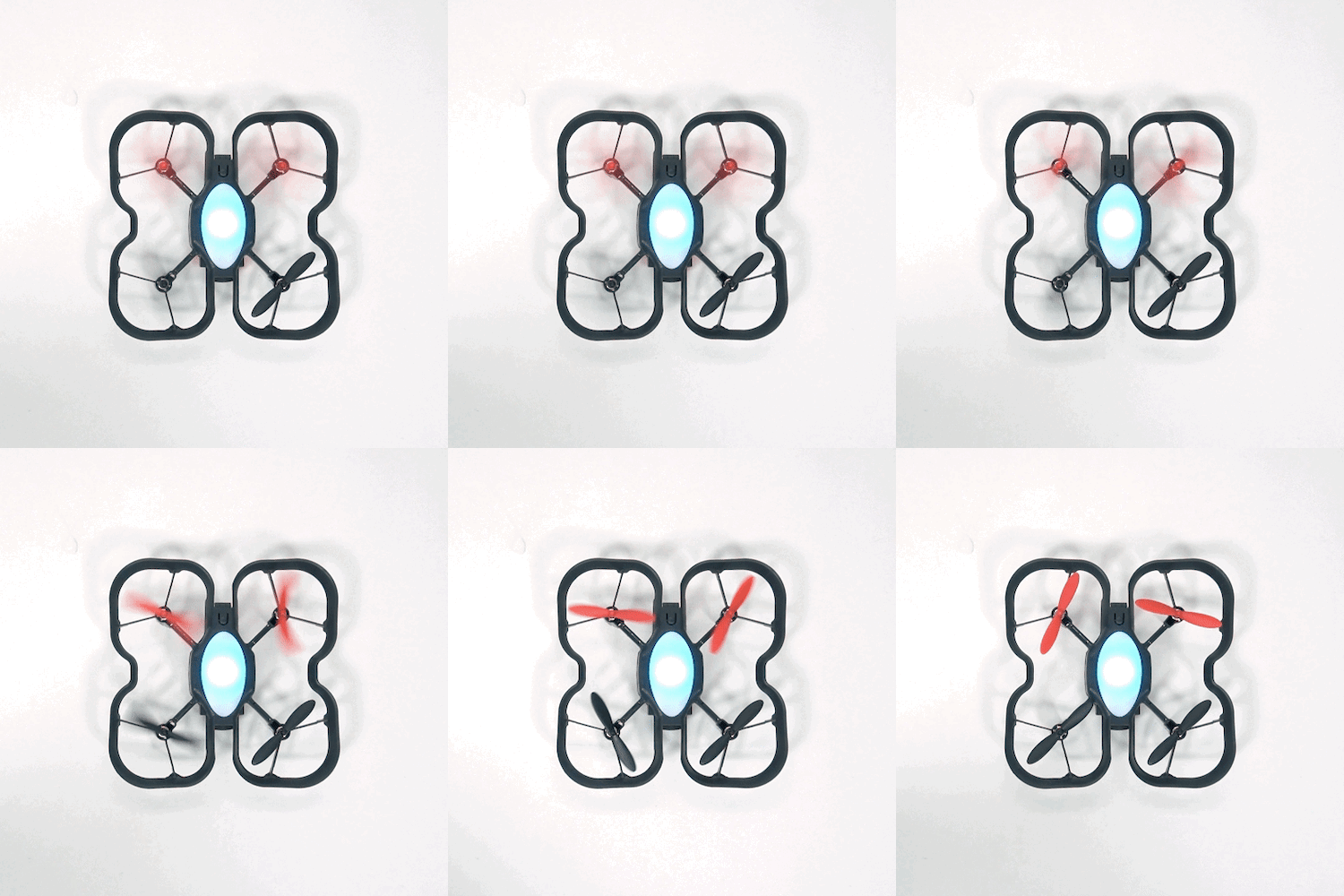
If you attempt a takeoff and notice that one or more propellers aren’t spinning, the drone may automatically shut down its motors to prevent unsafe flight. You may also see an error message on your controller that says “Motor stalled, check motors.” Follow the steps below to troubleshoot and get your CoDrone EDU flying again:
- Check for debris
One common cause of a stalled motor is debris caught in the motor shaft. This can prevent the propeller from spinning properly. Use the propeller removal tool to gently lift the propeller off the motor while holding the motor base steady with your fingers.
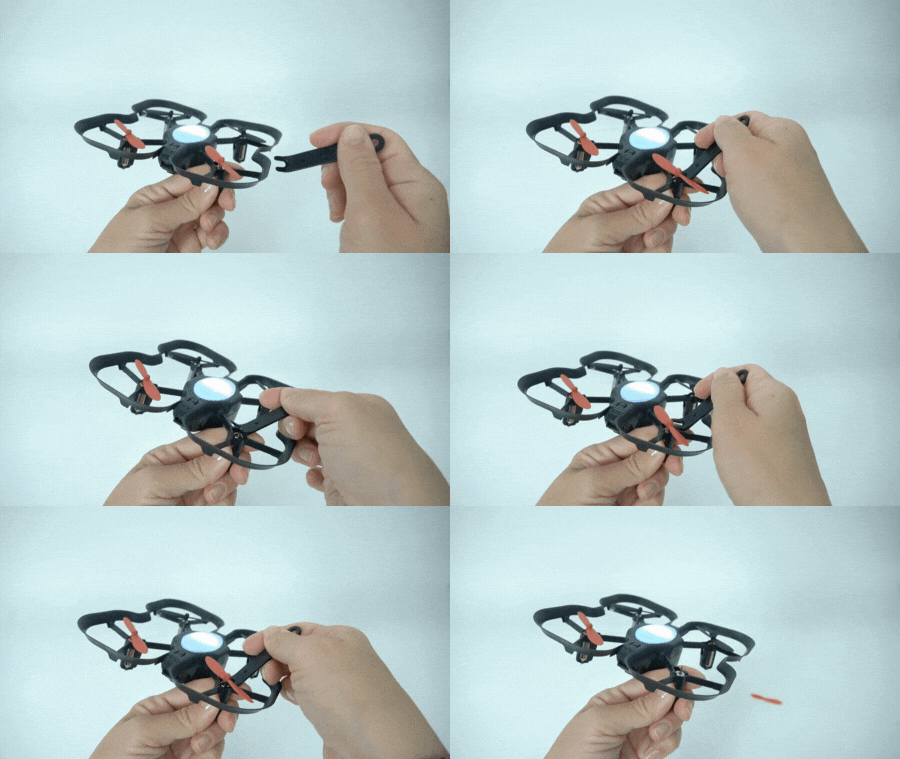
Carefully clean out any debris around the shaft, then press the propeller back into place. Before attempting flight, flick the propeller with your finger to ensure it can rotate freely. If it still does not spin during takeoff, proceed to the next step.
- Inspect the motor for damage
If cleaning the motor doesn’t resolve the issue, the motor itself may be damaged. Check that the motor is securely seated in the frame and that the silicone bumpers are properly in place beneath the motor base. Also, look for:
- Pinched or exposed wires
- Cracks in the motor base
- A loose or tilted motor housing
Since the propeller connects directly to the motor shaft, a non-spinning propeller usually indicates motor failure. If you notice damage, we recommend replacing the motor. You can follow the tutorial guide below on how to complete the motor replacement process.
If you're still having trouble replacing your motor or need additional support, feel free to reach out to us at support@robolink.com.
