My CoDrone Pro/Lite won't pair even though the Bluetooth board is powered on. Why can't it connect?
 Updated
by
Robolink Support
Updated
by
Robolink Support
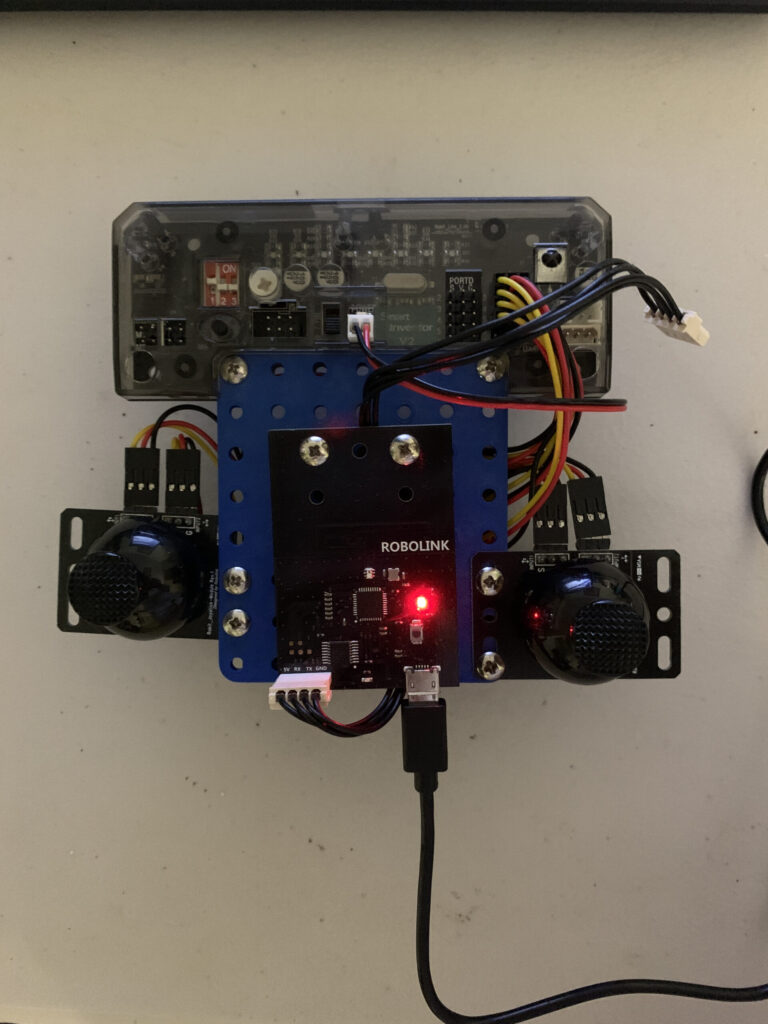
Before running your program, make sure that the light on the Bluetooth board is blinking red. If it is blinking amber or green, hold down the reset button until the light turns red or try unplugging and then plugging the Bluetooth board back in. Afterwards, your CoDrone Pro/Lite should pair with your Bluetooth board when you run your program.
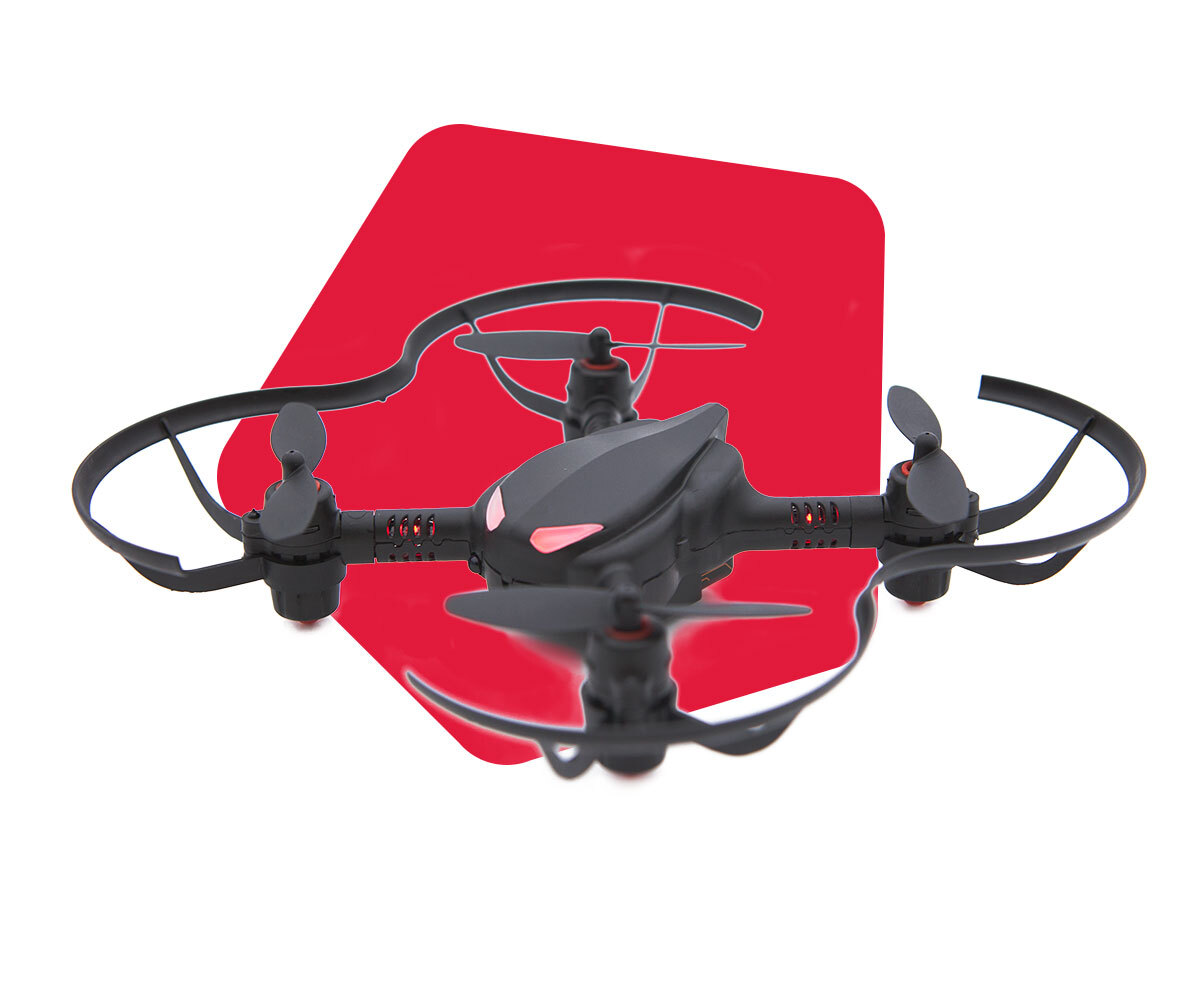
This image shows a CoDrone Pro that has already been paired with the controller and ran a program:
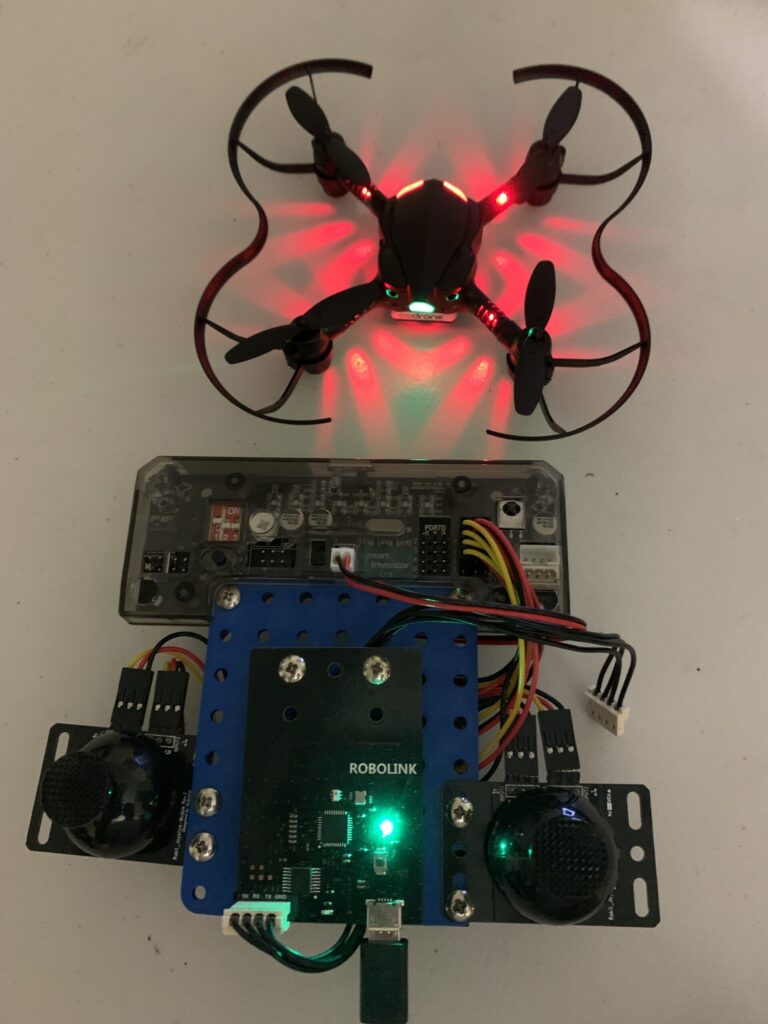
After you hold down the reset button or unplug and plug the Bluetooth board back in, the light will change from green/amber to red as seen in the image below: