My CoDrone EDU sometimes flies straight up to the ceiling during autonomous flight. What's going on?
 Updated
by
Robolink Support
Updated
by
Robolink Support
Last updated: June 17, 2025

If your CoDrone EDU suddenly launches straight up to the ceiling when running autonomous code, this behavior has been observed in early firmware versions of the drone and has been resolved w/ the latest firmware update.
First, Check Your Firmware
This issue is caused by a known bug in older firmware. We recommend updating your drone and controller to the latest firmware versions to prevent unintended takeoffs.
Click here for instructions on updating your CoDrone EDU firmware
Already Updated but the Issue Persists?
If your firmware is already up to date but the issue continues, especially while using Blockly or Python for Robolink, we appreciate your help in gathering key diagnostic info.
This data will help us reproduce and resolve the issue more quickly. Please email the following to support@robolink.com:
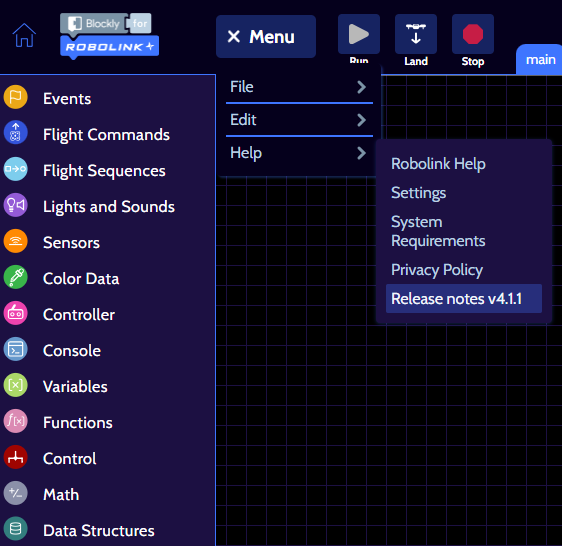
- Blockly/ Python version you're using
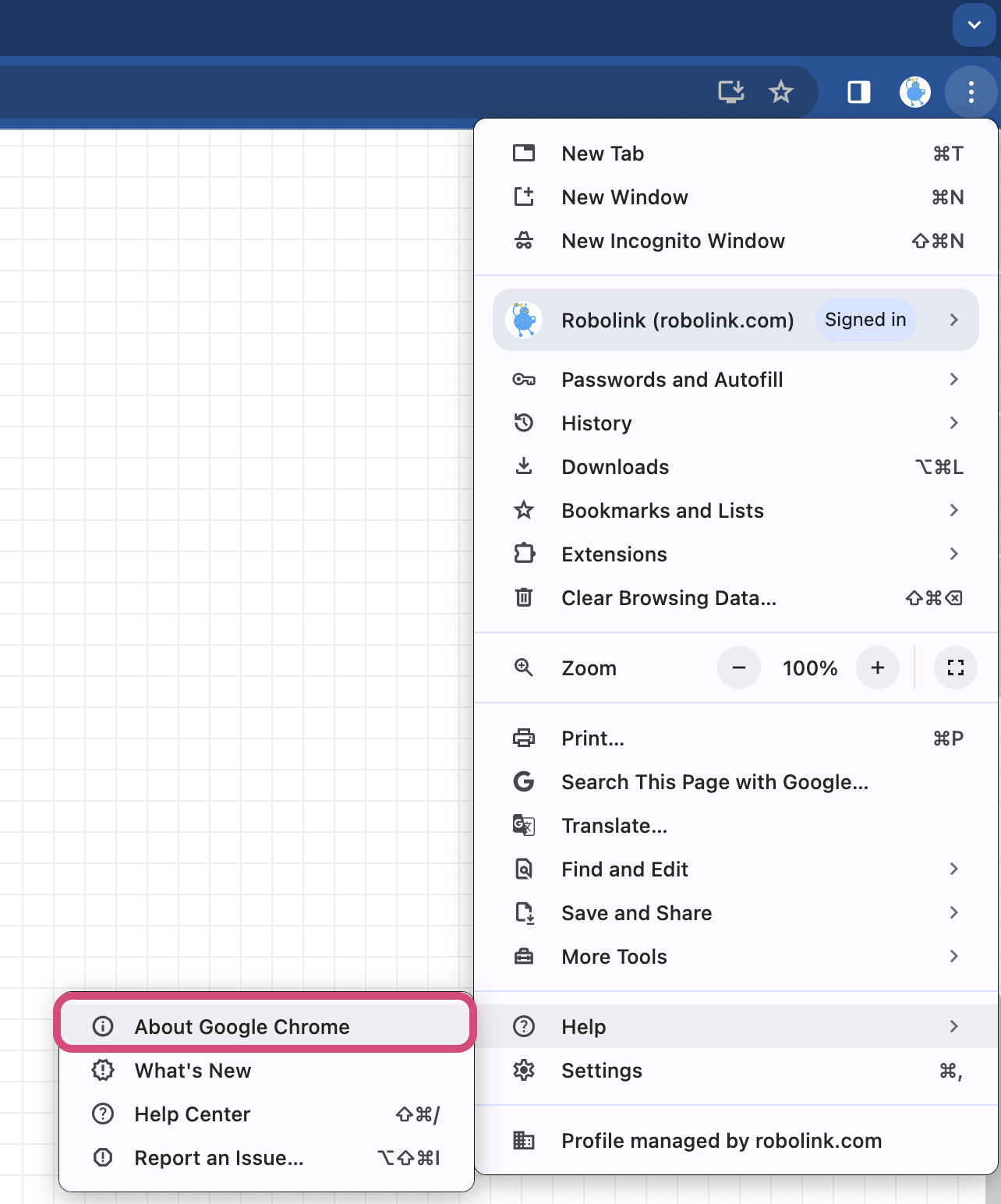
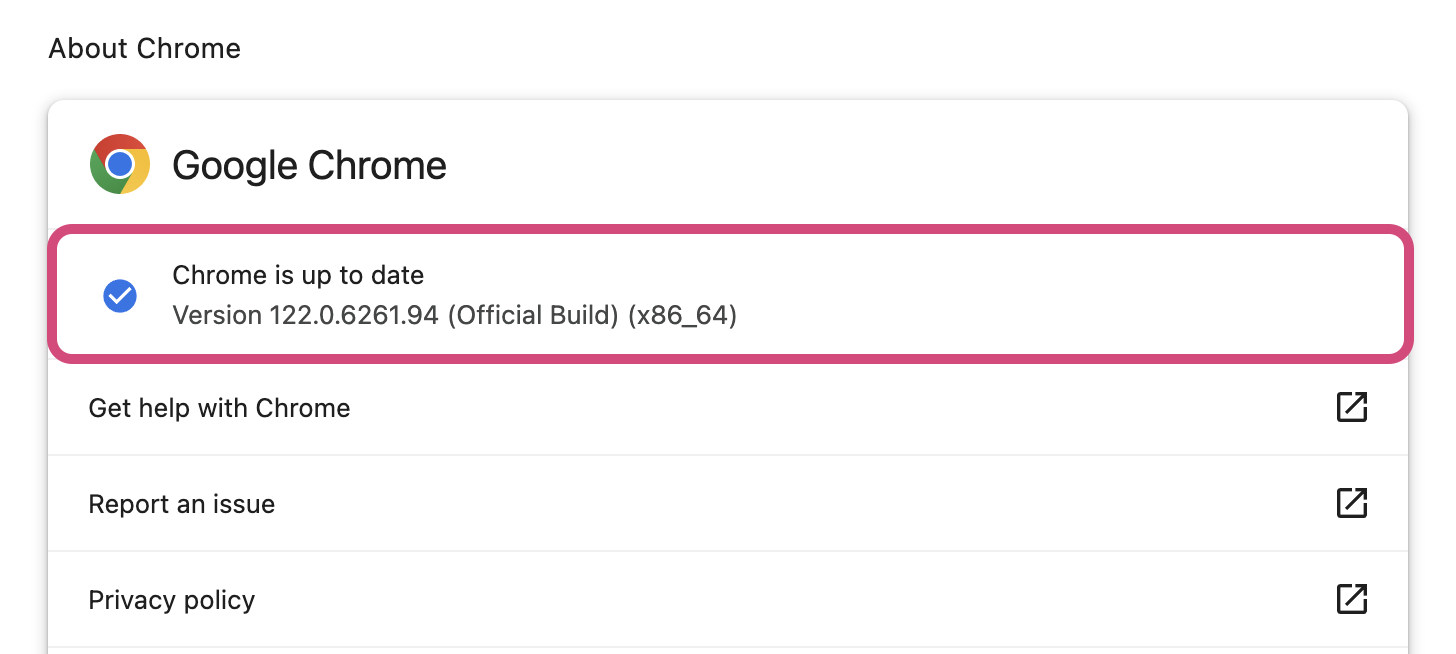
- Your Chrome browser version. Find it at chrome://settings/help)
- The type of device you’re using (e.g., Mac, Windows, or Chromebook)
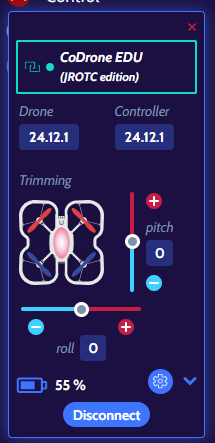
- A screenshot of your drone and controller firmware versions
We truly appreciate your assistance in helping us improve the CoDrone EDU experience. If you have further questions, don’t hesitate to reach out to support@robolink.com
