Introducing Drone Coding in Classrooms Using a Texas Instruments Calculator
 Updated
by
Robolink Support
Updated
by
Robolink Support
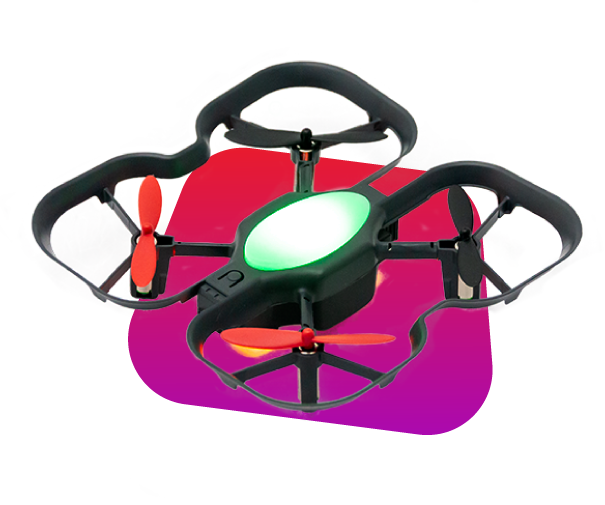
Did you know you can program the CoDrone EDU using a calculator? This feature is made possible thanks to Texas Instruments (TI), allowing you to control and code CoDrone EDU using compatible TI calculators.
Learn more about this collaboration on our blog and about getting set up on TI's official CoDrone EDU page: education.ti.com/codrone
What You'll Need
To program CoDrone EDU with a TI calculator, you'll need the following materials:
- TI Calculator (TI-Nspire CX II or CAS Edition with OS version 6.3 or newer)
- TI Python Module
- CoDrone EDU
- Connection Cable
Setup Instructions
Texas Instruments has published complete setup instructions on their official website which you can view using this link: Getting Started Guide
In the setup guide you will learn how to:
- Update your calculator
- Install the Python module
- Start connecting and coding
Already Programming and Need Help?
Not sure who to contact? Try programming the drone using your computer. To get started, follow the step-by-step lessons in Robolink Learn's curriculum for programming with a computer.
A good rule of thumb to follow is:
- If the program works fine with your computer, try contacting TI Support at https://education.ti.com/en/customer-support for more inforamation and guidance. Click on the "Contact Us" tab to begin filling out their form.
- If the issue persists regardless of device, please contact Robolink Support at support@robolink.com
