What is causing my controller to have a loose USB port?
 Updated
by
Robolink Support
Updated
by
Robolink Support

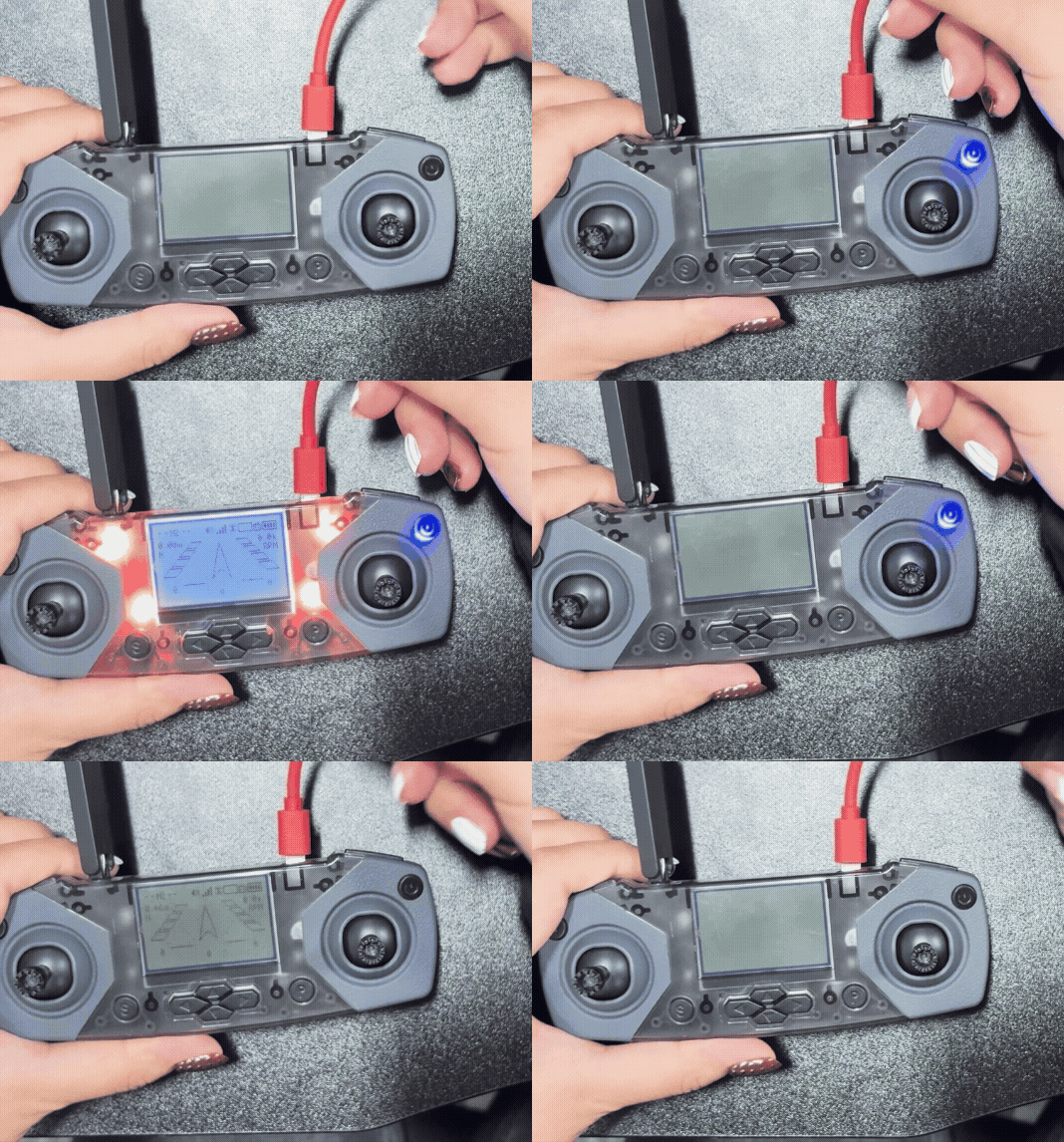
The following issues often arise due to problems with the controller's USB connection:
- Frequent powering on and off of the controller occurs because slight movements can cause disconnection due to a loose USB port.
- The inability to enter the LINK state (required for using Drone Lab) is a result of the cable only being able to provide power as there is damage to the data connections on the USB port.
- The "Device not recognized" error message appears because the USB port is loose.
Recommendations for preventing a loose USB port:
- Avoid significant drops or impacts while the USB port is connected to the controller.
- Please do not store the controller with the USB cable connected as this stresses the USB port.
- Avoid pulling the USB cable up and down with excessive force. While a side-to-side motion is generally preferable, it is the primary cause of damage.
- Do not allow the controller to dangle while connected as this will stress the USB port beyond its limits.
Please reach out to support@robolink.com for further assistance.
