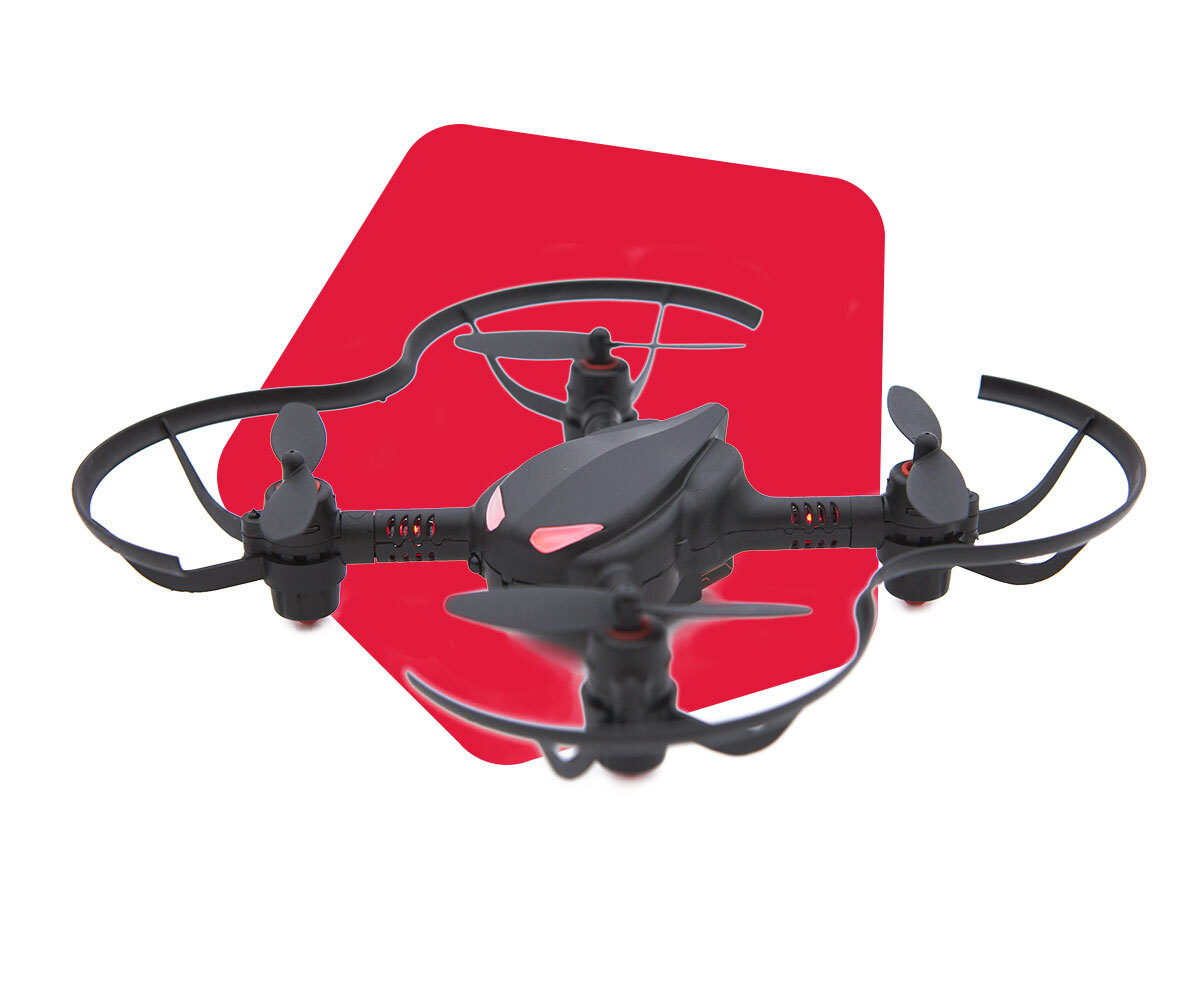
What are the device requirements for CoDrone Pro/Lite?
 Updated
by
Leila Firestone
Updated
by
Leila Firestone
CoDrone Lite/Pro with Blockly
- Desktop or laptop computer with Windows, MacOS, or Chromebook with an updated Google Chrome Browser (no tablets or iPads, more details here).
- Access to a USB port (either on device or nearby with wall adapter) for charging CoDrone battery (Devices with USB-C must use an adapter).
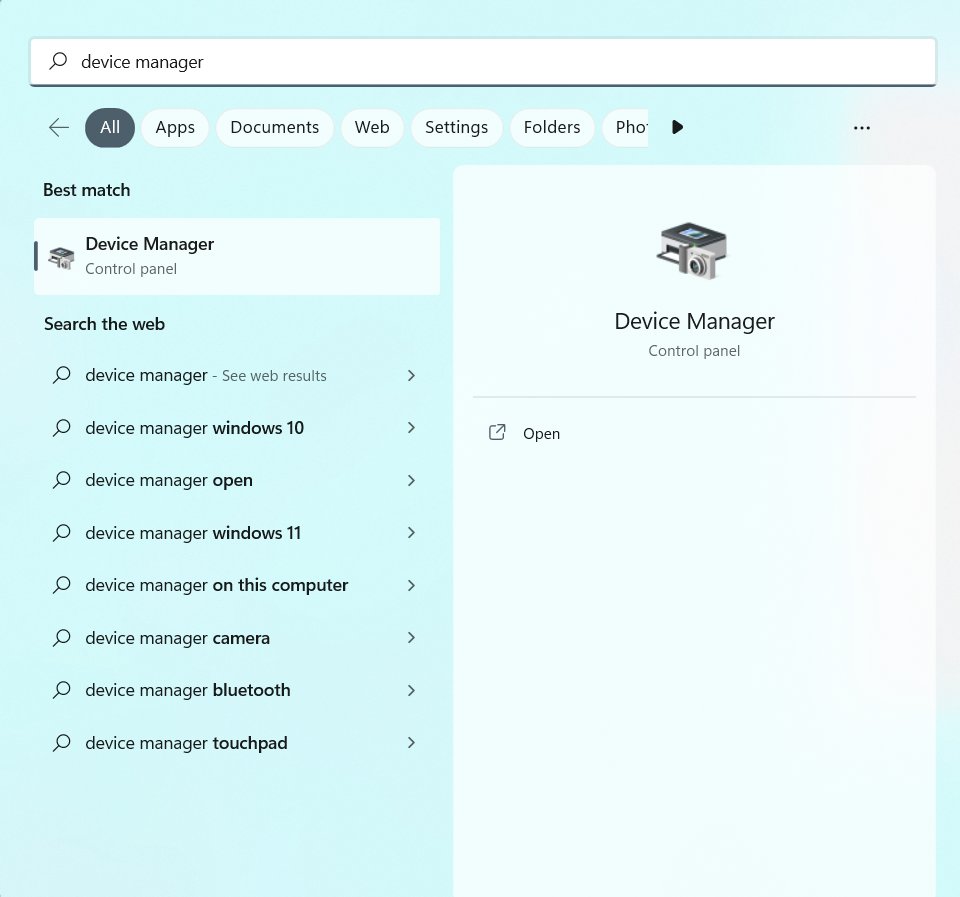
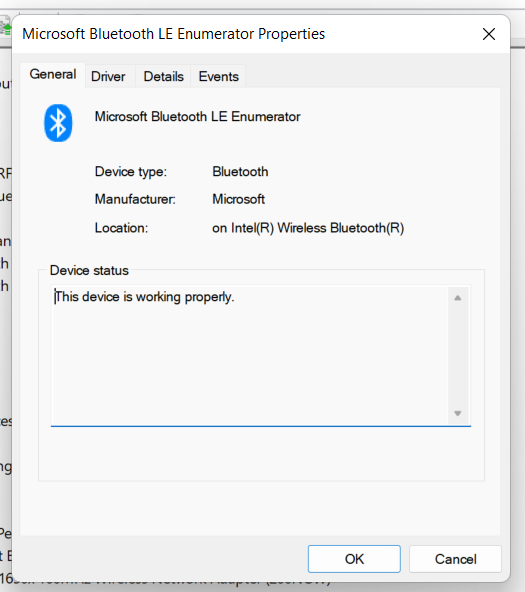
- Bluetooth Low Energy (BLE) compatibility. For MacOS, BLE became standard across devices since around 2013. For Windows, you can look for "Microsoft Bluetooth LE Enumerator" under Bluetooth device manager. You can check by pressing the Windows key to open up the Start menu. Search for your device manager.
Open the Bluetooth tab inside of your device manager and search for "Bluetooth LE Enumerator".
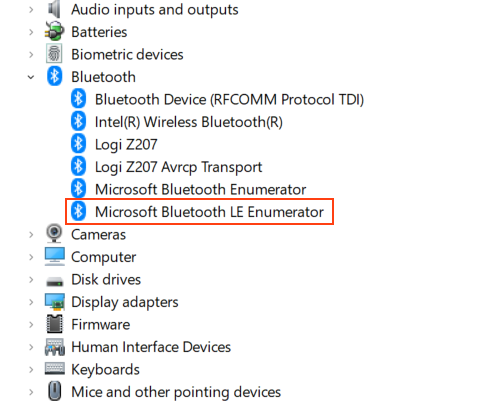
Right click on the selected item and open up the properties to verify it's working!
CoDrone Lite/Pro with Python or Arduino
- Desktop or laptop computer with Windows or MacOS that can download and run Arduino and/or PyCharm. (Windows 10 or later for Windows, Yosemite or later for MacOS)
- Access to a serial communication over a USB port on the device for charging CoDrone battery and uploading code (Devices with USB-C must use an adapter). A driver will need to be installed to interface with the controller.