How do I stop my CoDrone Pro/Lite from drifting?
 Updated
by
Leila Firestone
Updated
by
Leila Firestone
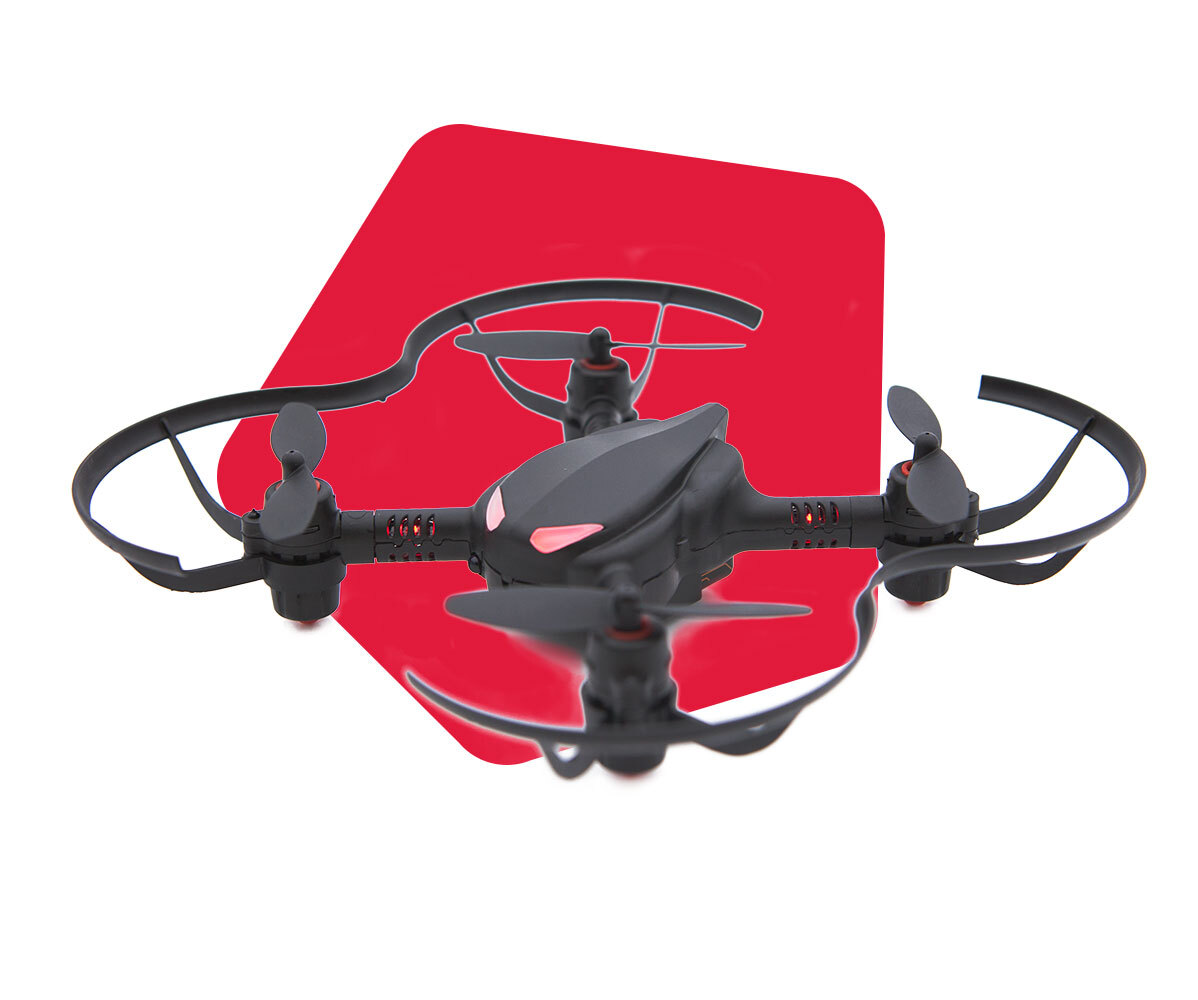
There are a variety of issues that could cause your CoDrone Pro/Lite to drift. Here are some things to try:
- Check that there is no debris lodged in the motors and propellers
- Make sure you are not in a dark room or flying over a reflective flooring. This affects the optical flow sensor.
- Run a calibration by following these instructions.
- Swap some motors around. For example, if the CoDrone Pro/Lite is drifting left, swap motors from the left and right sides. Make sure to maintain proper propeller orientation! The front propellers spin inward and the back ones spin outward. Check the arrows on the propellers if you aren't sure, or lightly blow on the propellers to see which direction they spin.
- You may have bad motor connections to the board. Try some of these troubleshooting steps in this video. It also covers some of the tips above!
If none of these work and you've had your drones for over a year or you are using them heavily (ex. summer camps, workshops), it might just be time for new motors. If none of these tips worked for you, please contact support@robolink.com.