What are my next steps after getting my CoDrone EDU?
 Updated
by
Robolink Support
Updated
by
Robolink Support

To start, we strongly recommend creating a teacher account and reviewing our learning platform, Robolink Learn, and completing the following:
- Getting Started with CoDrone EDU.
- Certified Educators Course (after finishing the Getting Started module).
As they will teach both you and your students everything there is to know about your drones and how to take care of them.
What should I do before every flight?
Before every flight, please use the Pre-Flight Checklist with your students.
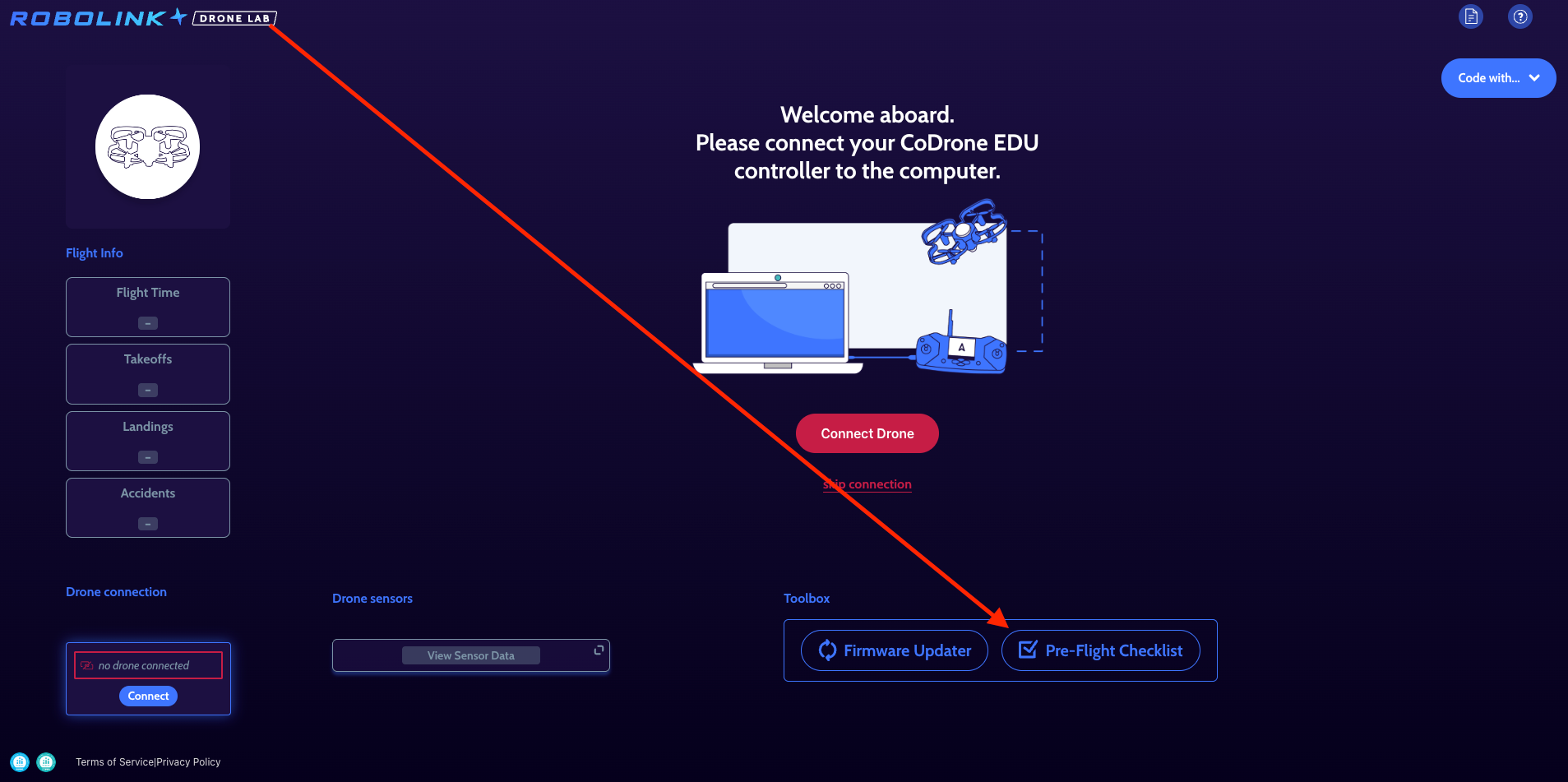
- Printing and laminating the checklist allows students to check all aspects of their drones before each flight and ensure everything is in proper condition (just as real life pilots do before taking off in their aircrafts).
- These small parts play an important role by absorbing impact during hard landings and crashes, helping protect the motors.
- When the bumpers are missing or out of place, impact forces transfer directly to the motor housing, which can crack and lead to frequent motor replacements.
General Drone Care:
Although our drones are built for classroom use, repeated or severe crashes can still cause lasting damage. They are durable—not indestructible.
Hard impacts, such as collisions, emergency-stop drops, or hitting hard surfaces, place stress on internal components like the printed circuit board(PCB), gyroscope, and optical flow sensor. Over time, this can lead to connectivity or flight issues.
When damage occurs, you may notice:
- Drifting during flight.
- Erratic or unstable movement.
- Failure to operate correctly.
To reduce wear and tear:
- Use the Land command whenever possible.
- Only use the emergency stop in true emergencies, as it causes the drone to drop abruptly.
- Fly in safe areas
- Choose soft, open surfaces like gym floors or mats, and avoid obstacles or glossy/patterned floors.
- Use protective materials
- Memory foams, programming mats (which provide optimal optical flow patterns), and cage.
- Catch the drone when safe to reduce impact during unavoidable falls.
- Establish clear, visual boundaries for flight altitude and distance that students must not exceed (e.g., set virtual ceilings within the Blockly or Python programming environment).
- Give your drones a few minutes to rest between each flight.
- Utilize the Pre-Flight Checklist before every flight.
Controller Care
Controller care is just as important as drone care. Our controllers are designed for classroom environments, but repeated impacts can cause damage over time. Significant drops may affect internal circuitry or the antenna, leading to connectivity issues.
Best practices:
- Move the antenna only up and down—do not twist it.
- Avoid forcing the controller handles.
- Do not drop the controllers.
- Avoid putting stress on the USB cable.
- Do not let the controller hang from a computer while plugged in, as this can damage the port.
Firmware Updates
Firmware updates are released periodically. When a new version is available, a yellow triangle (⚠️) indicator will appear in Drone Lab. Please refer to the firmware updater to see what the most current firmware version is.
- Updates frequently resolve issues such as unexpected upward flight or propellers spinning before takeoff.
For a step-by-step guide on the update process, please refer to the Robolink Help Article.
Additional Support
We also encourage you to review our Robolink Help Articles for troubleshooting tips and answers to common questions. These resources provide helpful guidance for maintaining your drones and resolving classroom issues.
If you have any questions or in need of support, please do not hesitate and contact support@robolink.com
Happy Flying,
Robolink Support 💙
