What is CoDrone EDU compatible with?
 Updated
by
Robolink Support
Updated
by
Robolink Support

Many users ask whether CoDrone EDU is compatible with various devices and third-party software and platforms. To ensure clarity, this document provides a definitive answer regarding supported programming environments and devices.
Compatible Devices
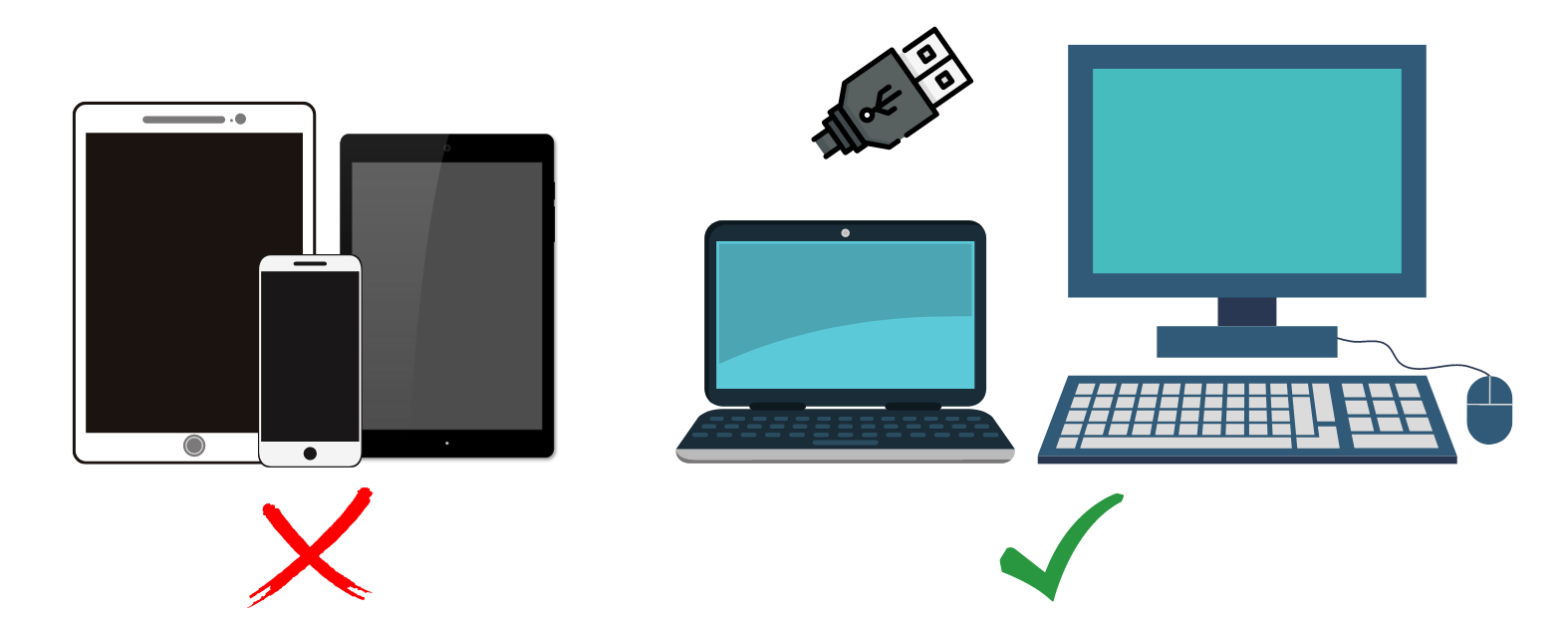
To use CoDrone EDU, you will need a device that meets the following requirements:
- Chromebooks with USB ports (USB-C to USB-A adapter might be required)
- MacBooks (macOS) with USB ports (USB-C to USB-A adapter might be required)
- Windows laptops with USB ports
- Desktop computers with USB ports
Compatible Platforms
CoDrone EDU is only compatible with the following programming environments:
- Blockly for Robolink (Web-based)
- Python for Robolink (Web-based)
- Installed Python and PyCharm Environment (only available for Mac and Windows Computers, No Chromebooks)
For the best experience when programming with CoDrone EDU, we recommend using the latest version of Google Chrome and setting it as your default browser while coding. CoDrone EDU programming sites are optimized for Chrome, ensuring smoother performance and compatibility.
If you're using a Chromebook, you can still access Python programming through our web-based platform, linked above.
Incompatible Devices
CoDrone EDU, including both the Standard and JROTC editions, is not compatible with tablets or iPads, as it does not use Bluetooth for communication. Instead, it relies on a radio frequency connection that requires a physical USB cable from the CoDrone EDU controller to a computer.
Why Not Ipads?
iPads cannot connect to our drones because Apple does not permit direct serial connections over USB from non-approved hardware. Due to this limitation, you will not be able to use CoDrone EDU Drones with any Ipads.
Incompatible Platforms
The following platforms are not supported by Robolink and may not be compatible with CoDrone EDU:
- Scratch
- Ubuntu
- Arduino IDE
- Swift Playgrounds
- MATLAB
- ROS (Robot Operating System)
- Any other coding environment not listed in the Compatible Platforms section
Why Are These the Only Compatible Platforms?
CoDrone EDU has been specifically designed to work with Blockly for Robolink and Python for Robolink to ensure seamless communication, optimized performance, and full access to the drone’s features. Other platforms are not officially supported and may not have the necessary libraries, drivers, or integration tools required to control the drone.
Need More Information?
For the latest updates on compatibility and supported platforms, please check our official website or contact our support team at support@robolink.com
