What should I have prepared when contacting Robolink Support?
 Updated
by
Robolink Support
Updated
by
Robolink Support

When contacting support@robolink.com, providing the right information upfront can significantly speed up the process.
Please include photos of the following:
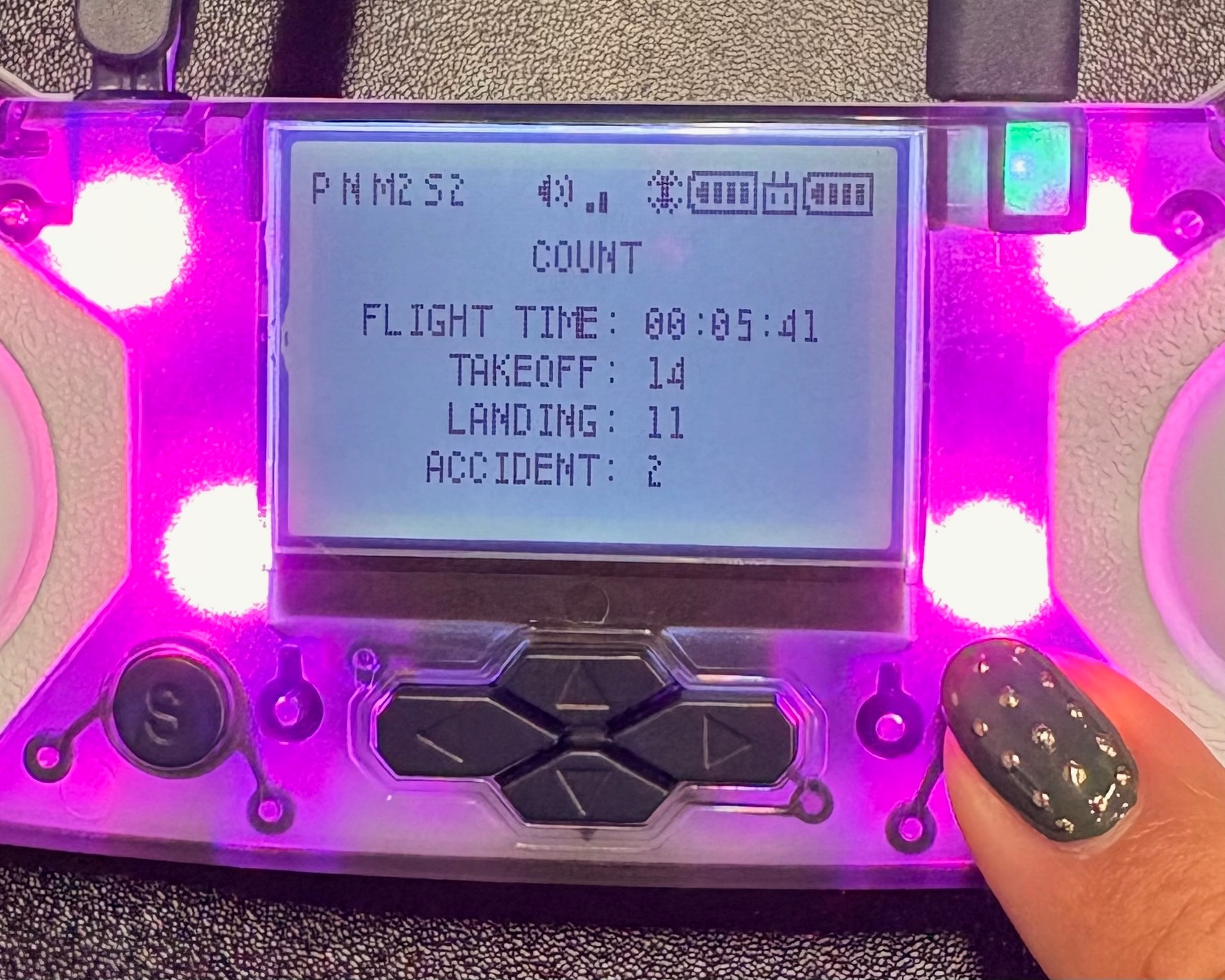
- COUNT Log
(Accessible by ensuring your drone and controller are paired—not in LINK state—then pressing the S and P buttons until you reach the COUNT log screen.)
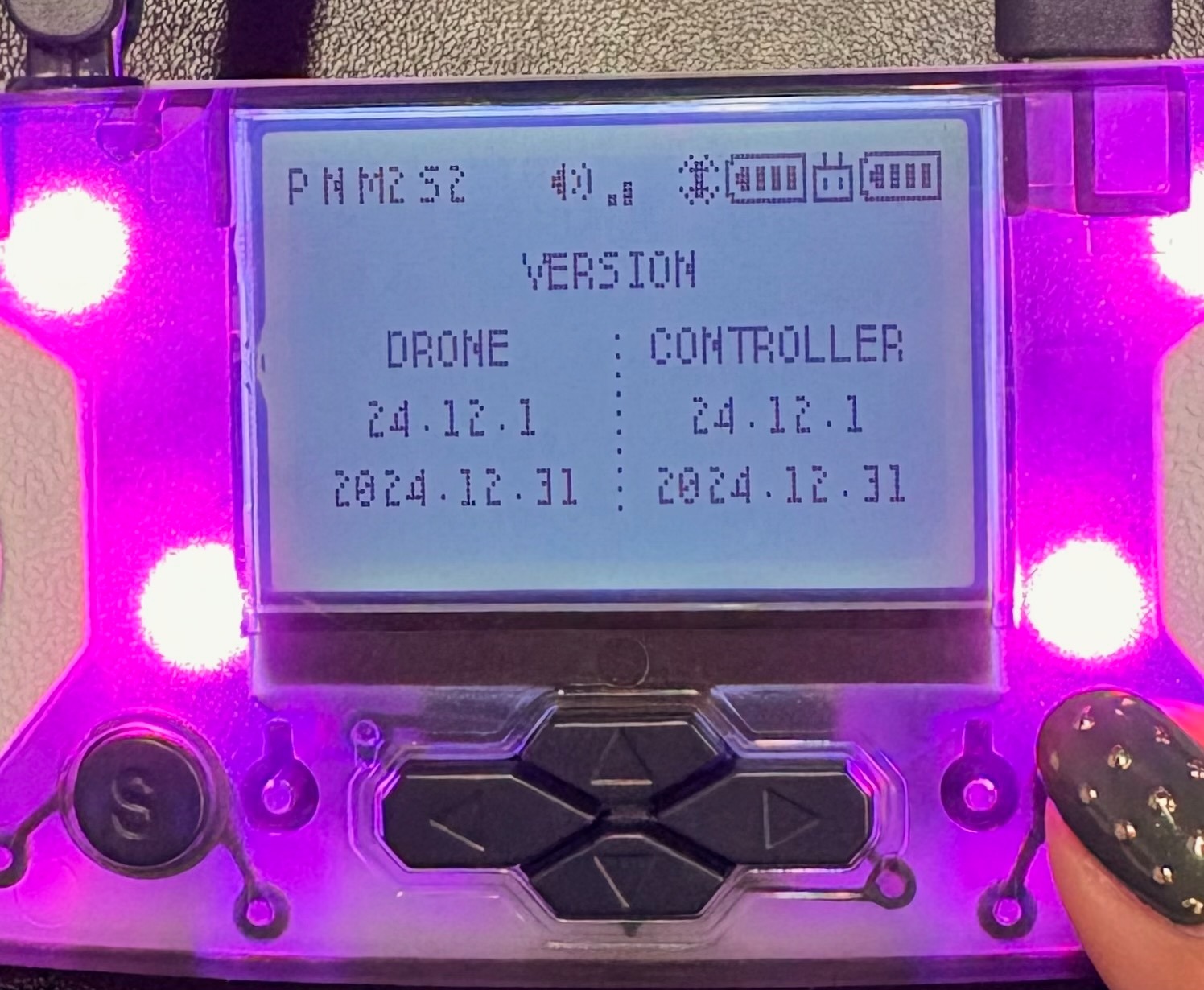
- Firmware Screen (“Version”)
(Accessible by ensuring your drone and controller are paired—not in LINK state—then pressing the S and P buttons until you reach the firmware screen.)
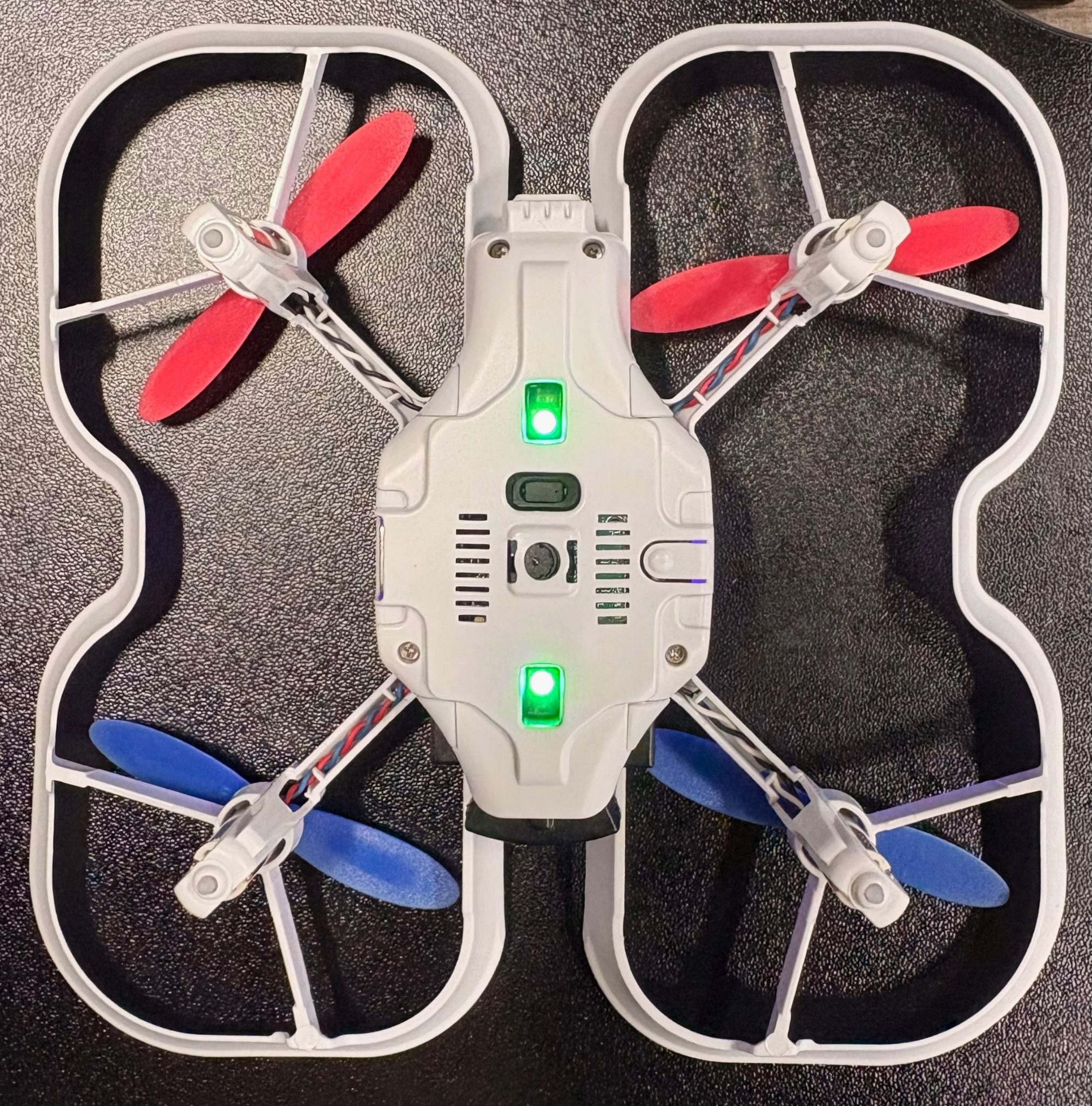
- Photo of the bottom of your drone
- Video of the issue
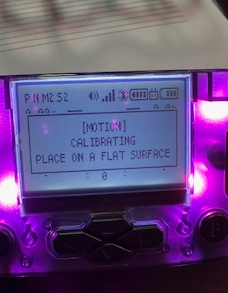
- Error message displayed on your controller (if applicable)