What kind of batteries can I use with the CoDrone EDU controller?
 Updated
by
Robolink Support
Updated
by
Robolink Support

The CoDrone EDU controller can be powered either through a USB cable or with batteries. For the best performance and most stable connection, we recommend using the included USB cable to power the controller. It can be plugged into a computer USB port or a portable power bank.
CoDrone EDU (Standard ed.)
The Standard CoDrone EDU controller accepts two (2) AA batteries.
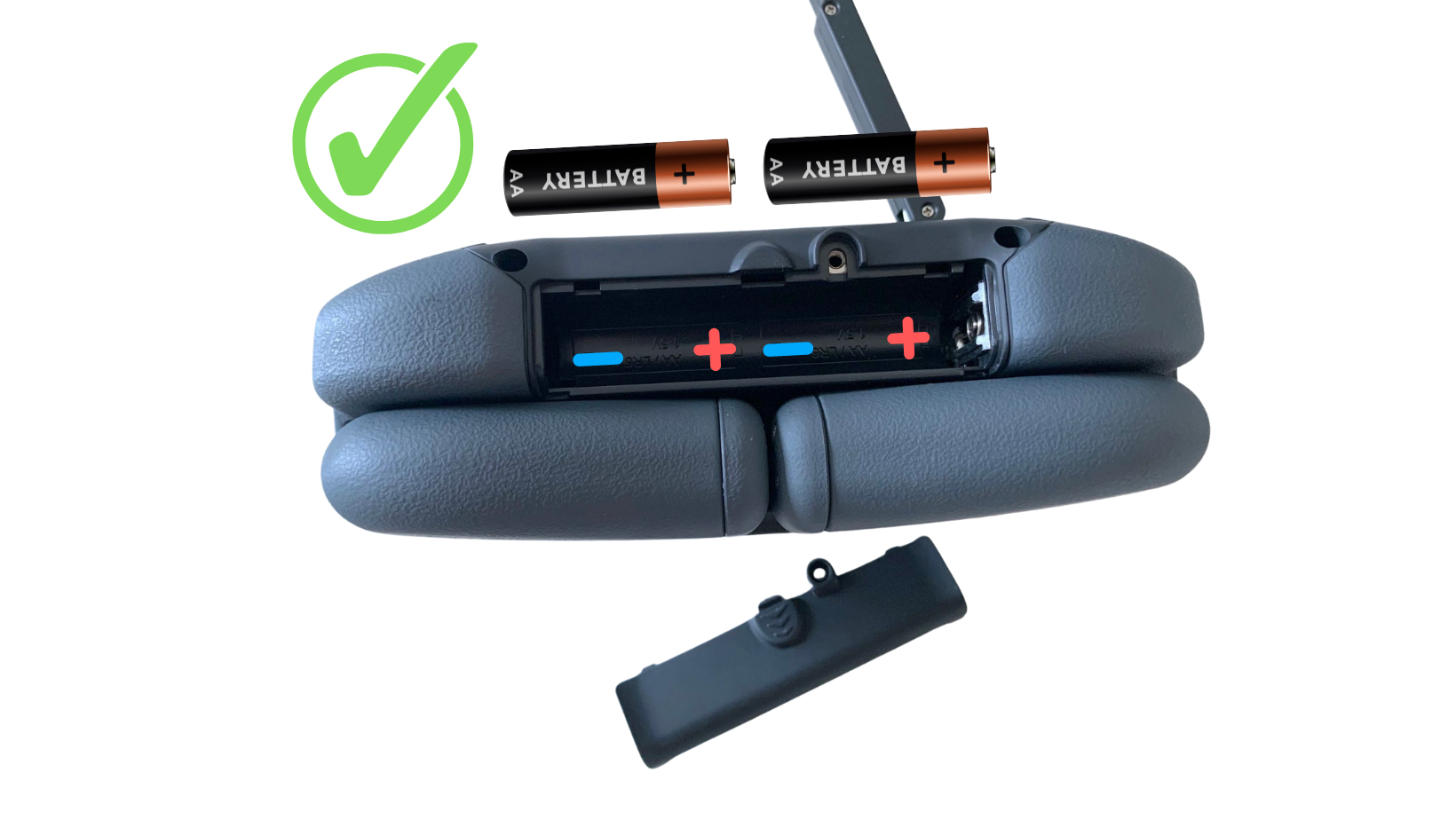
You may use non-rechargeable or rechargeable batteries, but with some important considerations. While rechargeable AA batteries technically work, we've seen that they may not always supply enough current to keep the controller reliably powered on. This can result in unexpected shutoffs, intermittent connection issues, or shorter runtime. If you choose to use rechargeable batteries, we recommend using a high-quality brand that maintains stable voltage and current.
CoDrone EDU (JROTC ed.)
Unlike the standard version, the JROTC controller does not use AA batteries. Instead, it is powered by a single EDU drone battery inserted into the controller’s battery slot.
If your controllers are not powering on when you insert batteries, please review our HelpDoc Article: Why Won’t My CoDrone EDU Controller Turn On with Batteries?
If you have any questions or would like more information, please reach out to support@robolink.com. We are happy to provide recommendations if needed as well!
