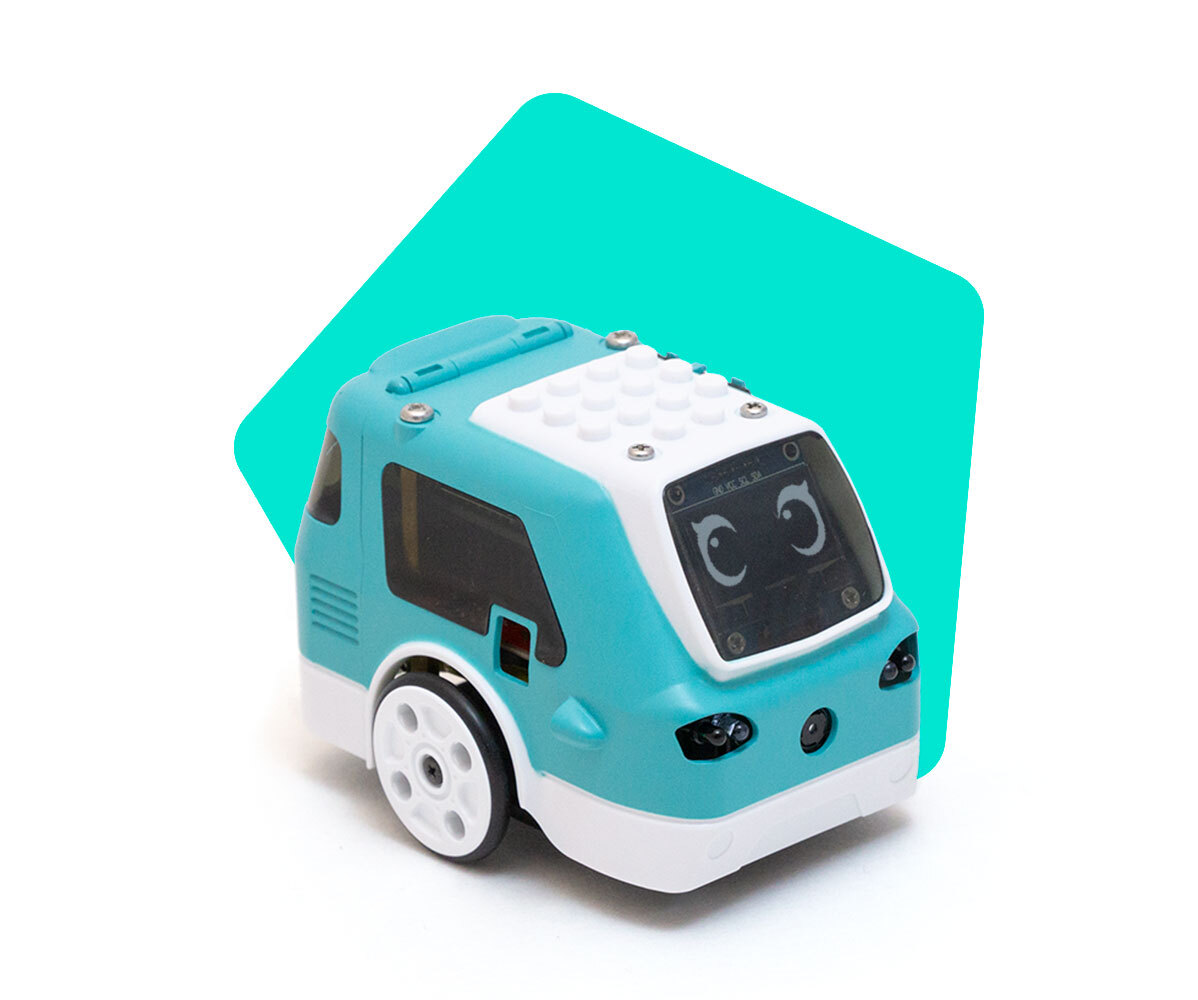
Why won’t Zumi stop driving?
 Updated
by
Leila Firestone
Updated
by
Leila Firestone
Sometimes Zumi receives interfering commands and she gets stuck doing the last command, even after you stop running your code. If this happens, terminate the current cell that is running and rerun the import statement and Zumi object initialization in a separate cell. Note that clicking the Jupyter notebook stop button does not send a stop command to Zumi it just ends the python program.
Here is the code:
from zumi.zumi import Zumi
zumi = Zumi()
You can also try this if that cell has already been called
zumi.stop()