My Rokit Smart IR sensors aren't working!
 Updated
by
Leila Firestone
Updated
by
Leila Firestone
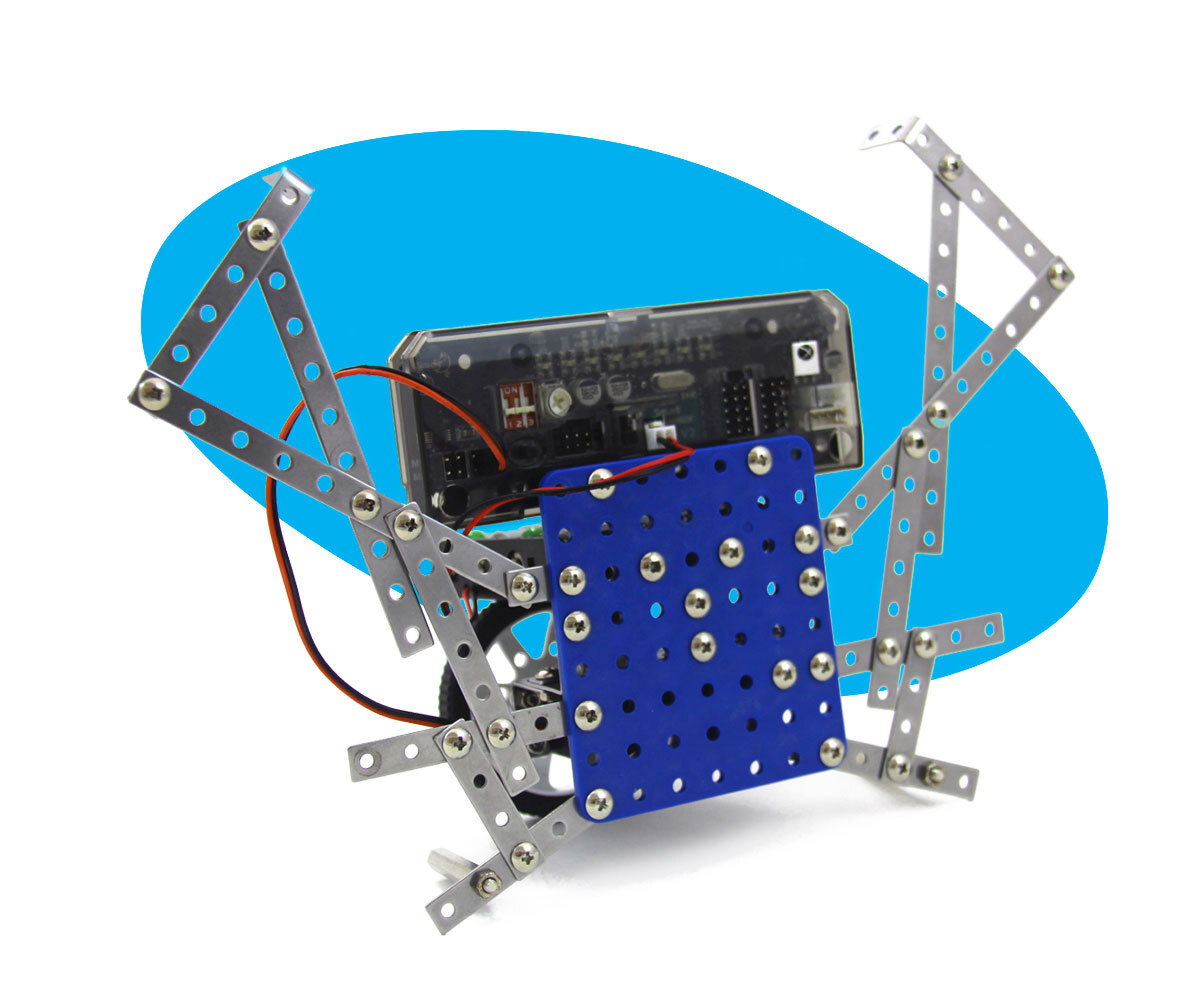
Sometimes you might build a robot that uses the IR sensors but something doesn't feel right. If your robot is constantly spinning around, or not moving at all, you might have to check the sensitivity of the IR sensors.
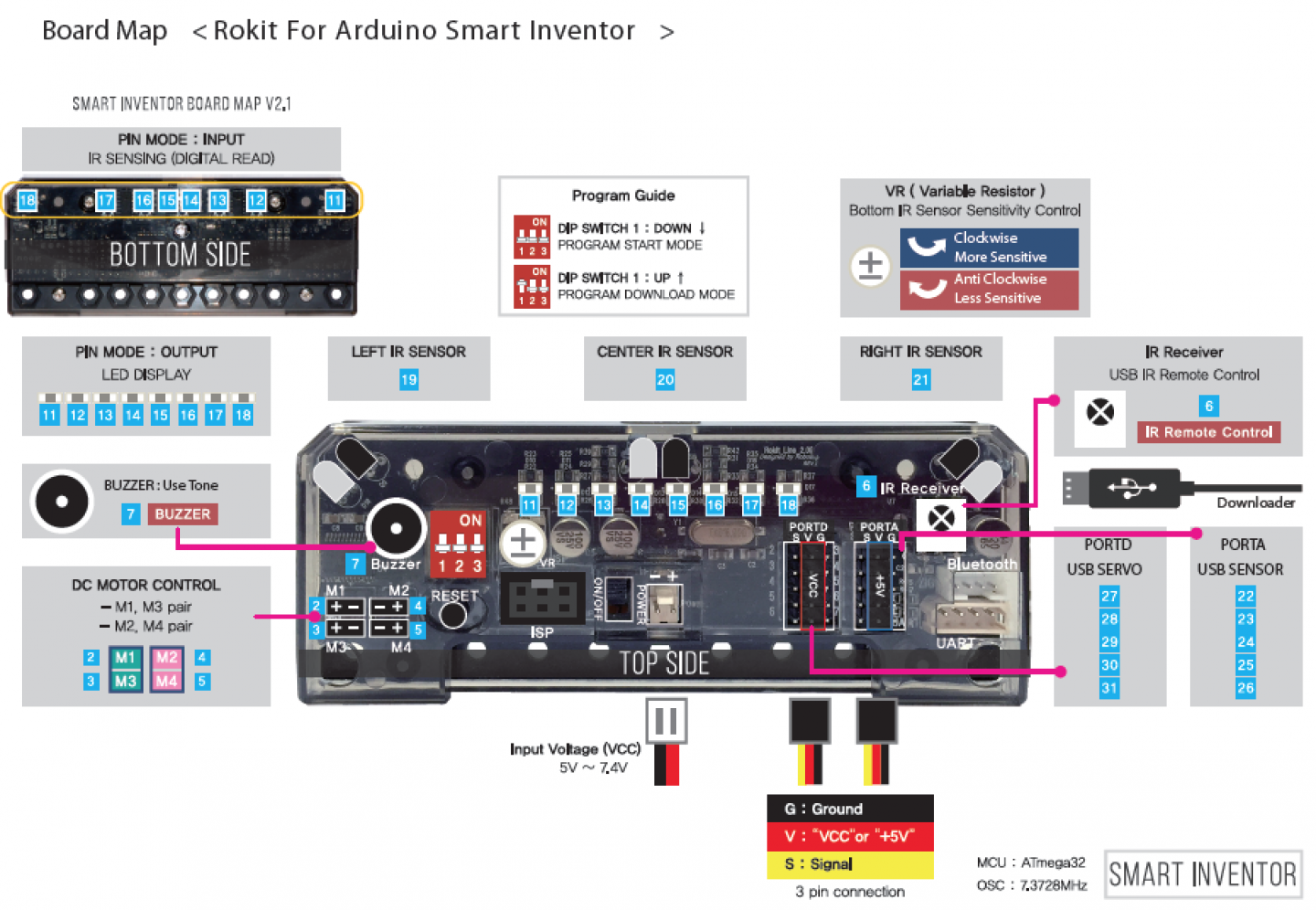
On the top of the Smart Inventor board, there is a potentiometer that adjusts the infrared sensitivity. Use a screwdriver to adjust it. Keep in mind it does not spin 360 degrees, so if you feel some resistance when adjusting the potentiometer you have reached its limit. See this diagram to locate the potentiometer.
There are a few other things to note especially with the robots with programs that rely on the IR sensors. Any form of light can trigger the sensors. Being in a room with lots of sunlight can trigger the sensors and cause the robots to spin around in circles. If you are having trouble with the Sumo bot, remember that the default code is set to avoid black lines while on a light surface, so you will need to have the right field for it to work properly. A white poster board with black electrical tape works great!