How can I get a quote or make a purchase order?
 Updated
by
Robolink Support
Updated
by
Robolink Support
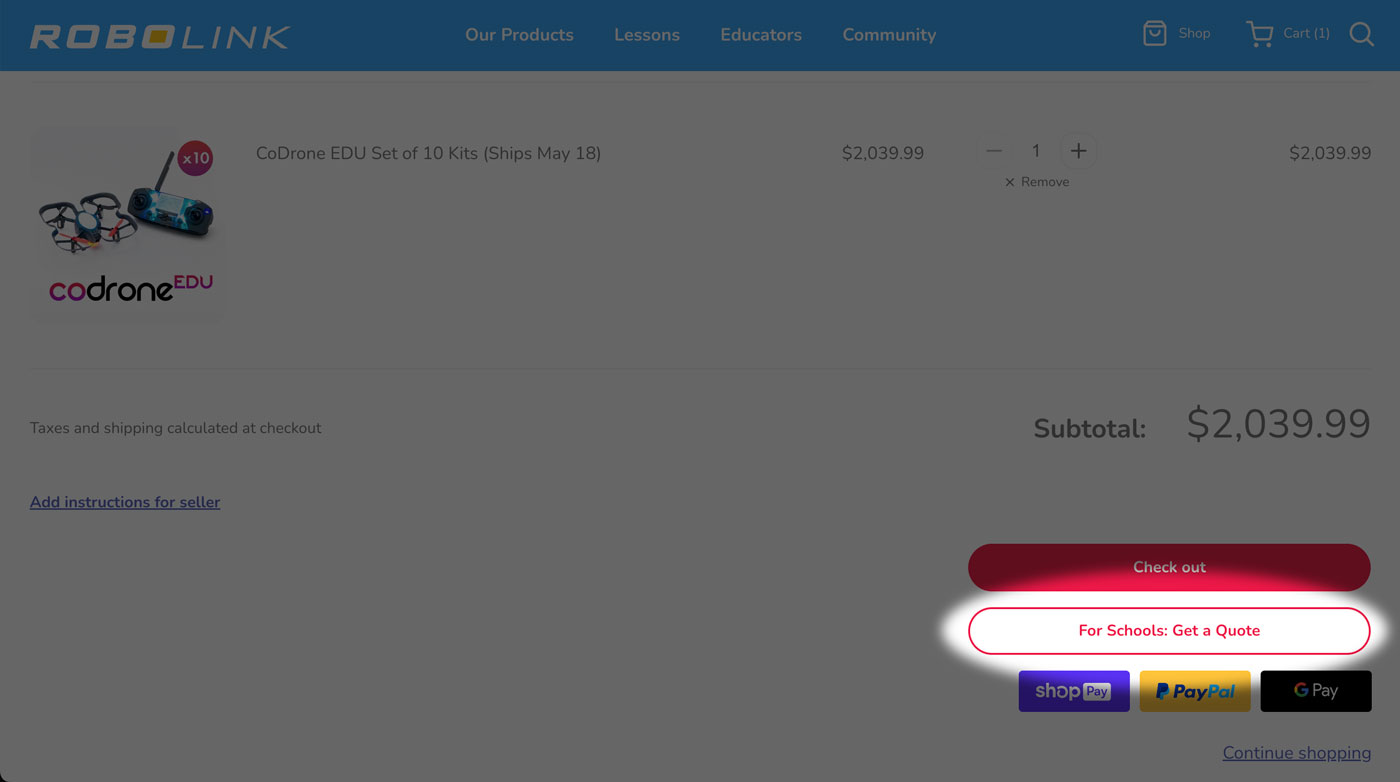
To get a quote or make a purchase order, just add whatever items you want to your cart. When you go to your cart, you can use the "For Schools: Get a Quote" button in the cart to request a quote. We'll send you an e-mail, where you'll be able to respond with a purchase order, or pay by card.
You can also visit this link, where you can find our guide on how to place a purchase order. If your school district requires us to submit a vendor application, you can email it to us at admin@robolink.com.
