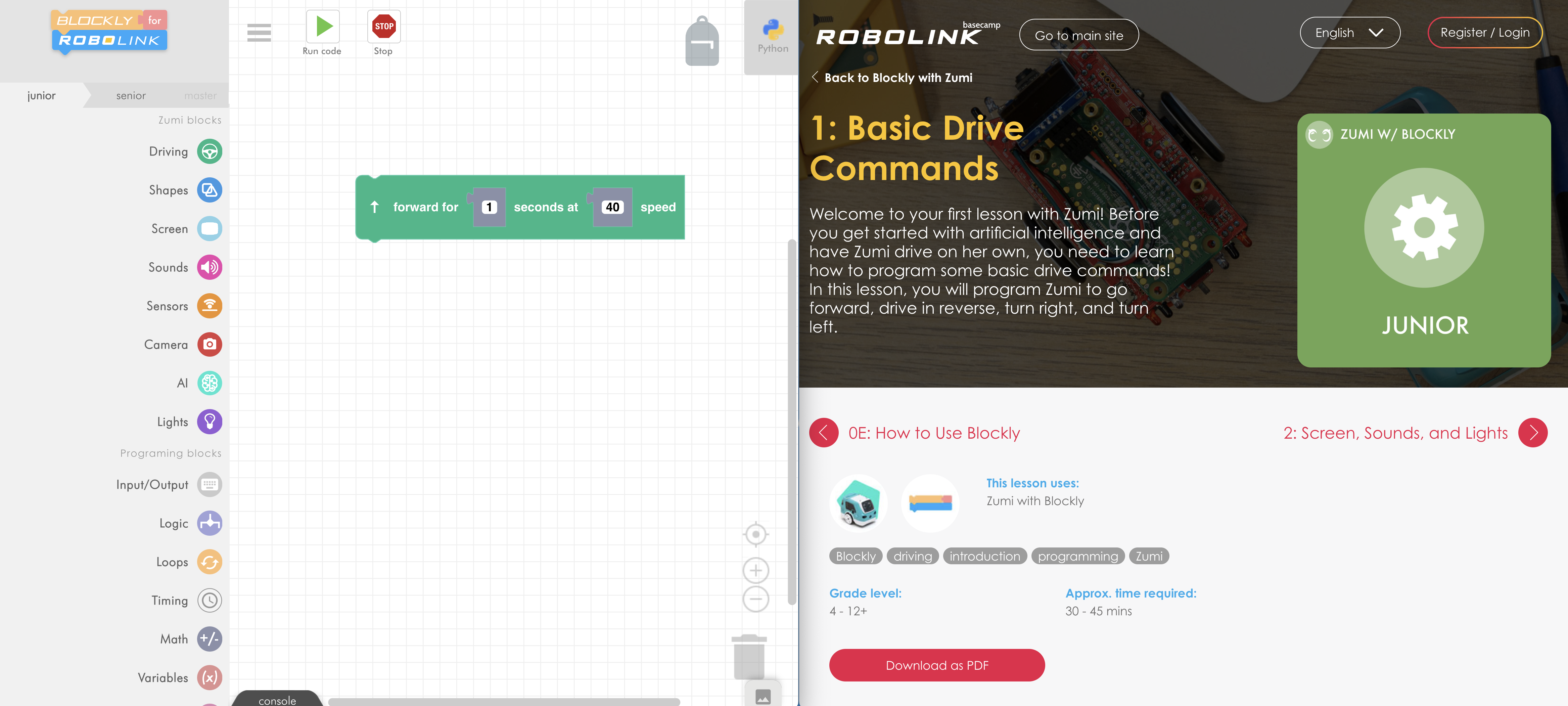
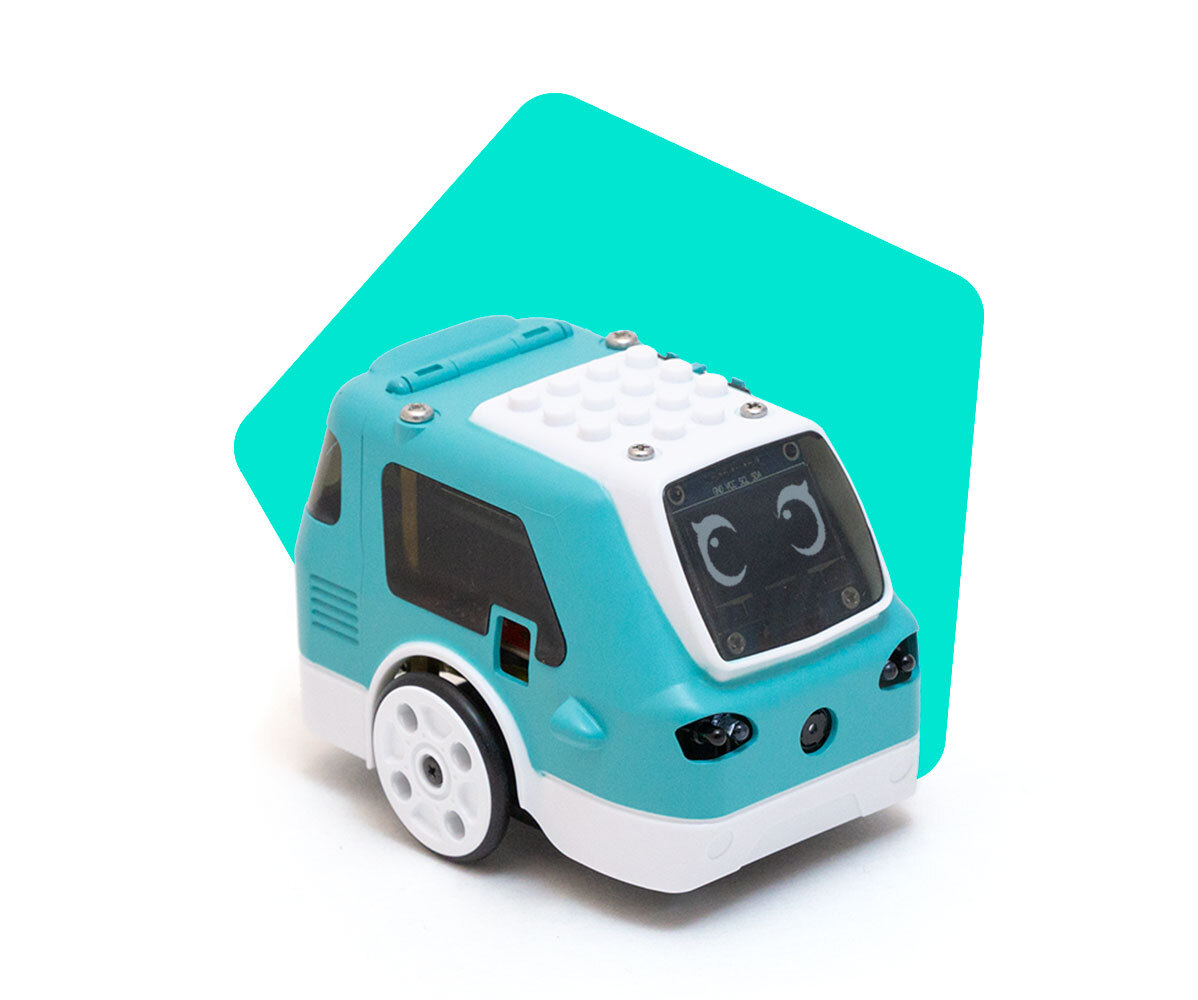
How do I get to Zumi Blockly?
 Updated
by
Wesley Hsu
Updated
by
Wesley Hsu
Zumi's Blockly programming workspace is only accessible through Zumi's dashboard. Do not search for "Robolink Blockly" on a search engine or you may end up on our drone programming website!
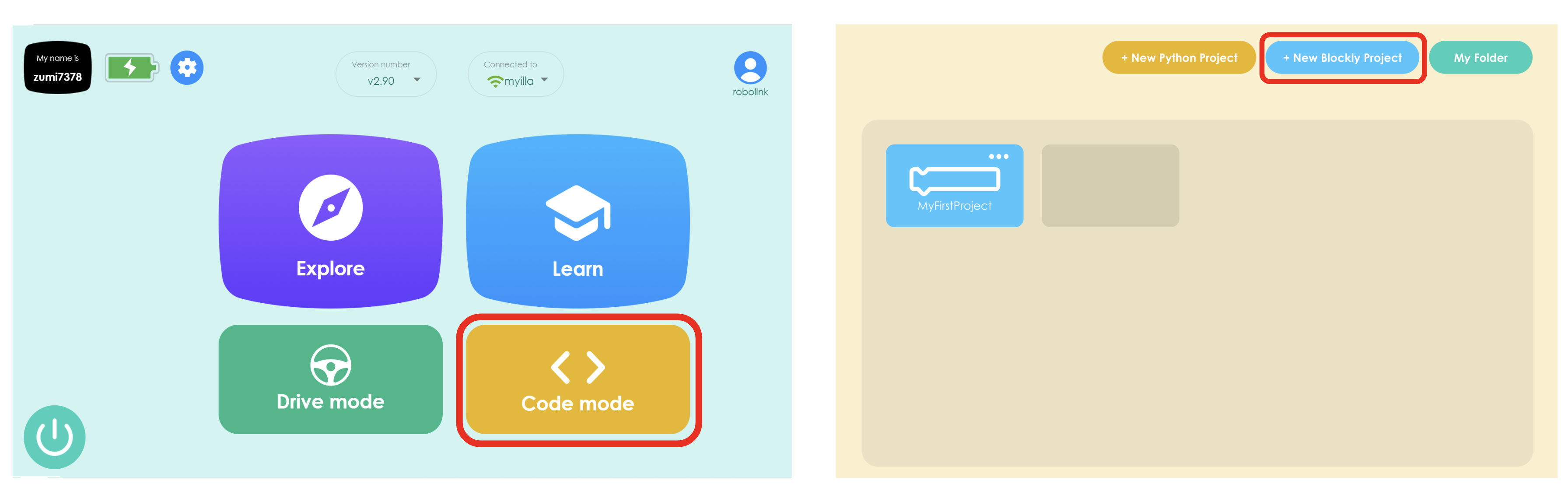
To code in Blockly, first power on Zumi and navigate to the dashboard. Select "Code Mode" and then open a new Blockly project.
Once on Blockly, you may want to see the lessons. Currently, the Blockly lessons are only available on Basecamp. The best way to learn with Blockly is to connect Zumi to the internet (see lesson on WiFi and onboarding) and open the lessons in a new window.