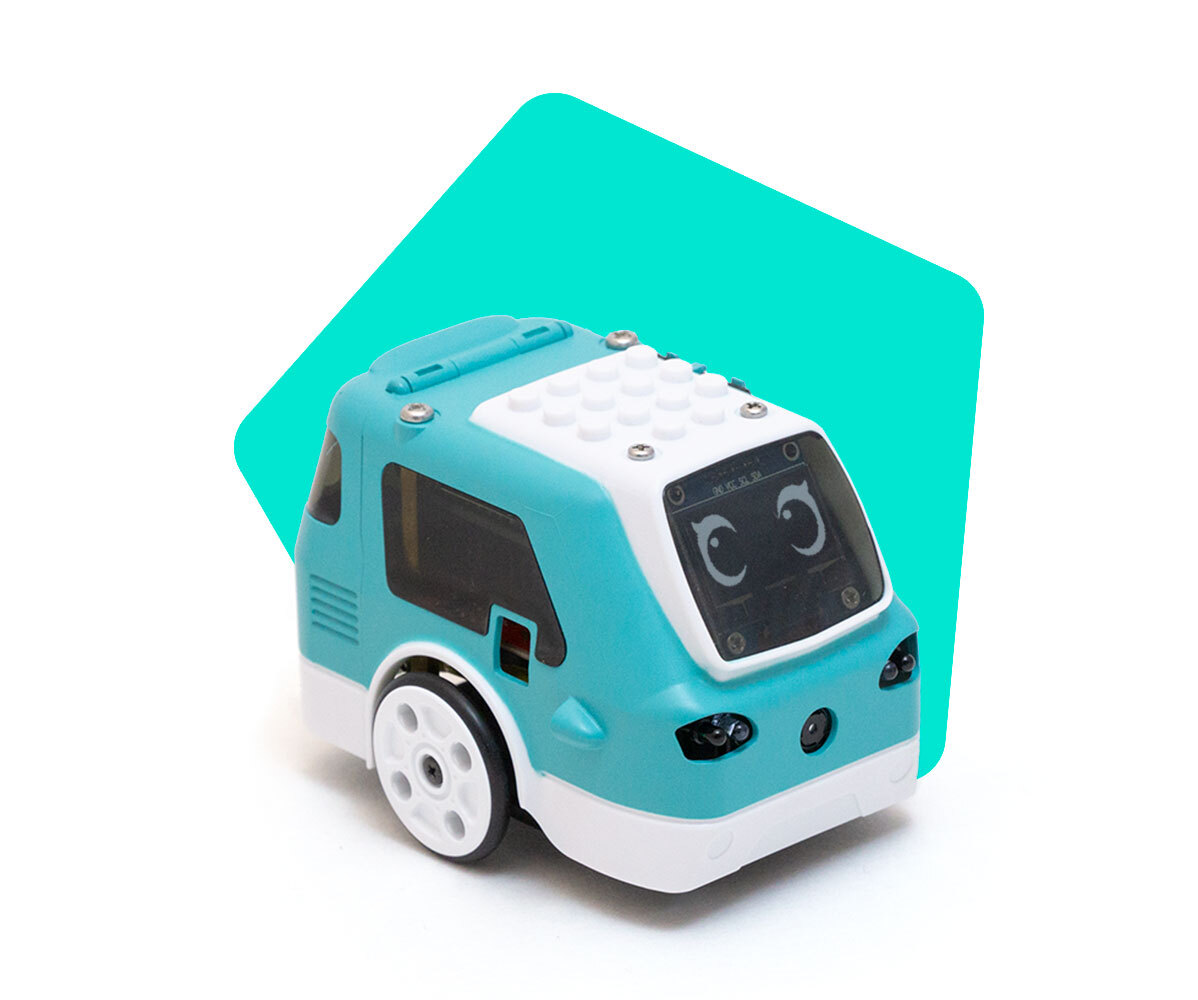
Why am I getting a “Camera not enabled” or "Camera not connected" error with Zumi?
 Updated
by
Leila Firestone
Updated
by
Leila Firestone
Connecting the Raspberry Pi camera is tricky and is usually the cause of most camera issues. If you are getting an error while trying to start the camera stream, try the following.
Power off Zumi and remove the shell using the included screwdriver.
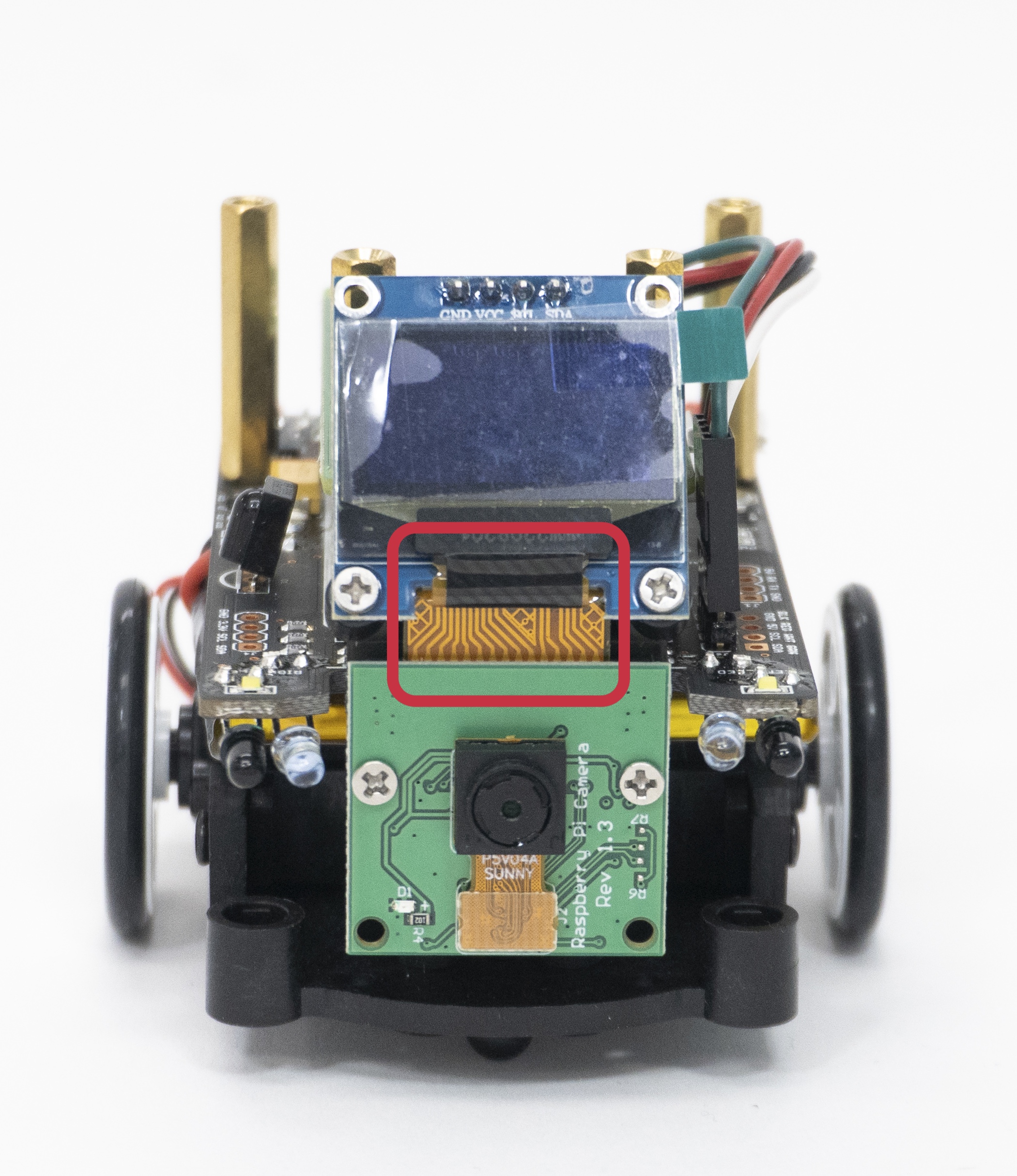
Verify that the front connector looks like this.
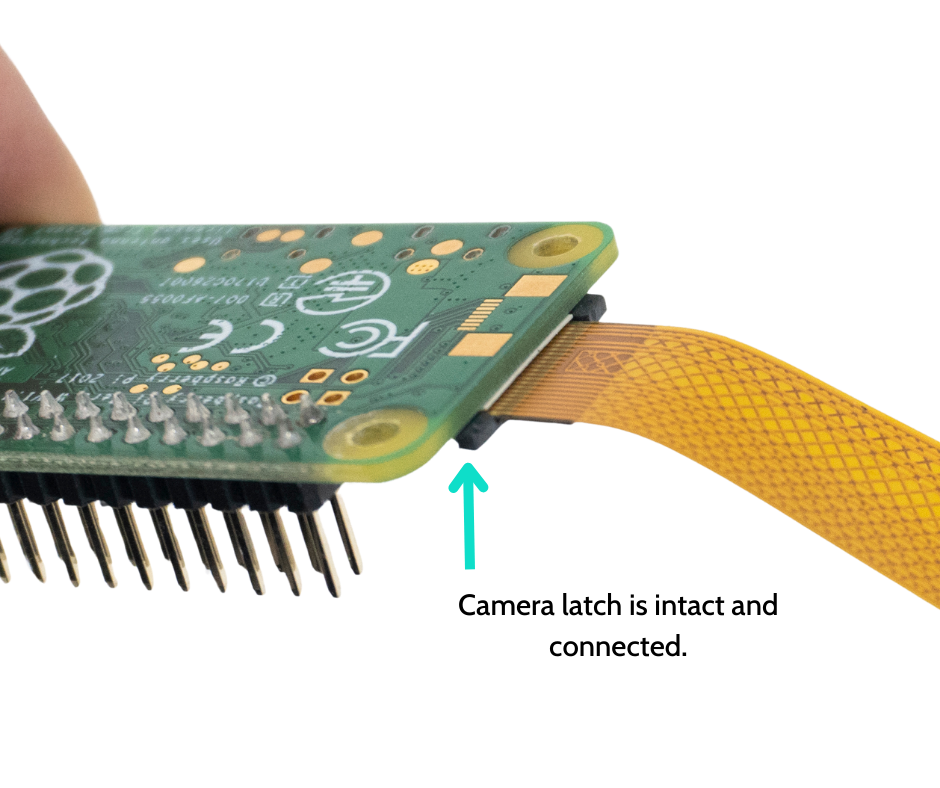
Check that the camera connector connected to the Pi Zero is fully inserted with the latch intact.
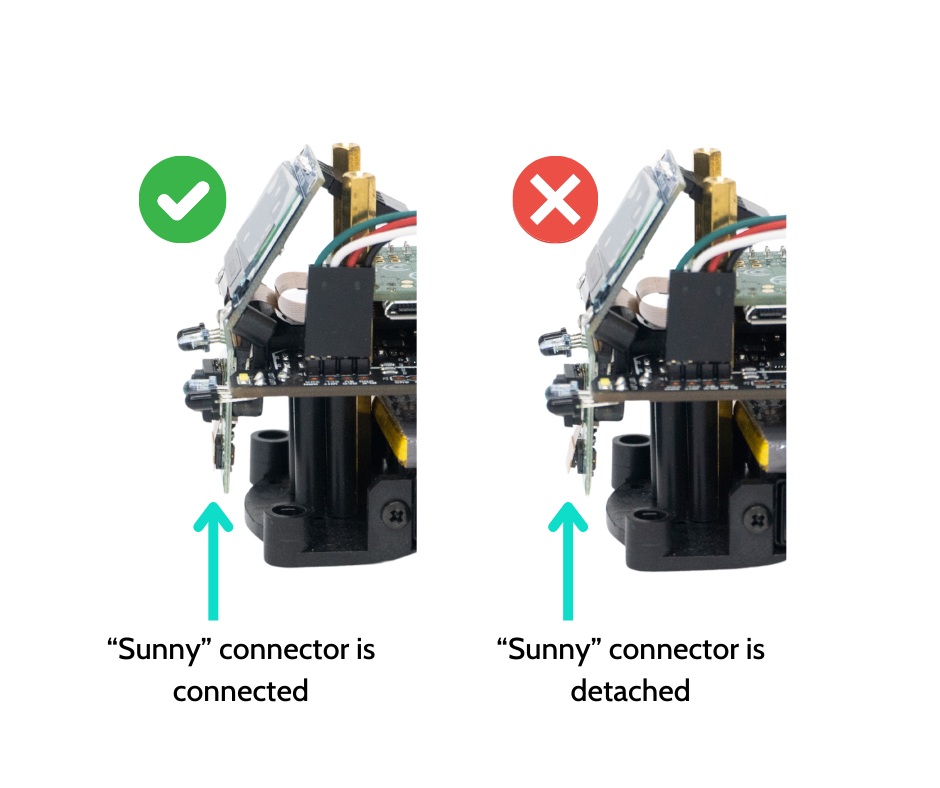
Verify that the Sunny connector (front of the Pi camera) is connected.
If you are still having issues with your camera and you have access to other Zumis, try swapping the camera from a working one to confirm that the camera is the issue. If you are experiencing this problem, it may be due to overtightening the bolts or removing the camera latch. Email support@robolink.com if you need assistance determining which part needs replacement.