Why can’t I connect Zumi to the internet?
 Updated
by
Leila Firestone
Updated
by
Leila Firestone
If you are having trouble connecting Zumi to a network, below are common troubleshooting issues for connecting Zumi to Wifi.
- I don't see my network in the list
When you go to connect Zumi to the internet, you will need to select a network from the dropdown menu.
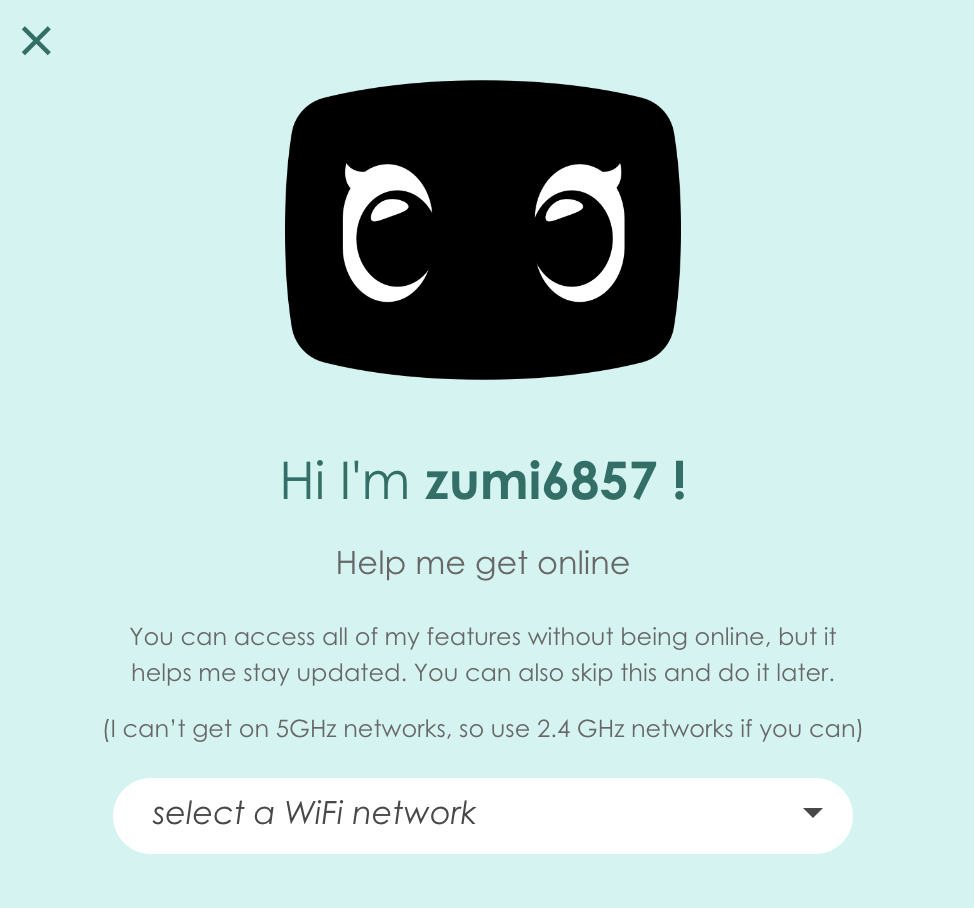
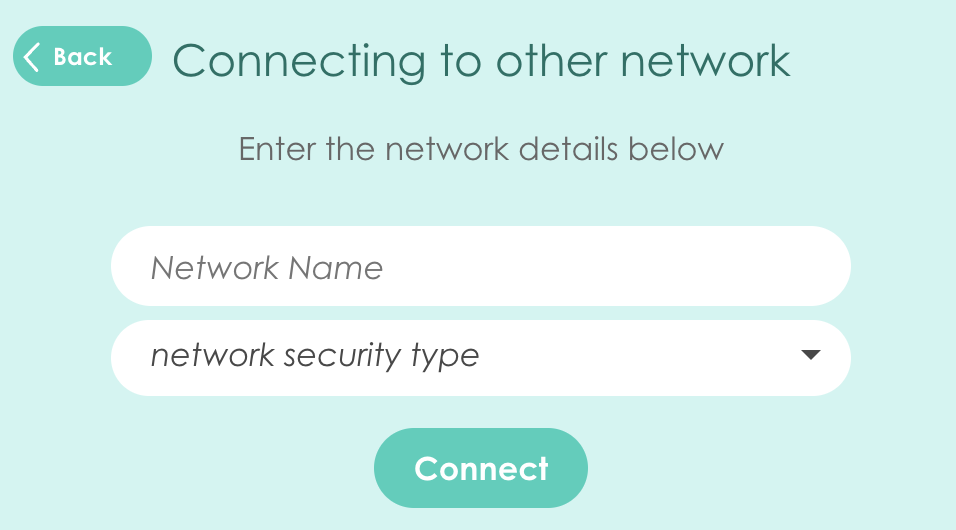
If you don't see your Wifi in the network list, then your network might be hidden or a 5 GHz network. For a hidden network, scroll down to "Join other network..." and enter the network name and credentials.
In the case of a 5 GHz network, Zumi is not compatible. Try another network or use a hot spot.
- Zumi temporarily disconnected from your computer
While Zumi is trying to connect, you may see a screen similar to this one.
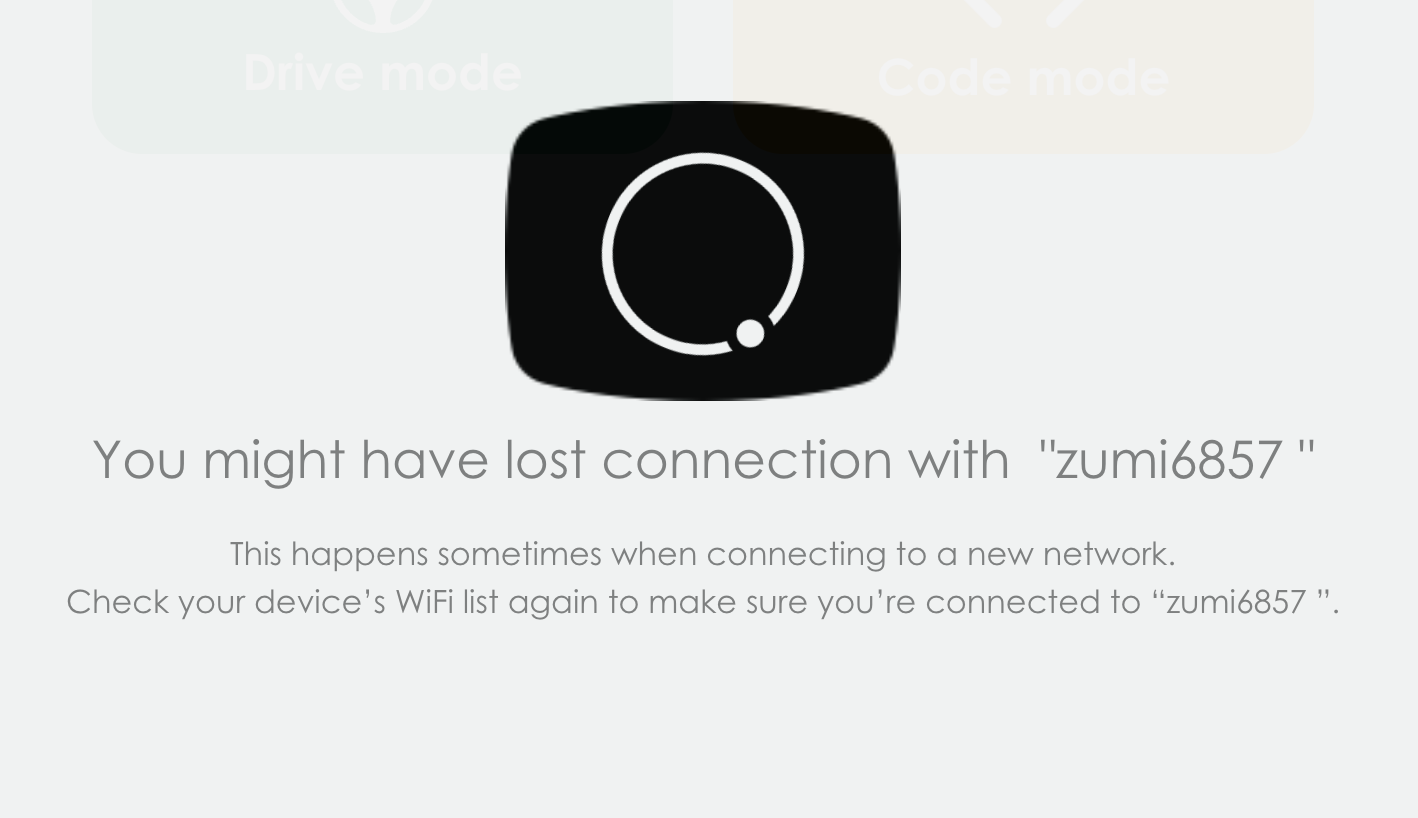
Zumi should reconnect automatically and continue trying to reach your WiFi. If the dashboard stays on this screen, check your computer network list and make sure it's still connected to Zumi. If not, reconnect your device to Zumi and try to connect to Wifi again,
- Connection failed
If Zumi could not connect to your network, you may see this screen.
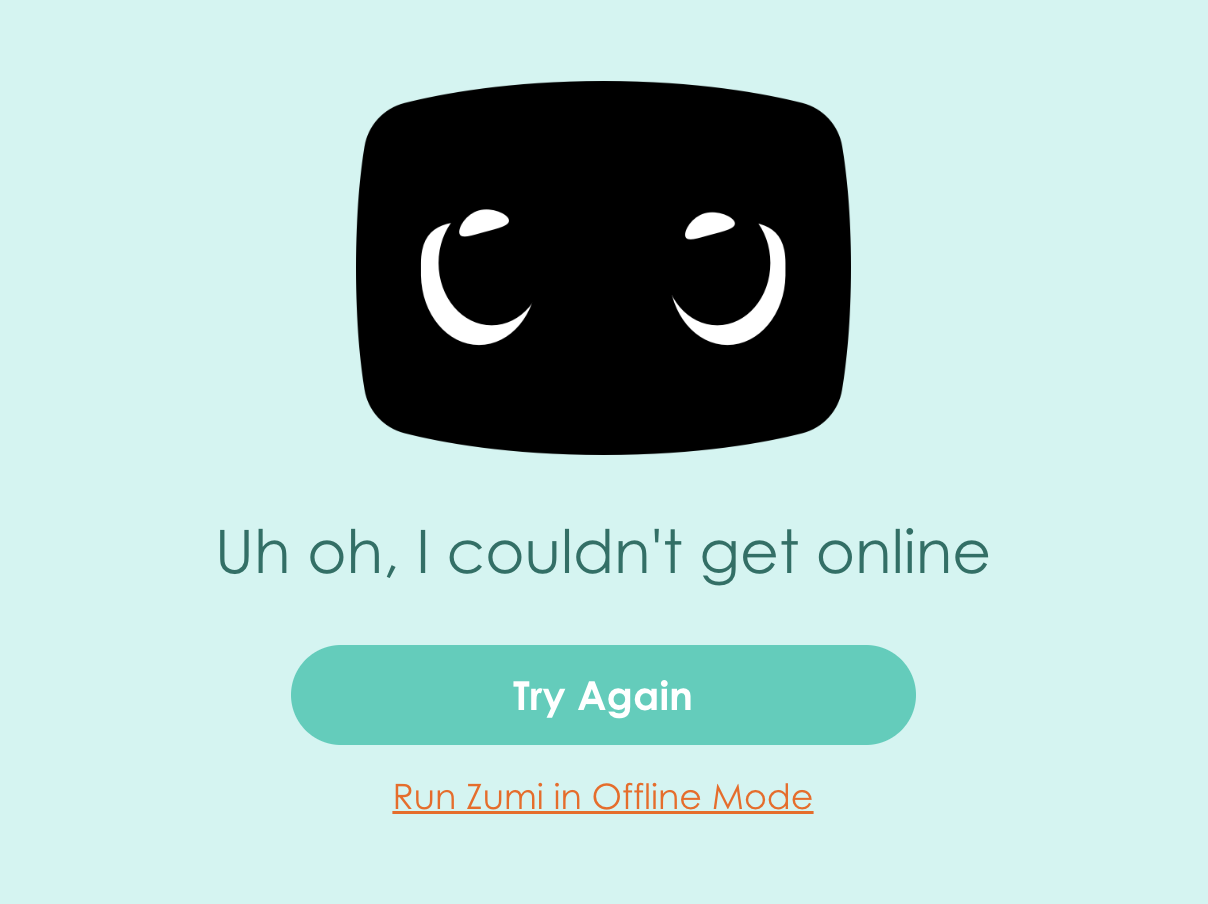
Check your network and password information. It might be incorrect. If the connection fails after multiple attempts, your network may not be stable or might be preventing devices from connecting.
Reach out to support@robolink.com if Zumi is still not able to connect after trying the steps above.