How do I make a teacher account?
 Updated
by
Robolink Support
Updated
by
Robolink Support
Our learning platforms—Robolink Learn and Drone Lab—are completely FREE for both teachers and students.
Do You Need an Account?
You do not need an account unless you:
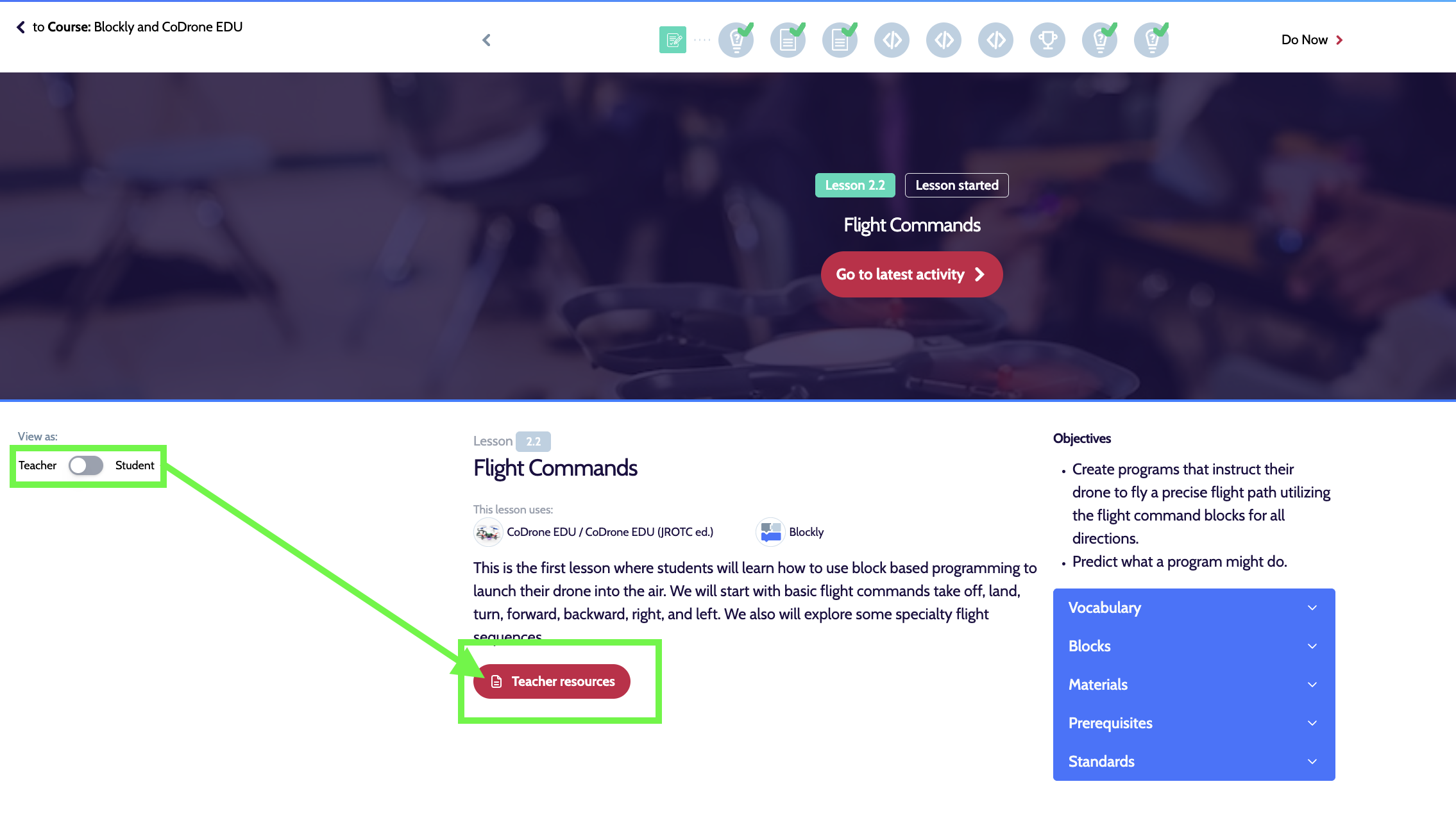
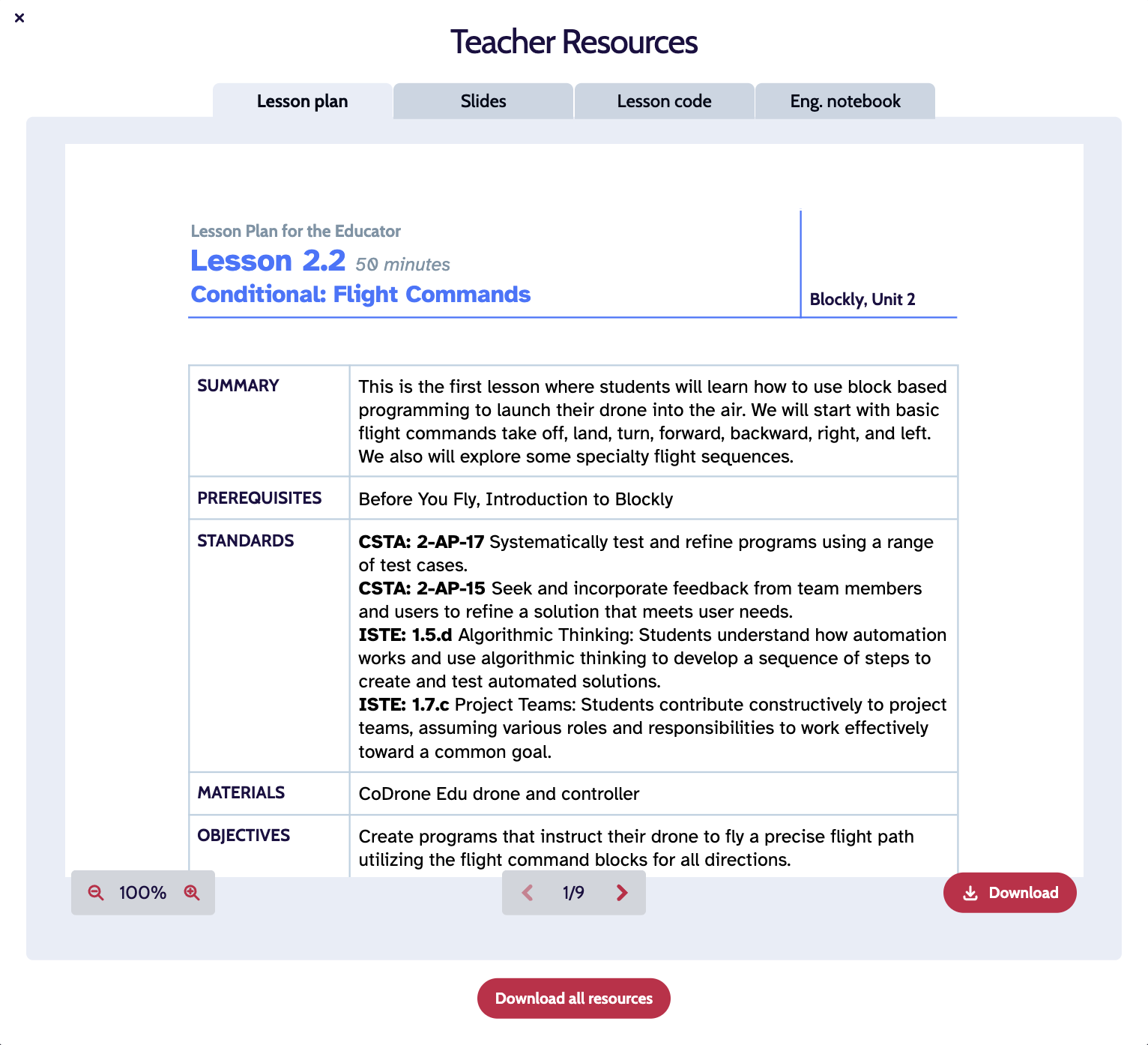
- Need access to teacher resources (curriculum, lesson plans, code solutions, printable engineering notebooks, Certified Educator Course)
- Need access to student resources
- Need to make student accounts
Even without an account, you’ll still have access to the platform content.
How to Create a Teacher Account
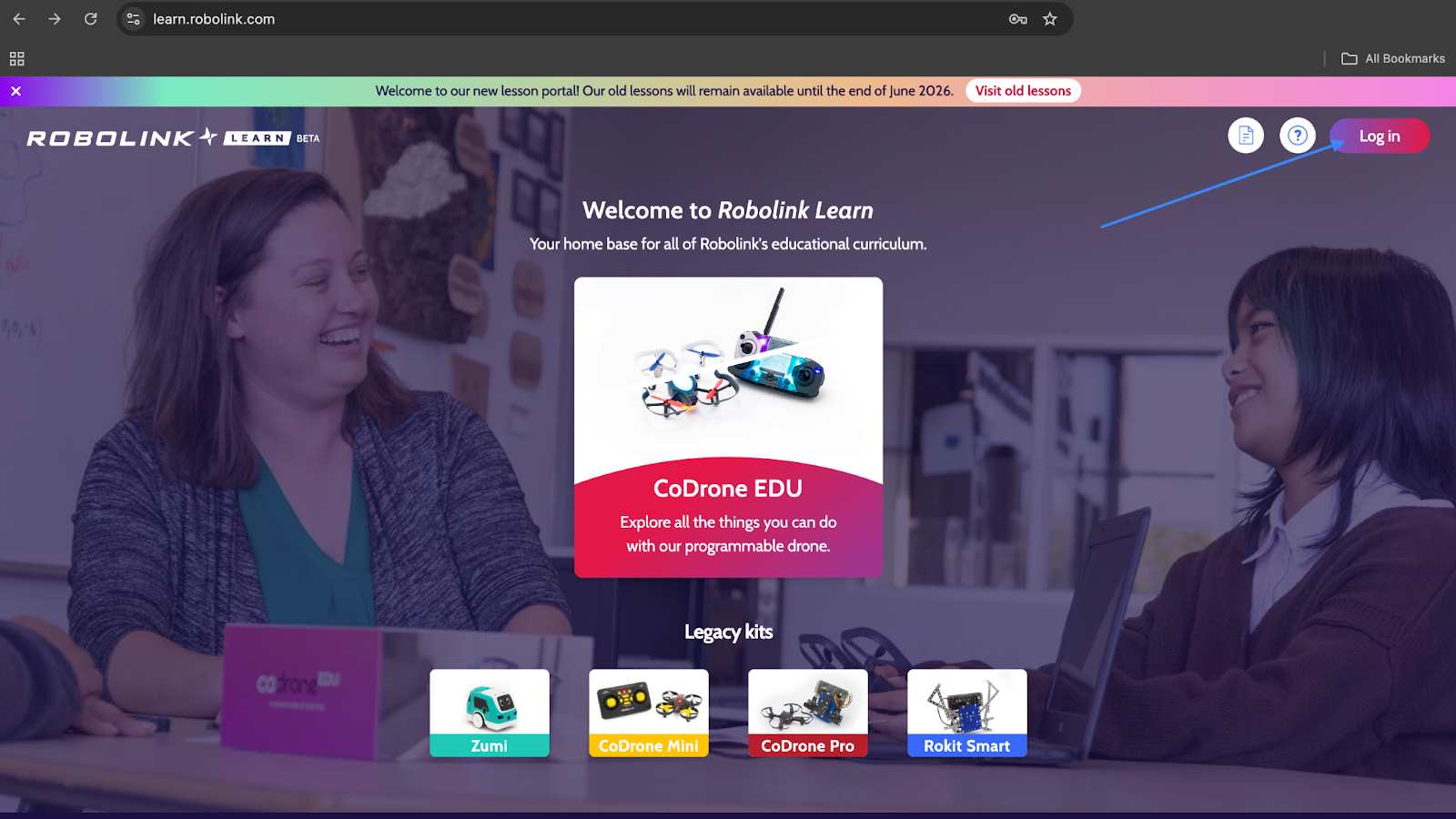
- Go to learn.robolink.com
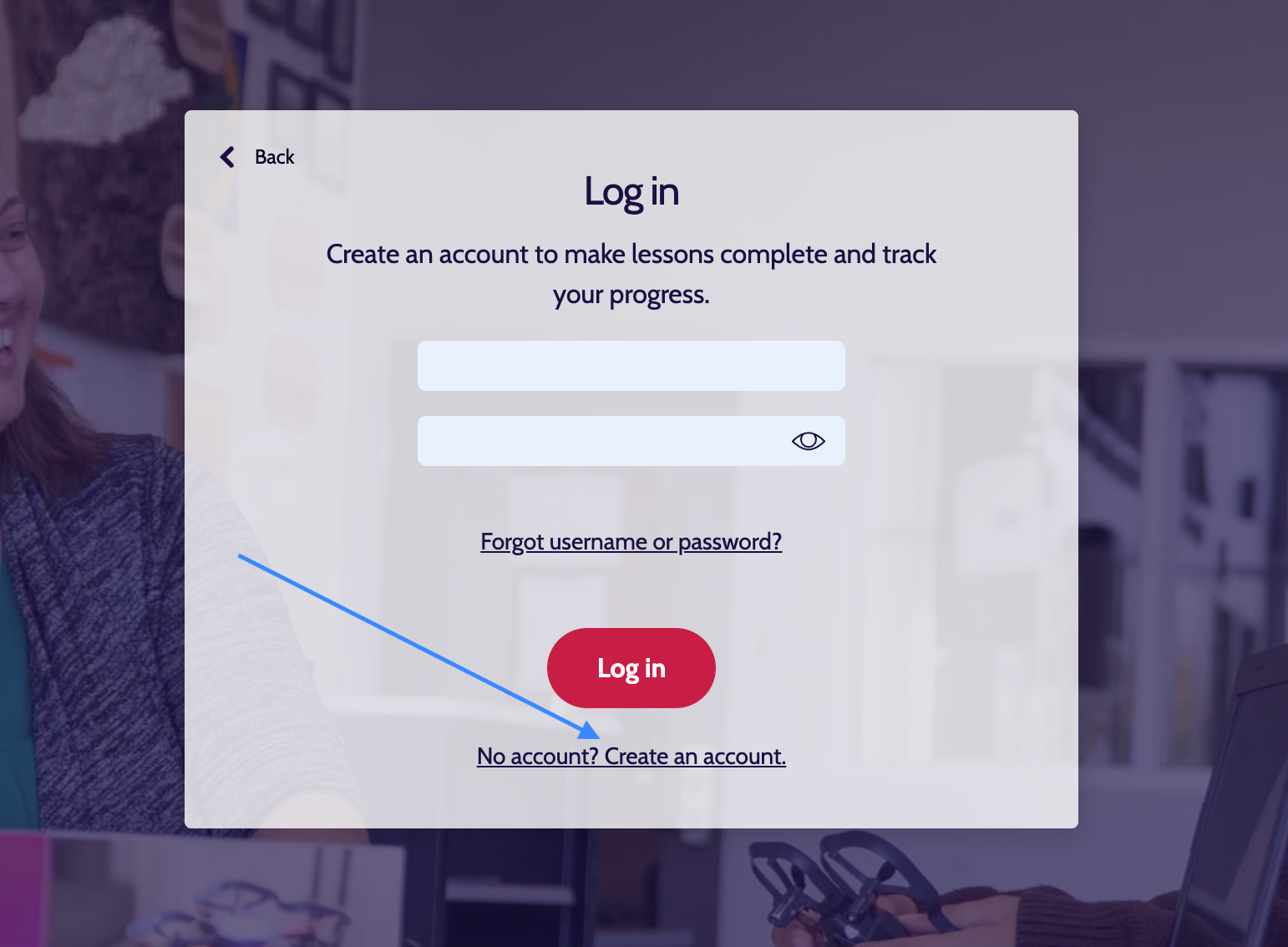
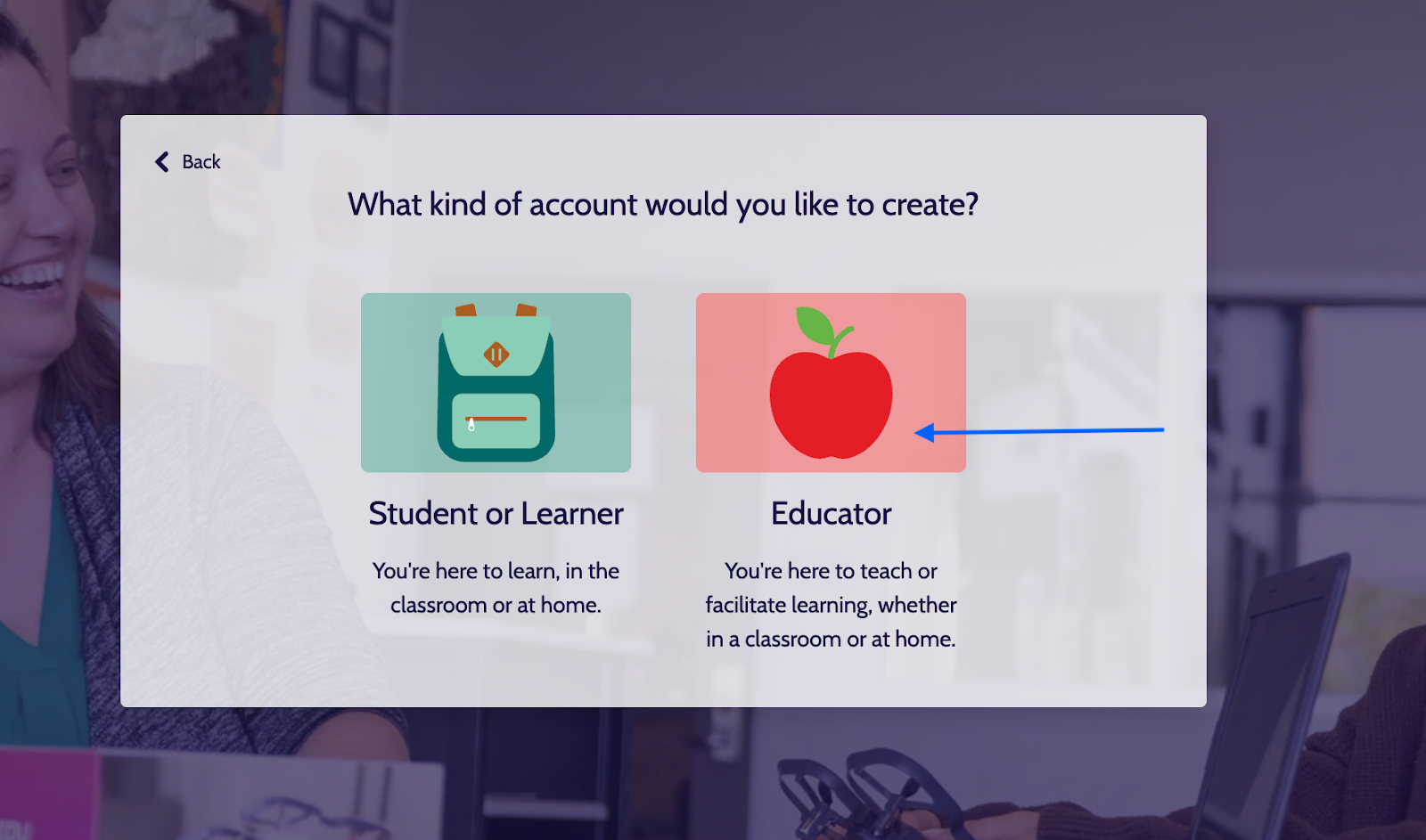
- Click “Log In” → create an account → select "Educator"
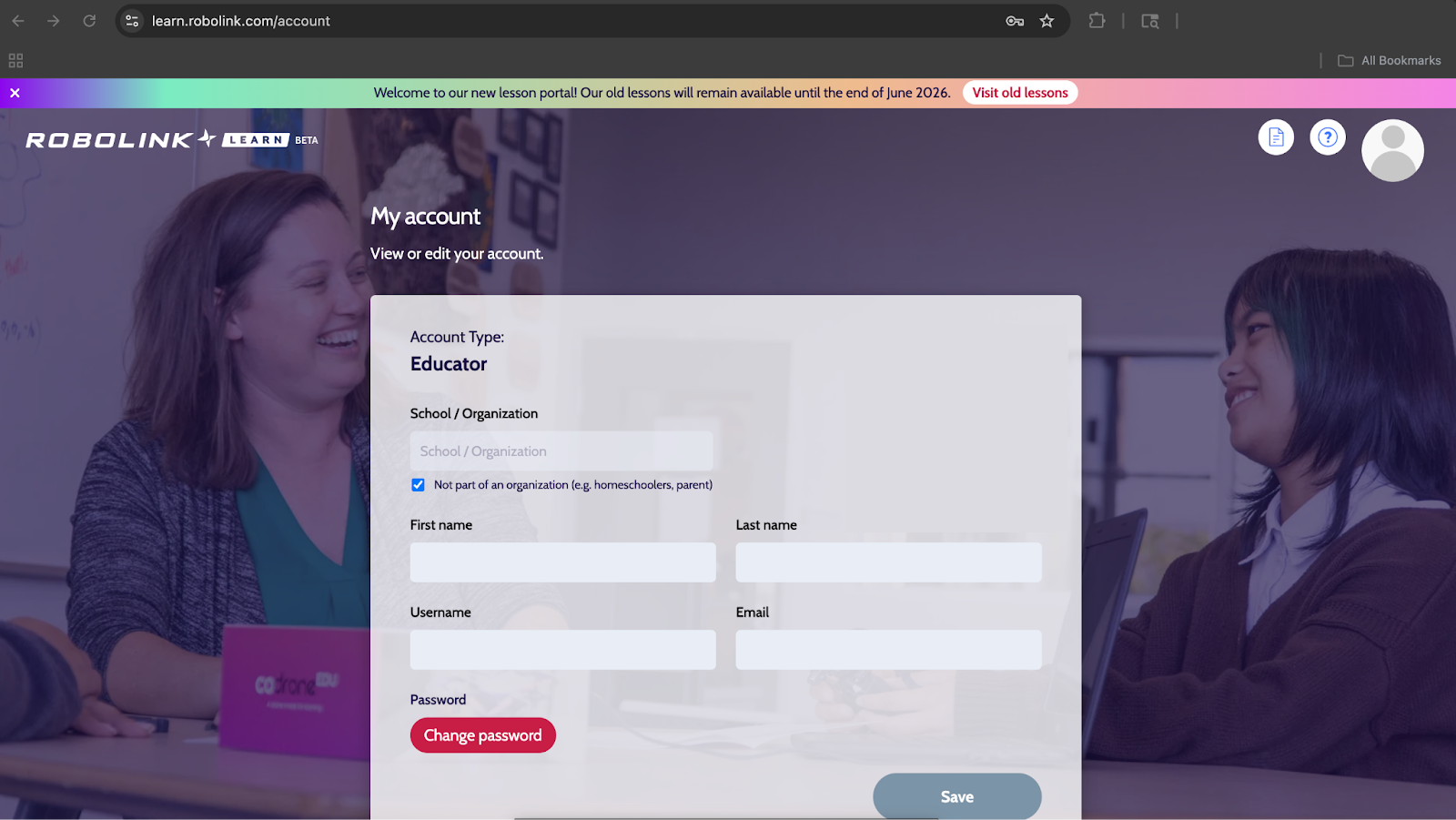
- Click the Profile icon and select “My Account”
- Confirm that your account is labeled “Educator”
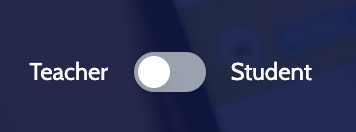
What resources will I get access to with my Educator account?
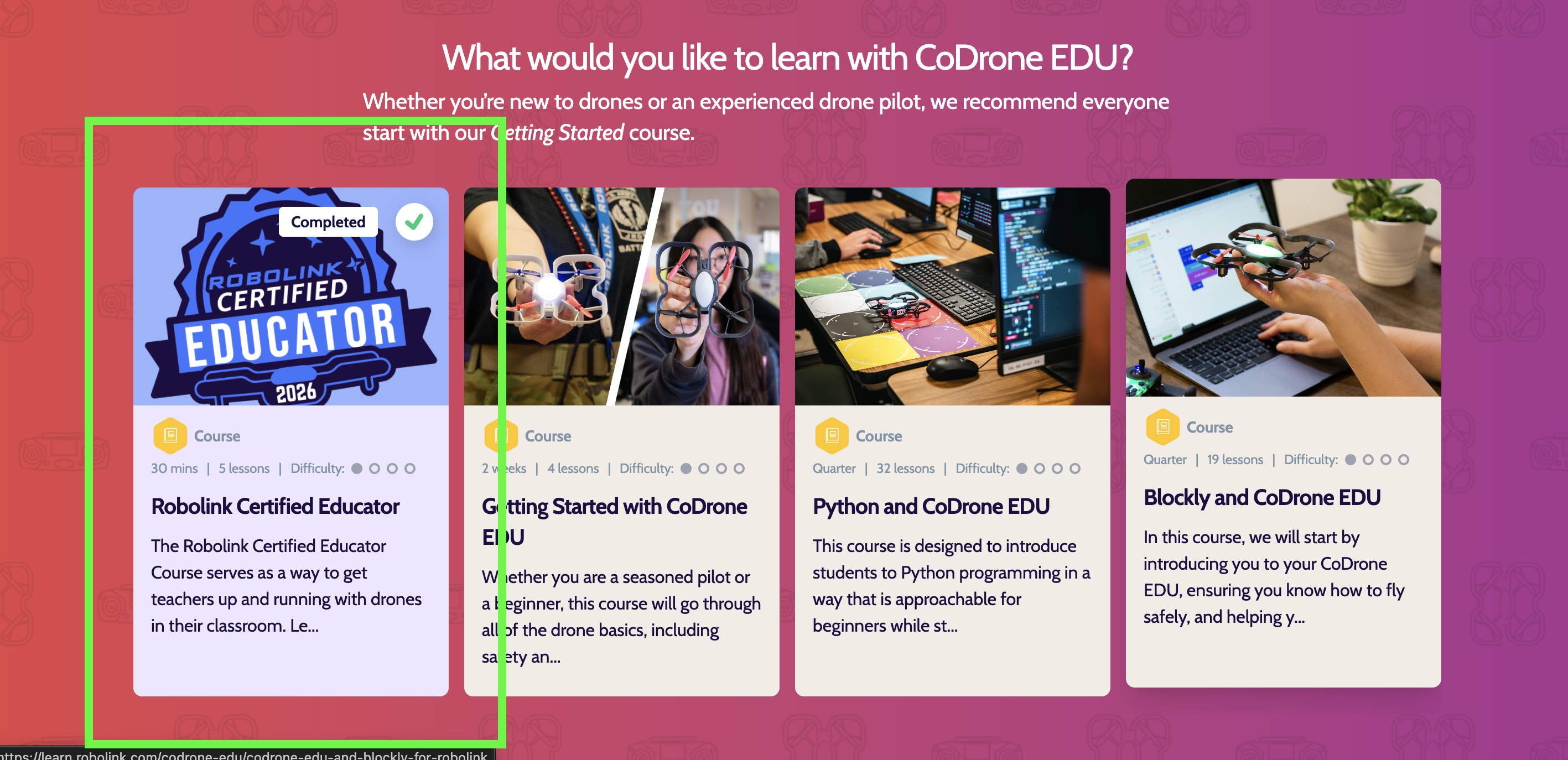
1. Robolink Certified Educator Course
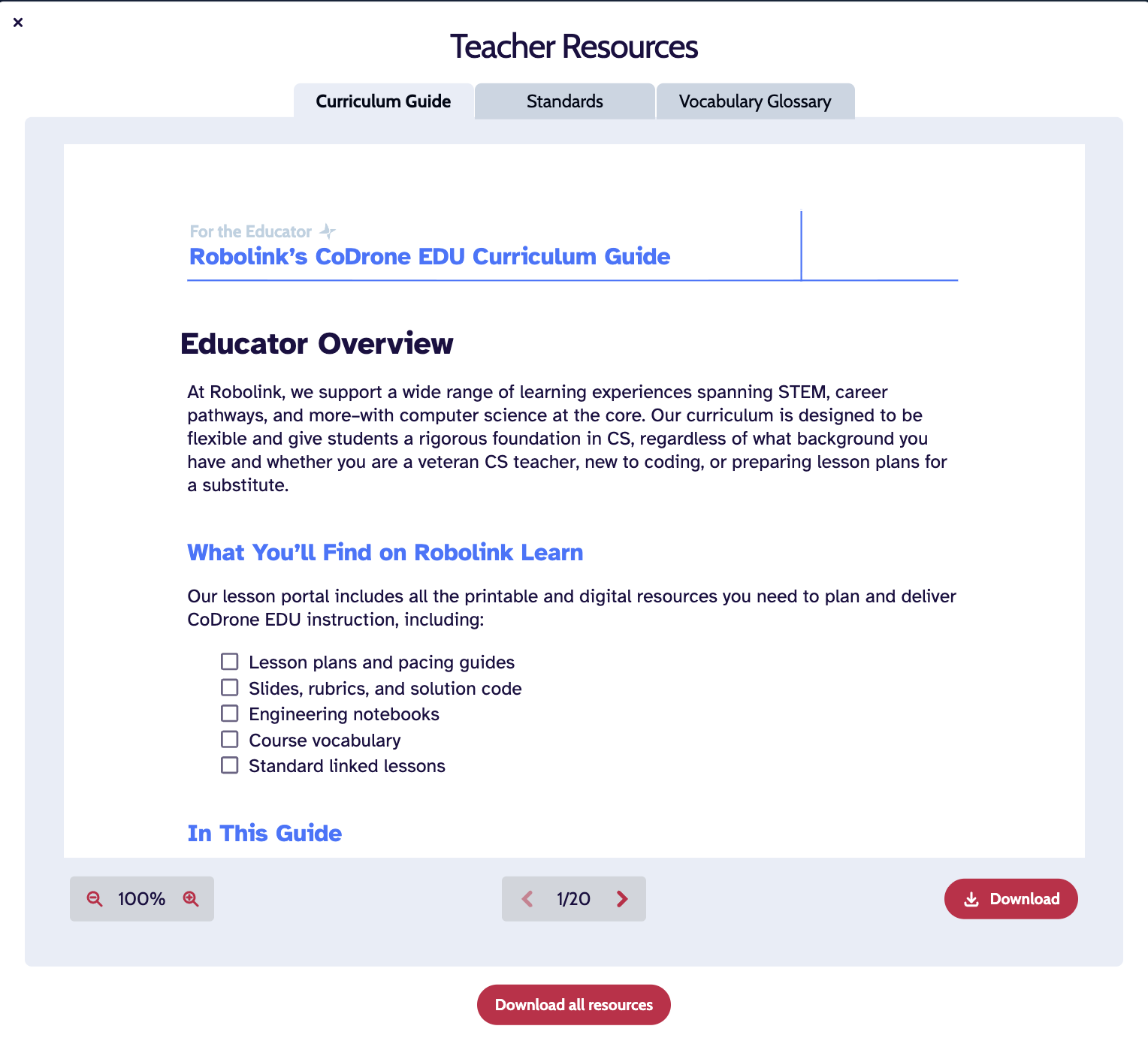
2. Course Resources (Includes: Ciriculum Guide, Standards, Vocabulary Glossary)
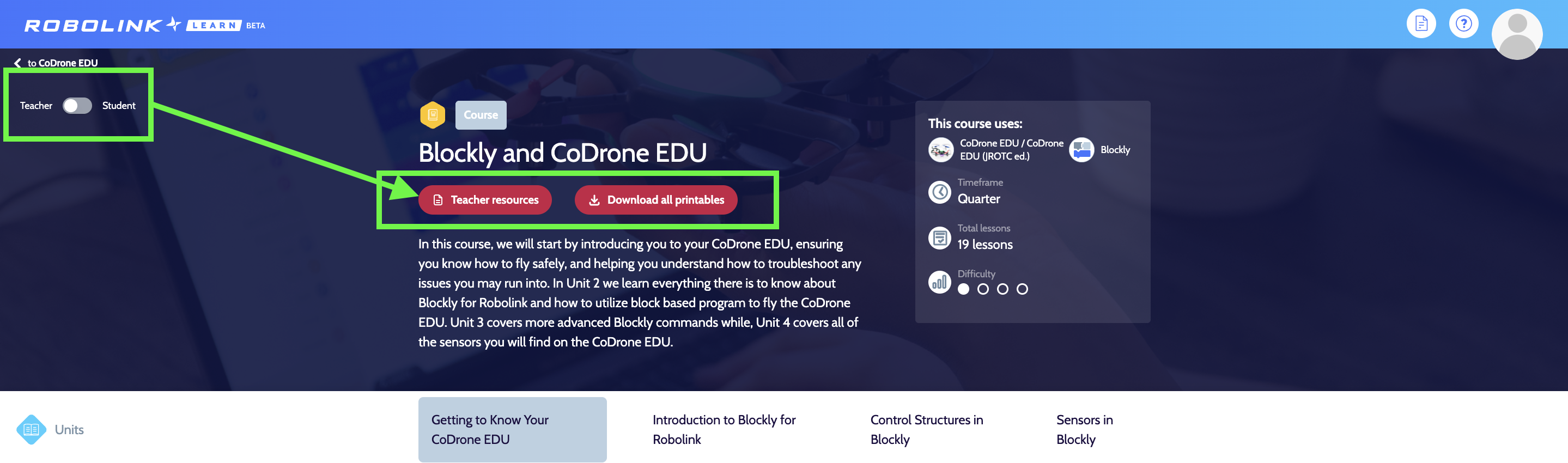
3. Teacher Resources for each lesson (Includes: Lesson Plan, Slides, Lesson Codes, and Engineering Notebook)
If you experience any issues creating a teacher account, please contact us at support@robolink.com.
We’re glad you’re here and look forward to supporting your classroom!
