Why can't my controller enter in to LINK state?
 Updated
by
Robolink Support
Updated
by
Robolink Support

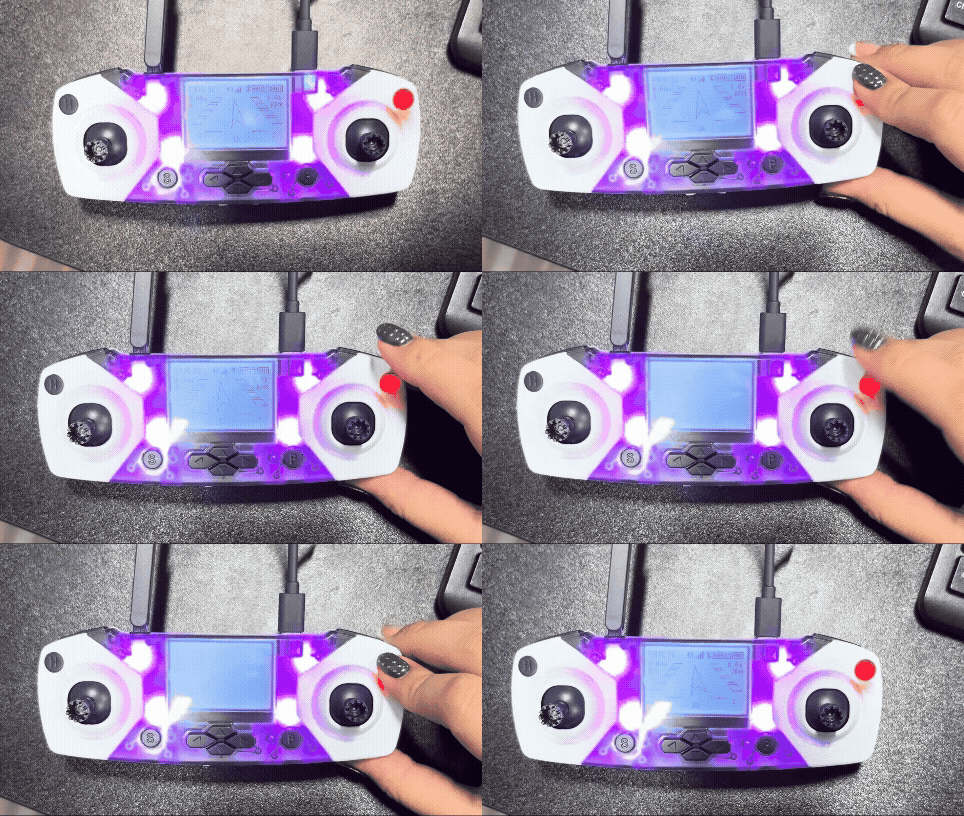
If your controller cannot enter LINK state, it is usually caused by one of the following:
1. If you are using a Macbook, you may need to enable “Allow accessory to connect?”:
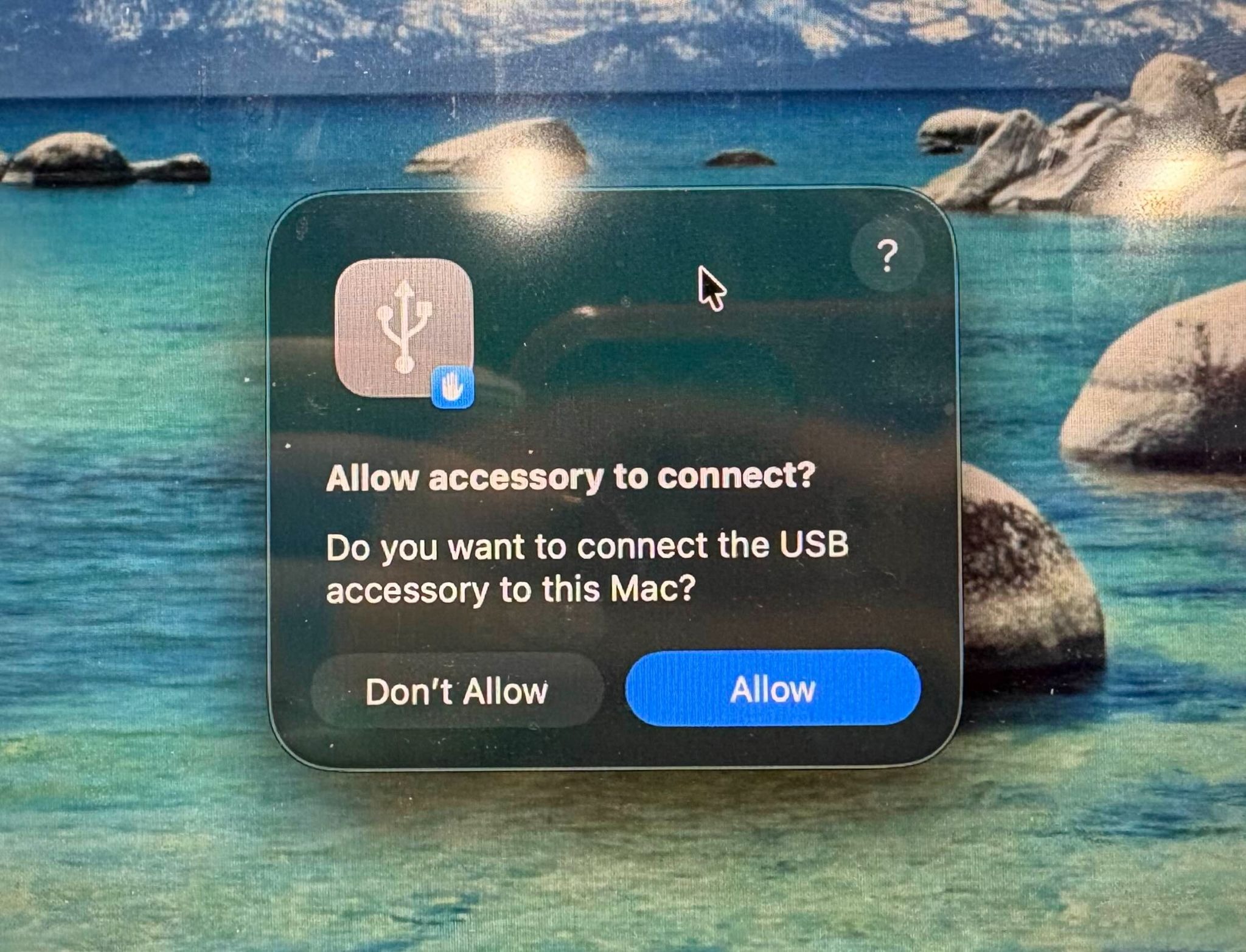
2. Improper power source
The LINK state is activated when the controller is connected to a laptop via a functional USB cable, irrespective of whether batteries are present in the controller. Connection to a power source, such as a USB wall adapter, will not trigger the LINK state when the power button is cycled; it requires a laptop connection to initiate this state
- Battery only: Used for manual piloting.
- USB cable connected to a computer: Allows manual piloting and the ability to enter LINK state so the controller can connect to Drone Lab.
3. Damaged USB cable
- A damaged cable may prevent the computer from recognizing the controller, which will stop it from entering LINK state.
- This is because a damaged data cable may have some damaged wires internally which prevent the cable from functioning properly. This can happen from normal wear and tear or excessive forces on the cable.
4. Damaged USB port
- A damaged USB port on the controller may also prevent the controller from being detected.
5. Charge-only cable
- Some USB cables only support charging and do not transfer data. Please use the USB cable included with your kit or another data-capable USB cable.
If further assistance is needed, please contact support@robolink.com.
